BASIC OPERATION
208
POSITION MARKER
SELECTED MAP LOCATION (CURSOR)
Use one of the following methods to mark a map location.
Ɣ Select the map during navigation.
Ɣ Select the map when the destination you want is
displayed in the search results.
Ɣ Select the map in “Find on Map (Find on Map)”.
You can use the cursor’s position as the route’s destination,
search for locations around the cursor, and save the position
in the destination list.
Ɣ After selecting a map location, a cursor is displayed
at the point selected on the map. The cursor is
displayed as a red point (
) and can be checked at
all zoom levels.
TRAFFIC INFORMATION
DISPLAYING TRAFFIC INFORMATION
5RDGVHFWLRQVDIIHFWHGE\WUDI¿FFRQGLWLRQVDUHGLVSOD\HGLQ
a different color on the map, and a small icon representing
WKH W\SH RI WUDI¿F FRQGLWLRQ LV GLVSOD\HG DERYH WKH URDG
<RX FDQ FKDQJH WKH LWHPV GLVSOD\HG E\ VHWWLQJ WKH 7UDI¿F
ĺ3
1. Select on the map screen.
2. Select
Event List
(Event List).
3. Select the desired event type.
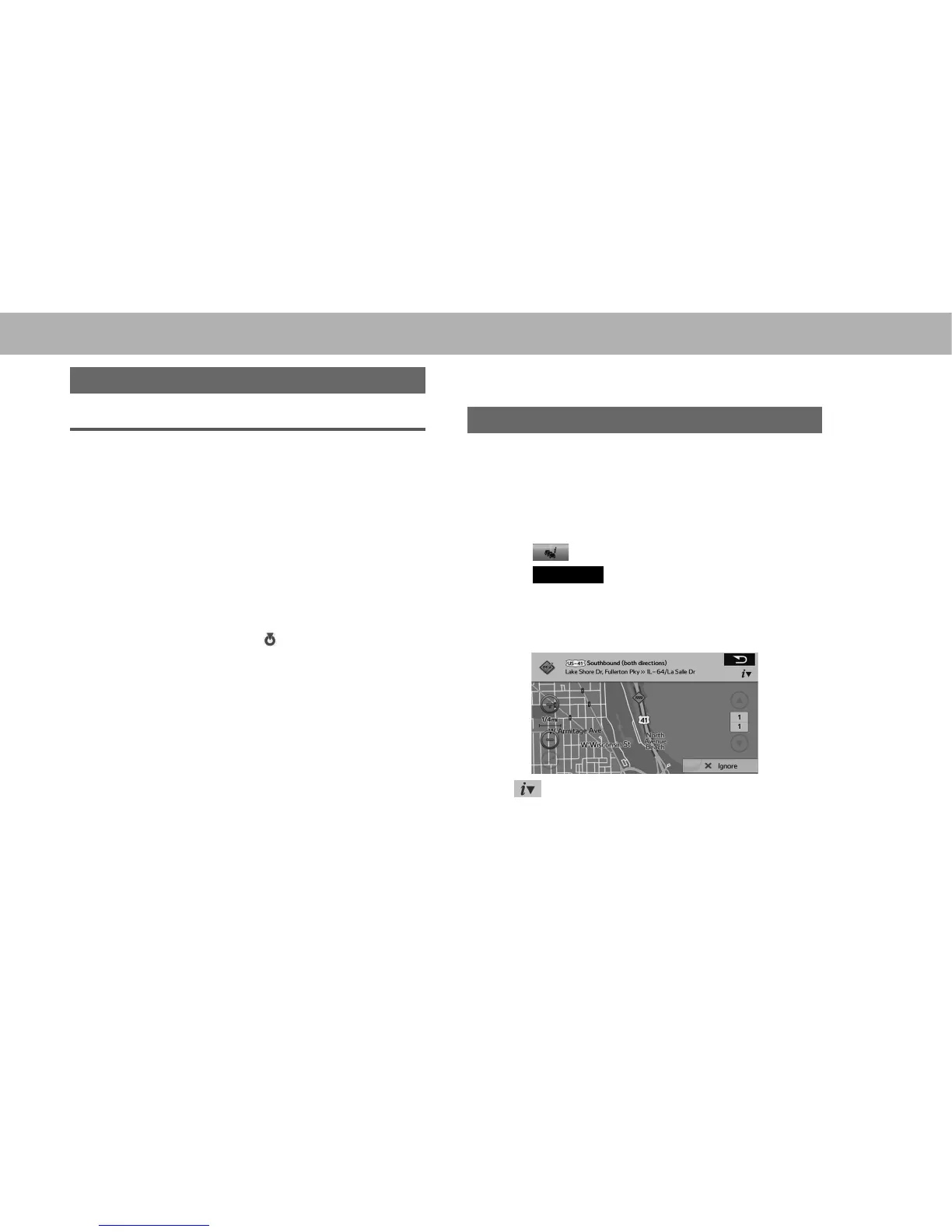
4. 6HOHFWWKHGHVLUHGWUDI¿FLQIRUPDWLRQ
5. &KHFNWKDWWKHWUDI¿FFRQGLWLRQLVGLVSOD\HG
Ɣ : Select to open another screen displaying
information on the selected map position.















 To Next Page