RADIO OPERATION
74
CACHING RADIO PROGRAMS
A radio program can be cached and played back in a time-
shifted manner.
The program that is currently being listened to, and channel
programs registered as Smart Favorites can be cached.
NOTE
O If noise or silence occurs during the caching process, cache-
writing will continue, with the noise or silence recorded as
is. In this case, the cached broadcast will contain the noise or
silence when played back. If reception is poor or radio waves are
disrupted, the caching process will not be performed properly,
and several seconds of silence will be recorded.
O It may not be possible to cache depending on the
broadcasting channel and program (advertising or billboard, etc.)
being broadcasted.
PLAYING BACK THE CACHE
The broadcast cached in the program cache can be played
back.
1. 'LVSOD\WKHFDFKHUDGLRRSHUDWLRQEXWWRQVĺ3
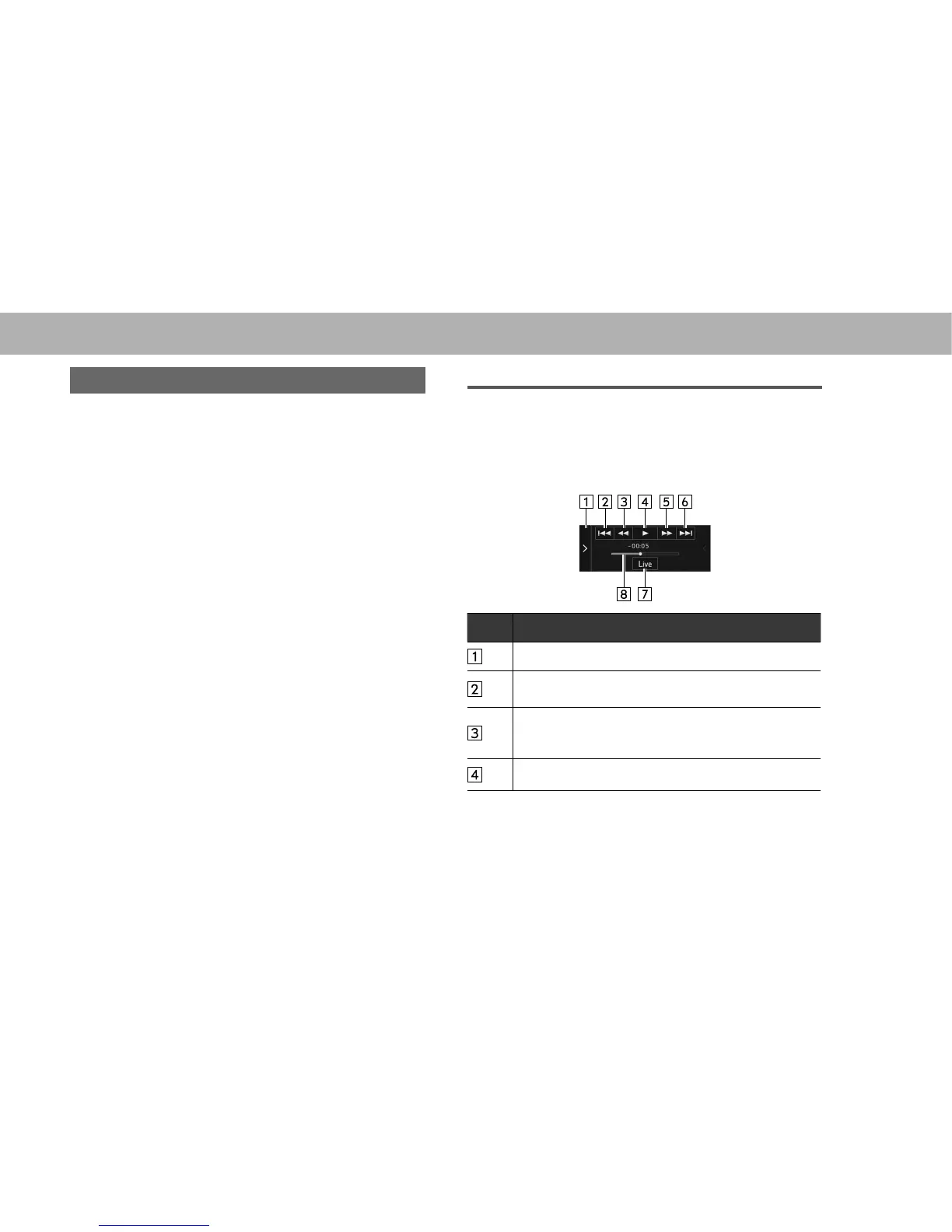
2. Select the desired cache radio operation button.
No. Function
Hides the cache radio operation buttons.
Select to access the desired program.
Skips back through program.
Fast rewinds continuously.
The fast rewind speed increased the longer the button is
held down.
Plays or pauses the radio broadcast.















 To Next Page