BASIC INFORMATION BEFORE OPERATION
48
CUSTOMIZING THE SPLIT SCREEN
The display items/area on the split screen can be changed.
XFrom the split screen
1. Select .
XFrom the “SETTINGS (SETTINGS)” screen
1. Select
Split Screen
(Split Screen) on the “SETTINGS
6(77,1*6´VFUHHQĺ3
2. Select the desired area.
3. Select the desired item.
4. Select
OK
(OK).
NOTE
O When the selected item is already being displayed and another
area is selected for that item, the item that it is replacing will be
displayed in the original item’s location.
ENTERING LETTERS AND
NUMBERS/LIST SCREEN
OPERATION
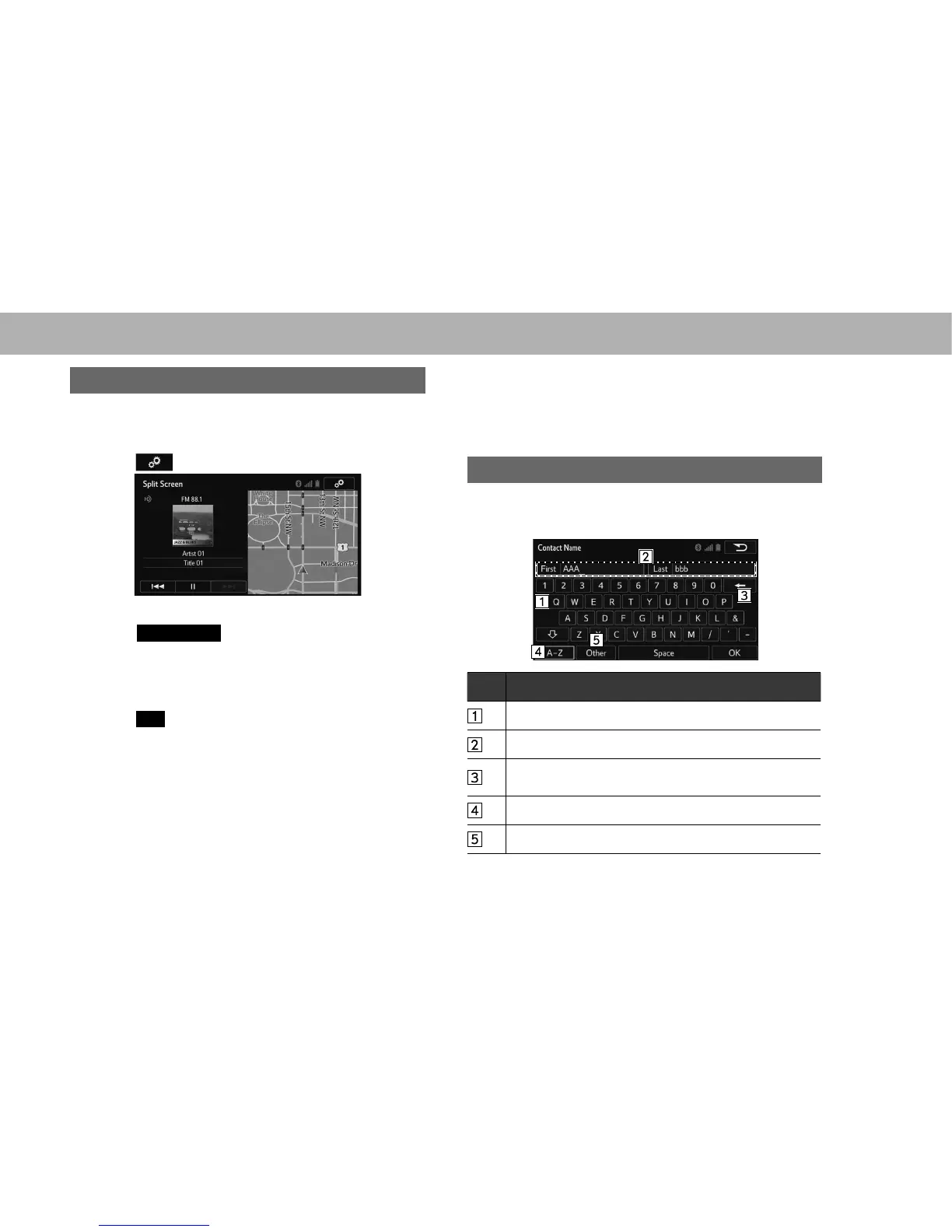
ENTERING LETTERS AND NUMBERS
When searching by an address, name, etc., or entering
data, letters and numbers can be entered via the screen.
No. Function
Select to enter desired characters.
7H[W¿HOG(QWHUHGFKDUDFWHUVZLOOEHGLVSOD\HG
Select to erase one character. Select and hold to continue
erasing characters.
Select to display the alphabet keys.
Select to display other symbols.















 To Next Page