BASIC INFORMATION BEFORE OPERATION
52
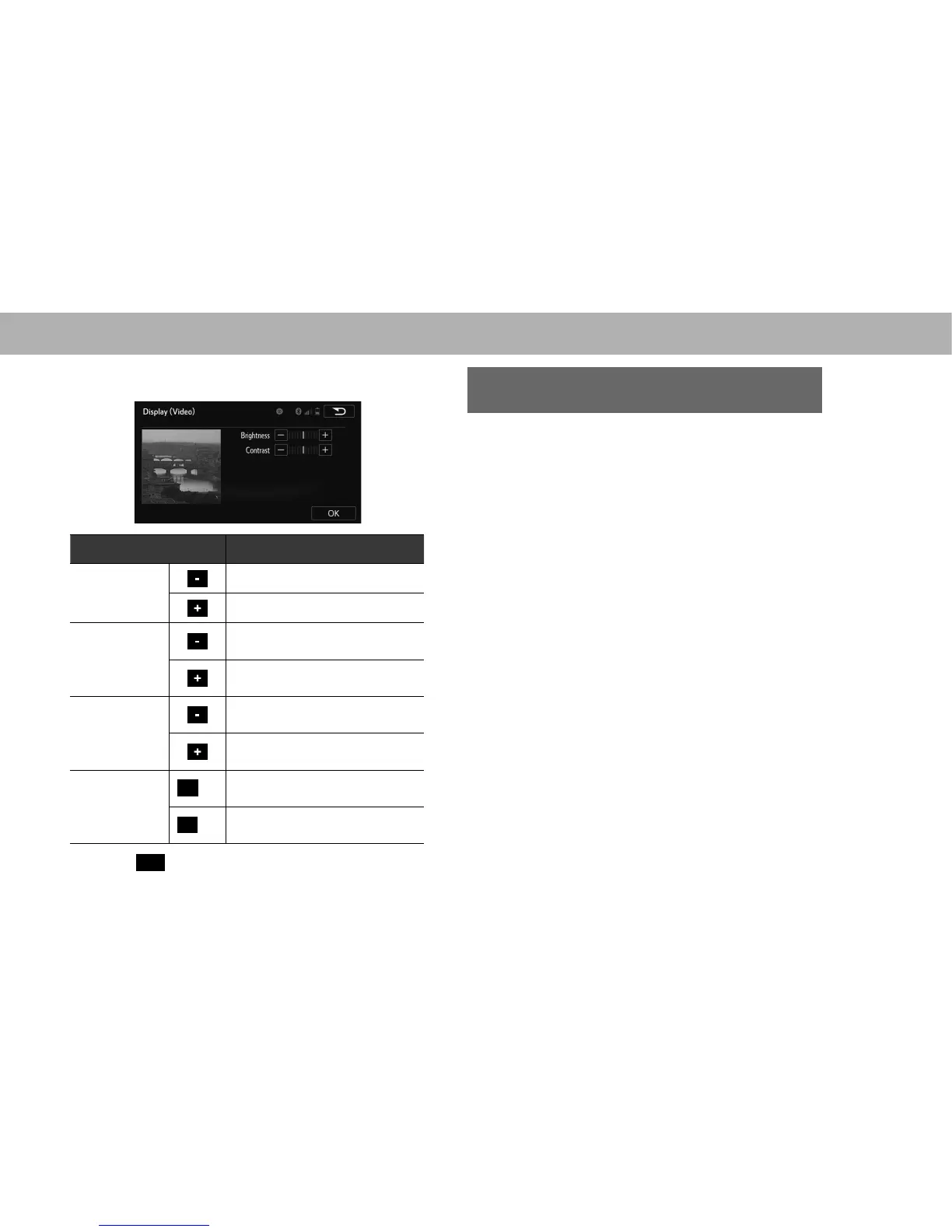
XVideo (USB video/SD video*)
*: With navigation function
Screen button Function
“Brightness
(Brightness)”
Select to darken the screen.
Select to brighten the screen.
“Contrast
(Contrast)”
Select to weaken the contrast of
the screen.
Select to strengthen the contrast of
the screen.
“Tone (Tone)”
Select to weaken the tone of the
screen.
Select to strengthen the tone of the
screen.
“Color (Color)”
R
(R)
Select to strengthen the red color
of the screen.
G
(G)
Select to strengthen the green
color of the screen.
6. Select
OK
(OK).
CHANGING BETWEEN DAY AND NIGHT
MODE
Depending on the position of the headlight switch, the
screen changes to day or night mode.
NOTE
O If the screen is set to day mode with the headlight switch turned
on, this condition is memorized even with the engine turned off.















 To Next Page