RADIO OPERATION
77
AUDIO
3
PRESERVING A MUSIC INFORMATION
Tag information in the music broadcasting is preserved in
the system and transmits to an iPod.
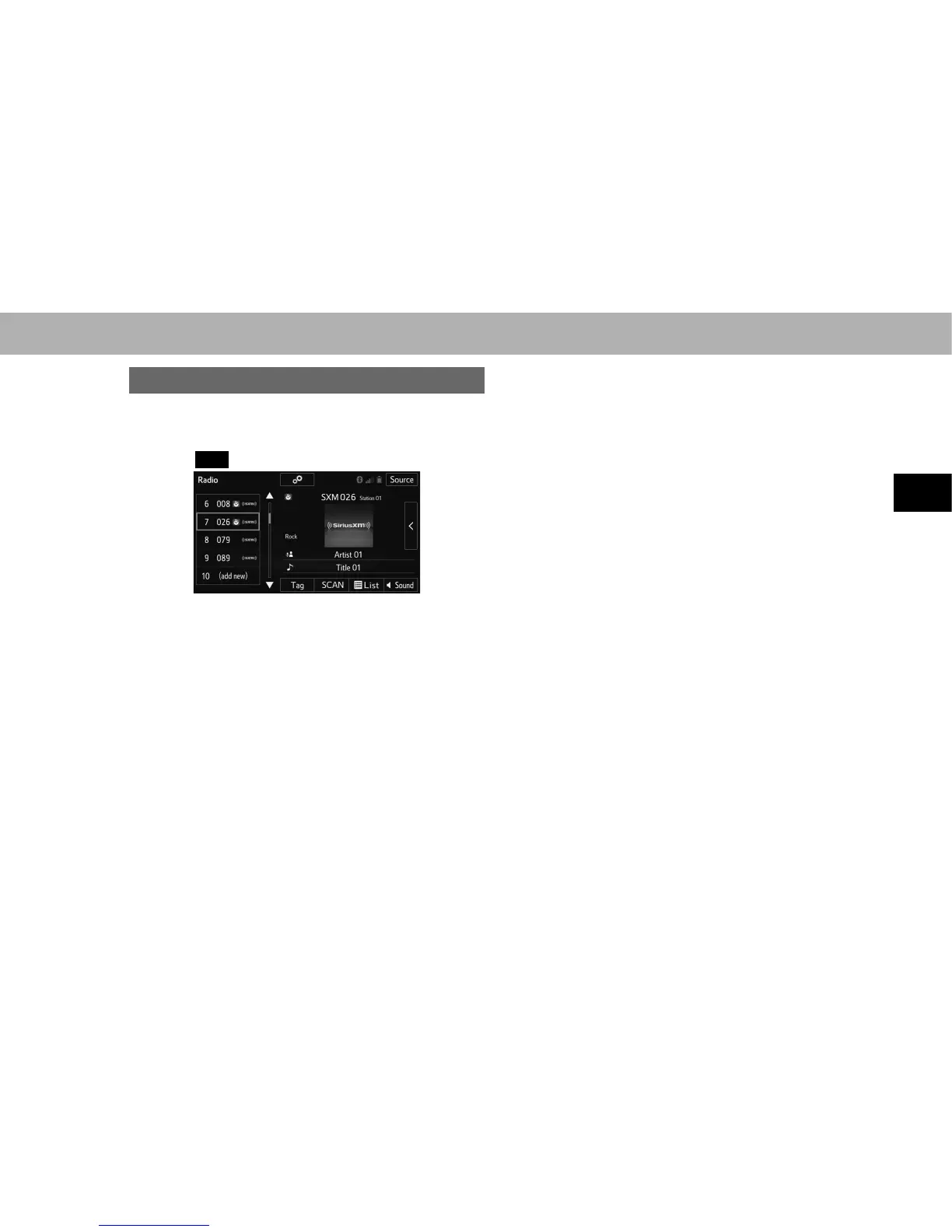
1. Select
Tag
(Tag) to bookmark the music information.
2. &RQQHFWDQL3RGĺ3
Ɣ Turn on the power of the iPod if it is not turned on.
Ɣ Once an iPod is connected, the music tag moves
from the radio into the iPod.
Ɣ When the iPod is connected to iTunes, the “tagged”
information of the songs which were tagged while
listening to the radio can be viewed. Then a user may
decide to purchase the song or CD/Album which had
been listened to on their radio.
Ɣ Up to 50 items of tag information can be stored.
NOTE
O The tag information can not be preserved while scanning or
caching the radio program.
O The song title and artist name will appear on the screen when
available by the radio program. The radio program can send
album pictures when available.
O As a user works through the analog radio channels, (where
applicable) the radio receiver will automatically tune from an
analog signal to a digital signal within 5 seconds.















 To Next Page