USEFUL INFORMATION
162
USEFUL INFORMATION
SiriusXM RADIO DATA SERVICE*
*: SiriusXM U.S. satellite and data services are available only in the 48
contiguous USA and DC. SiriusXM satellite service is also available in
Canada; see www.siriusxm.ca.
'DWD VHUYLFH LQIRUPDWLRQ ZKLFK LV FRPSULVHG RI WUDI¿F
information, sports information, weather information, stock
information and fuel information, can be received via the
SiriusXM
®
Radio.
To receive the data service information in the vehicle, a
subscription to the SiriusXM
®
Satellite Radio Service is
QHFHVVDU\ĺ3
5HIHU WR ³75$)),& ,1)250$7,21´ IRU GHWDLOV RQ WUDI¿F
LQIRUPDWLRQĺ3
Content set to use the SiriusXM
®
Satellite Radio Service is
reset when personal information is initialized.
*: With navigation function
NOTE
O The time displayed in the upper right of the data service
information screen on models without navigation function is
American Eastern Time.
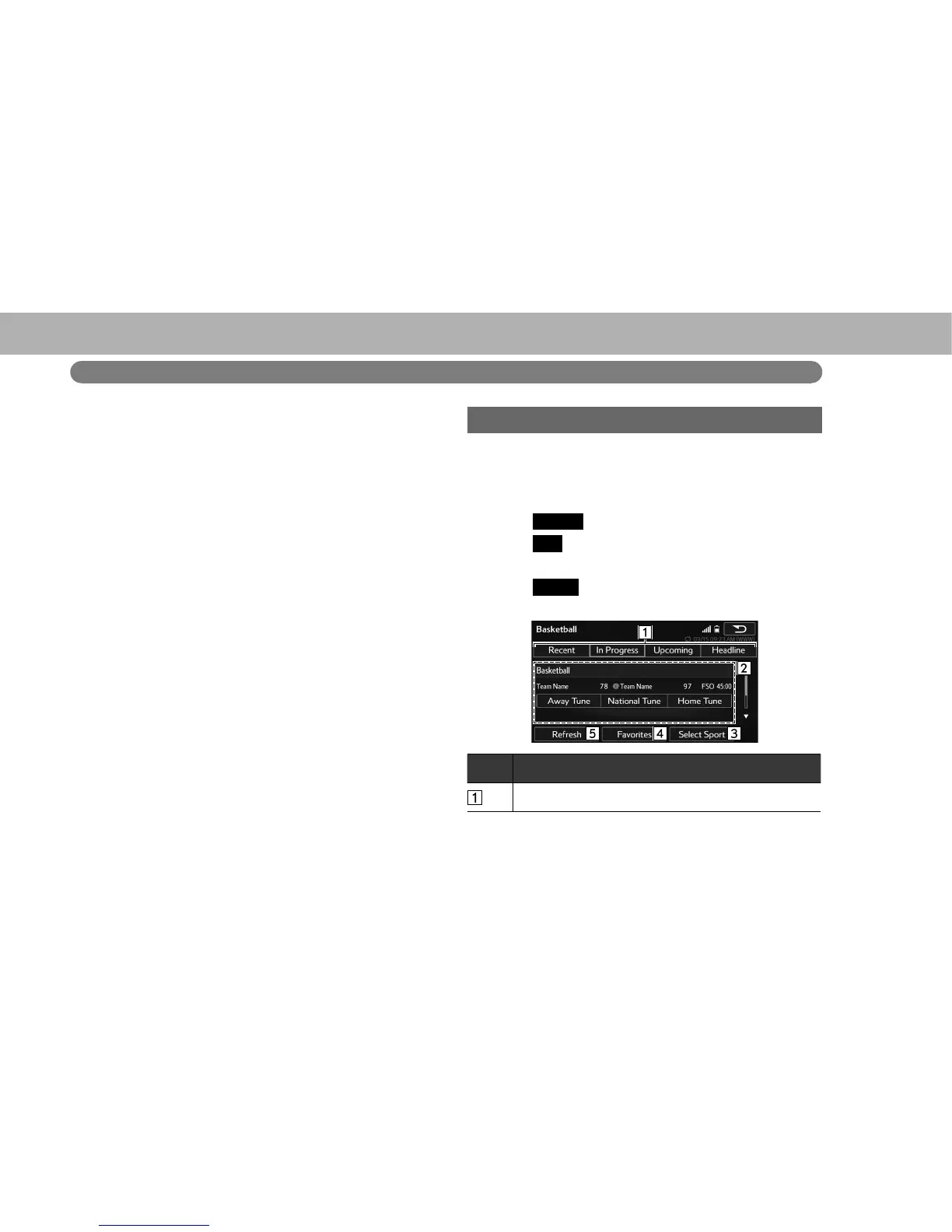
DISPLAYING SPORTS INFORMATION
Sports information can be received via the SiriusXM
®
Satellite Radio Service.
1. 'LVSOD\WKH³,1)2,1)2´VFUHHQĺ3
2. Select
Sports
(Sports).
3. Select
OK
(OK).
4. Select the desired sports to be displayed.
5. Select
Select
(Select) next to the item to be displayed.
6. Check that sports information is displayed.
No. Function
Select to change the displayed information.















 To Next Page