USEFUL INFORMATION
169
INFORMATION
6
SETTING FUEL TYPE
1. Select
Fuel Type
(Fuel Type).
2. Select the desired fuel type.
SETTING GAS STATION AS DESTINATION
1. Select the desired nearby gas station.
2. Select
Destination
(Destination).
3. Follow the steps in “SEARCH OPERATION” from
³67(3´ĺ3
VEHICLE MONITOR
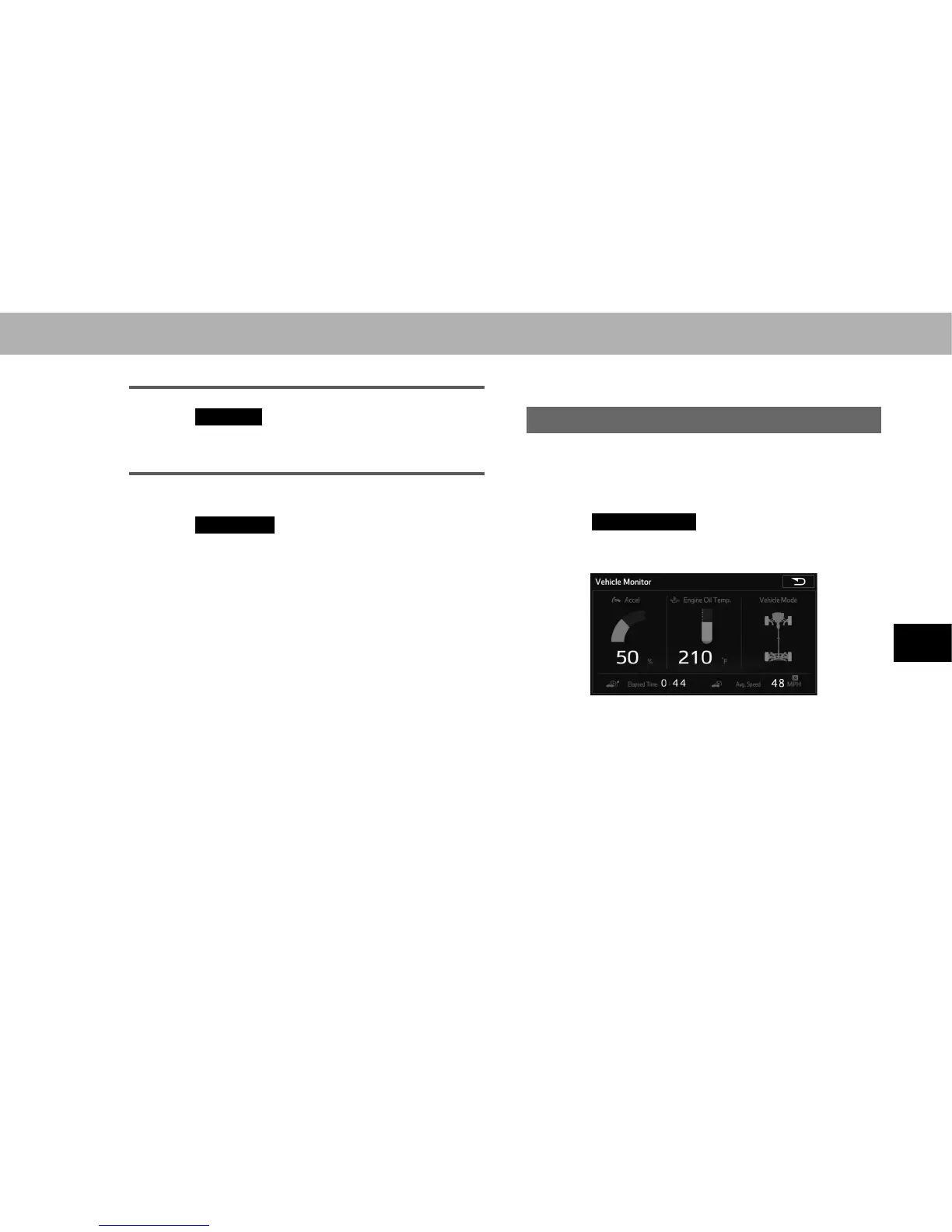
DISPLAYING VEHICLE MONITOR
Vehicle information such as the vehicle mode, acceleration,
and engine oil temperature can be displayed.
1. 'LVSOD\WKH³,1)2,1)2´VFUHHQĺ3
2. Select
Vehicle Monitor
(Vehicle Monitor).
3. Check that the “Vehicle Monitor (Vehicle Monitor)”
screen is displayed.
Ɣ With navigation function: The system is reset if the
map SD card is removed during use, and the Elapsed
Time is also reset (0:00).















 To Next Page