MEMORY POINTS
238
SAVING DESTINATIONS
The destination list is a list of frequently used destinations.
Up to 100 destinations can be stored in the favorites list.
1. Select the desired item to search for the location.
ĺ3
Ɣ The map is displayed in full-screen mode with the
selected point at the center.
2. Select
More
(More).
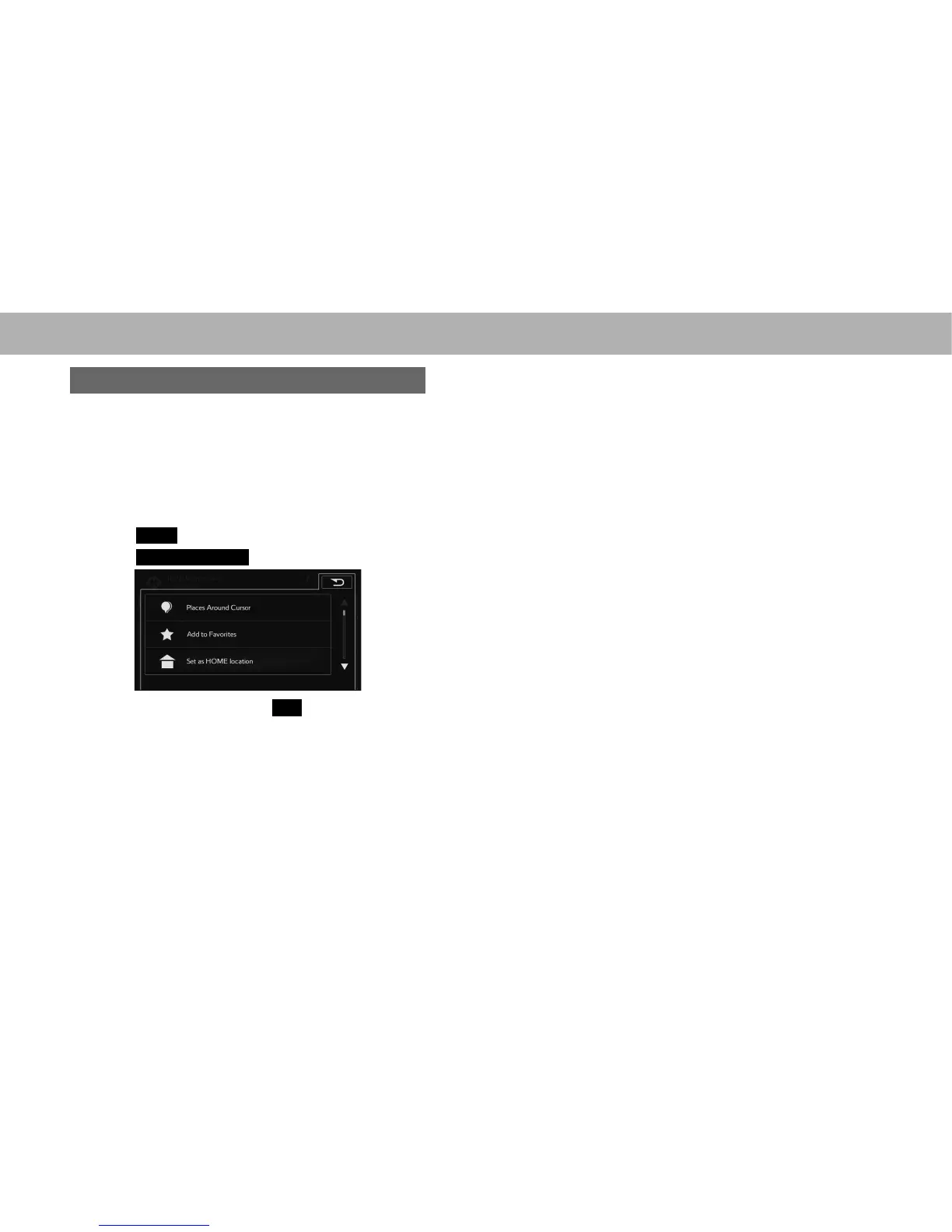
3. Select
Add to Favorites
(Add to Favorites).
4. Enter a name and then select
OK
(OK).















 To Next Page