ROUTE GUIDANCE
235
NAVIGATION SYSTEM
8
Ɣ 7KH ¿UVW URZ VKRZV WKH VWDUW SRVLWLRQ GLVSOD\V WKH
current position) for the route.
4. Select the route’s start point by using the same method
as selecting the destination.
5. Set the new start point and then select
Go!
(Go!).
Ɣ The vehicle marker goes clear on the map, indicating
that there is no GPS reception.
Ɣ If a route is already being navigated, it is recalculated
using the position selected at that time.
Ɣ To return to standard navigation, select
Turn on GPS
(Turn on GPS), and if a warning
message is displayed, select which operation to
perform.
CREATING A ROUTE
You can create a route for each destination in the saved
routes menu.
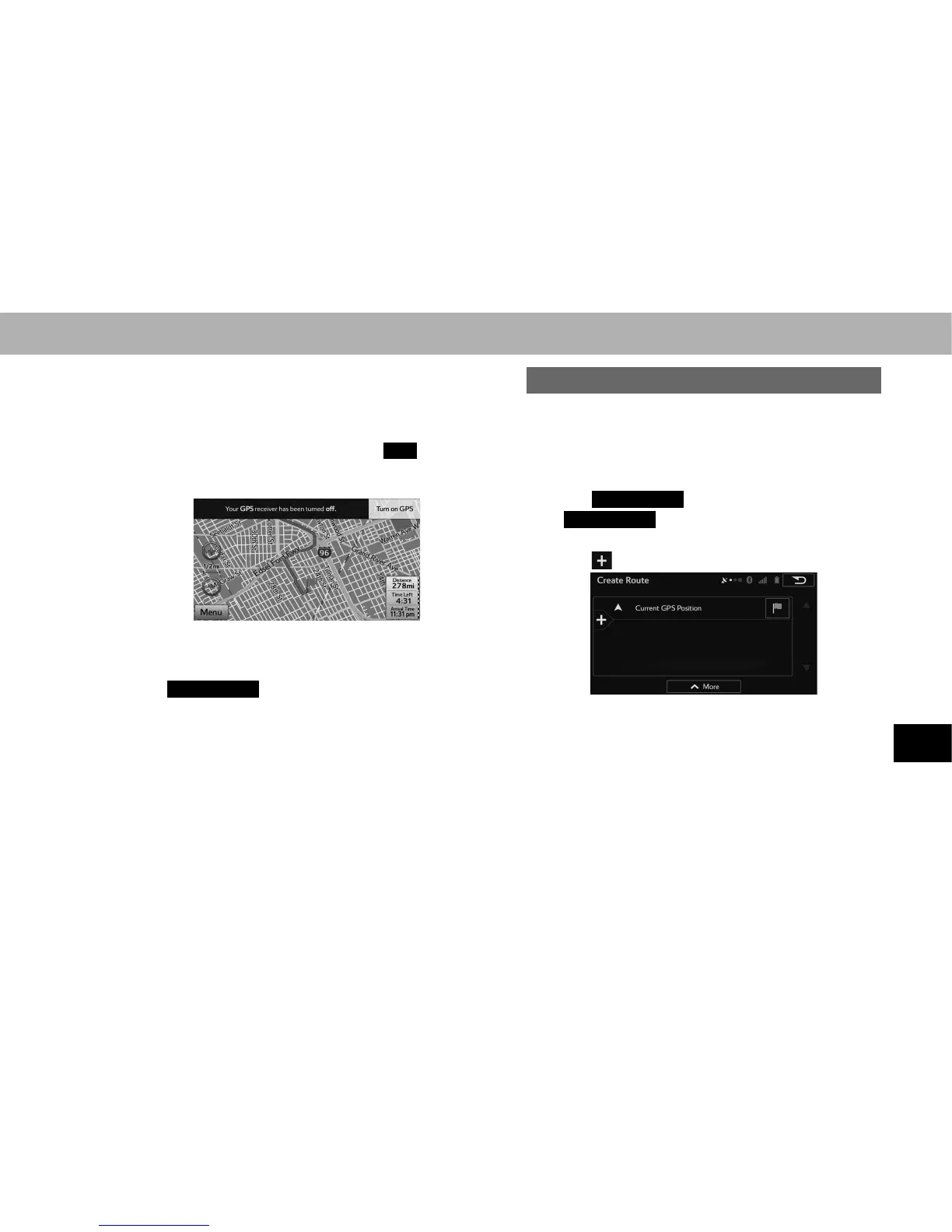
1. Display the “Change Route (Change Route)” screen.
ĺ3
2. Select
Create Route
(Create Route).
Ɣ
Create Route
(Create Route) is displayed when a
route is not set.
3. Select to select a destination.
Ɣ Only one row showing the route’s start point (current
position displayed) is displayed in the route point list.















 To Next Page