Bluetooth
®
SETTINGS
182
4. Select
Yes
<HV ZKHQ WKH FRQ¿UPDWLRQ VFUHHQ
appears.
5. &KHFNWKDWDFRQ¿UPDWLRQVFUHHQLVGLVSOD\HGZKHQWKH
operation is complete.
NOTE
O When deleting a Bluetooth phone, the contact data will be
deleted at the same time.
CONNECTING A Bluetooth DEVICE
Up to 5 Bluetooth devices (Phones (HFP) and audio devices
(AVP)) can be registered.
If more than 1 Bluetooth device has been registered, select
which device to connect to.
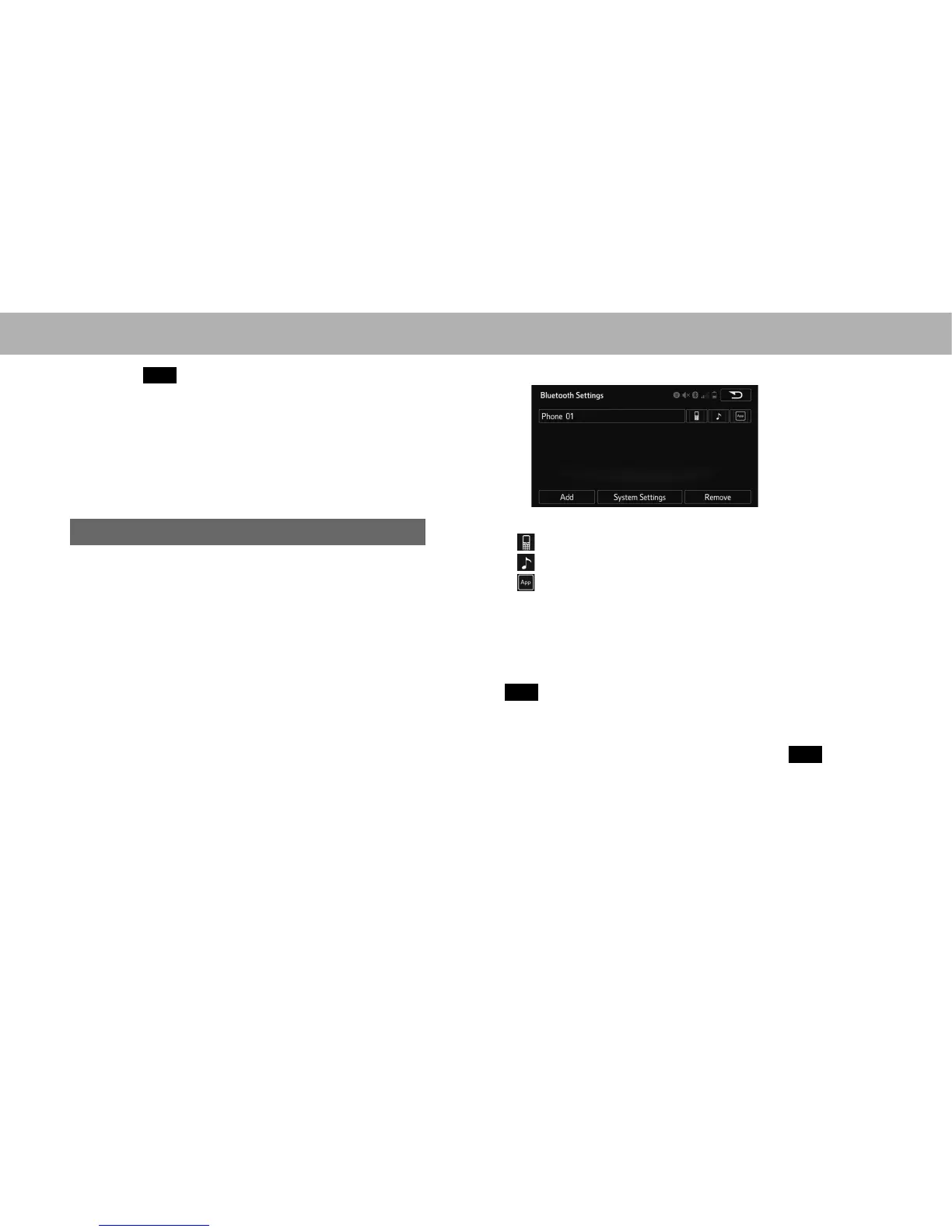
1. Display the “Bluetooth Settings (Bluetooth Settings)”
VFUHHQĺ3
2. Select the device to be connected.
Ɣ 6XSSRUWHGSUR¿OHLFRQVZLOOEHGLVSOD\HG
: Phone
: Audio device
: Smartphone Application
Ɣ 6XSSRUWHG SUR¿OH LFRQV IRU FXUUHQWO\ FRQQHFWHG
devices will illuminate.
Ɣ Dimmed icons can be selected to connect to the
phone/audio function directly.
Ɣ If the desired Bluetooth device is not on the list, select
Add
$GGWRUHJLVWHUWKHGHYLFHĺ3
3. Select the desired connection.
XWhen another Bluetooth device is connected
Ɣ To disconnect the Bluetooth device, select
Yes
(Yes).















 To Next Page