OTHER SETTINGS
193
SETTINGS
7
4. Select
Yes
<HV ZKHQ WKH FRQ¿UPDWLRQ VFUHHQ
appears.
Ɣ Registered or changed personal settings will be
deleted or returned to their default conditions.
For example:
Navigation settings*
Audio settings
SiriusXM Radio settings
SiriusXM Radio service contents
Phone settings
*: With navigation function
CAUTION
O With navigation function: Make sure the map SD card is
inserted when deleting personal data. The personal data
cannot be deleted when the map SD card is removed.
To delete the data, after inserting the map SD card, turn
the ignition switch to the “ACC” or “ON” position.
VOICE SETTINGS
Voice volume, etc. can be set.
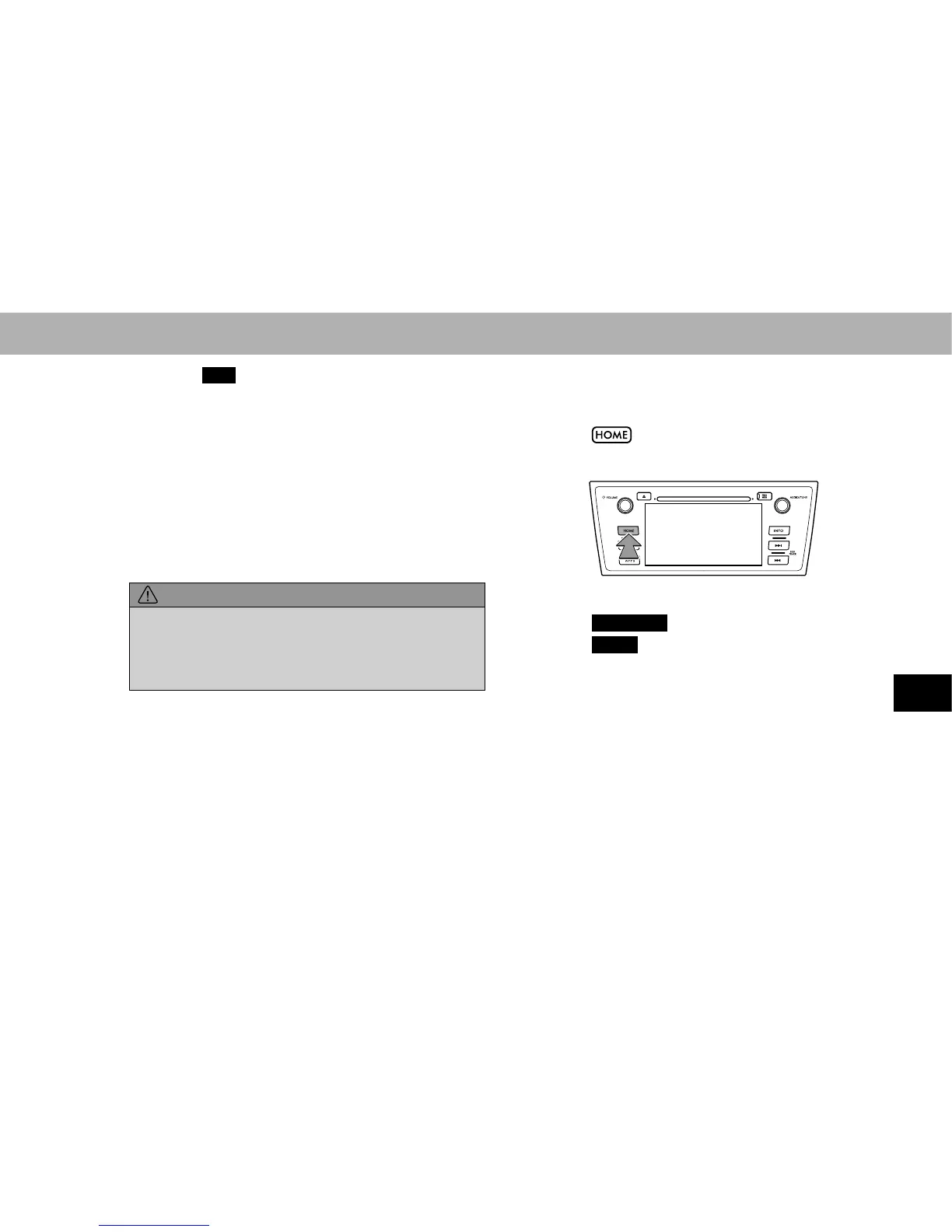
1. Select .
2. Select
SETTINGS
(SETTINGS).
3. Select
Voice
(Voice).
4. Select the items to be set.
NOTE
O “Voice Settings (Voice Settings)” screen can also be displayed
IURPWKHYRLFHUHFRJQLWLRQWRSVFUHHQĺ3















 To Next Page