PHONE OPERATION (HANDS-FREE SYSTEM FOR CELLULAR PHONES)
114
PHONE OPERATION (HANDS-FREE SYSTEM FOR CELLULAR PHONES)
QUICK REFERENCE
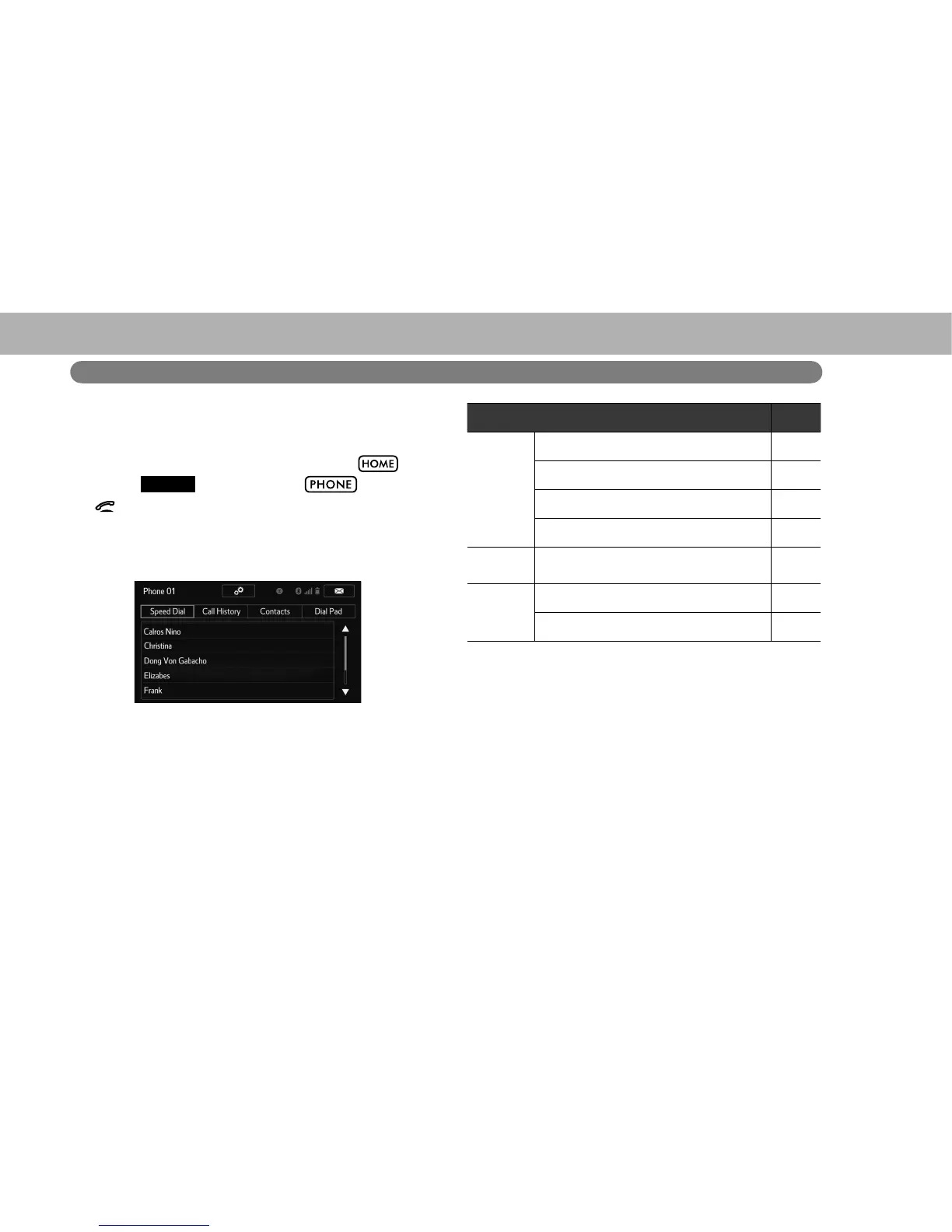
The phone top screen can be used to make a phone call. To
display the hands-free operation screen, select
and
then select
PHONE
(PHONE), select
*, or press
the
switch on the steering wheel.
Several functions are available to operate on each screen
that is displayed by selecting the 4 tabs.
*: Without navigation function
Function Page
Phone
operation
Registering/connecting Bluetooth phone 174
Calling on the Bluetooth phone 118
Receiving on the Bluetooth phone 124
Talking on the Bluetooth phone 125
Message
function
Using the Bluetooth phone message
function
127
Setting up
a phone
Phone settings 133
Bluetooth settings 179















 To Next Page