BASIC INFORMATION BEFORE OPERATION
38
BASIC INFORMATION BEFORE OPERATION
INITIAL SCREEN
INITIAL SCREEN
WARNING
O When the vehicle is stopped with the engine running, always
apply the parking brake for safety.
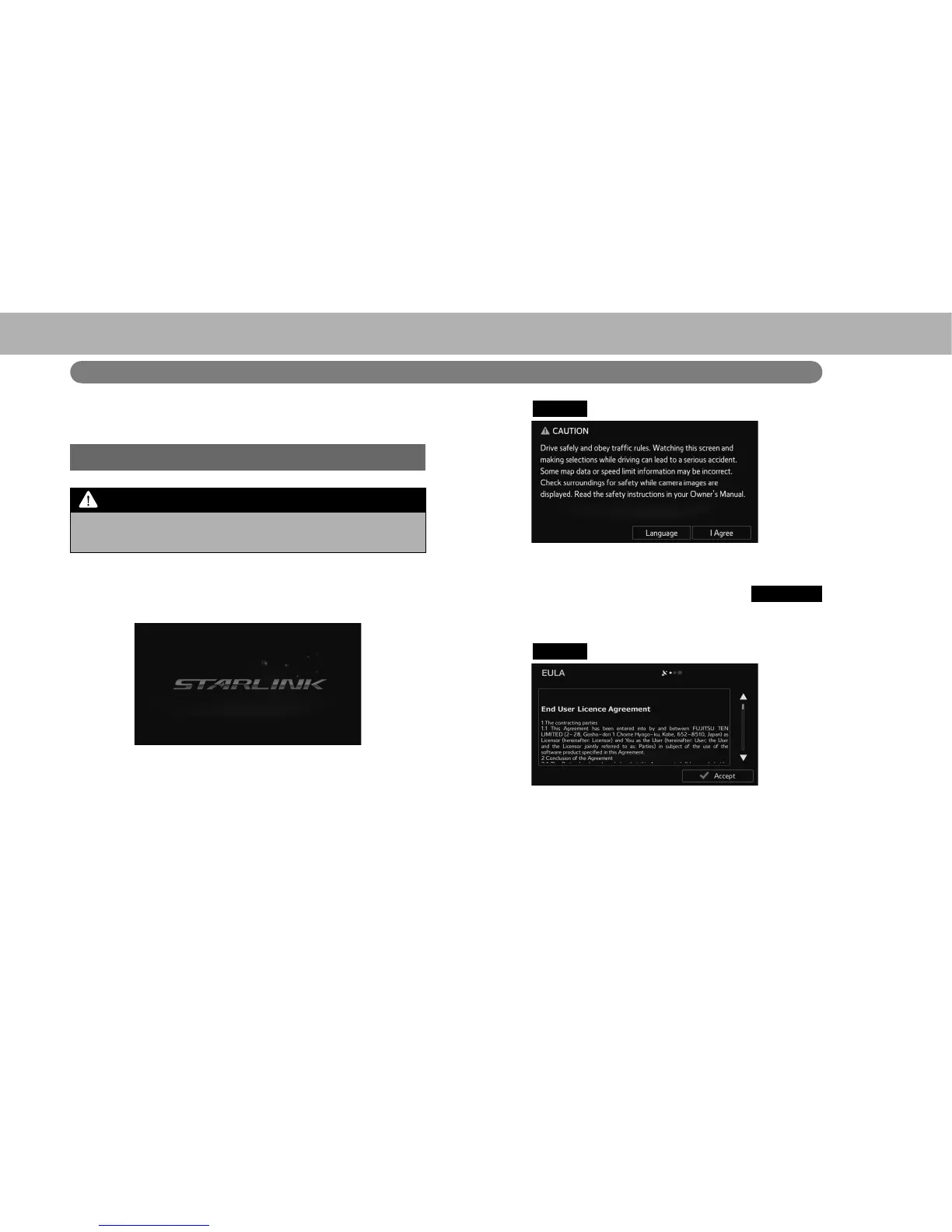
1. When the ignition switch is in the “ACC” or “ON”
position, the initial screen will be displayed and the
system will begin operating.
Ɣ After a few seconds, the “CAUTION (CAUTION)”
screen will be displayed.
2. Select
I Agree
(I Agree).
Ɣ After about 5 seconds, the “CAUTION (CAUTION)”
screen automatically switches to the next screen.
Ɣ With navigation function: Select
Language
(Language) to select a language.
XWith navigation function
3. Select
Accept
(Accept).
Ɣ &RQ¿UPWKHHQGXVHUOLFHQVHDJUHHPHQW















 To Next Page