MEDIA OPERATION
94
CONNECTING A Bluetooth DEVICE
To use the Bluetooth audio system, it is necessary to
register a Bluetooth device with the system.
XRegistering an additional device
1. Select
Select Device
(Select Device) on the Bluetooth
audio control screen.
2. )RUPRUHLQIRUPDWLRQĺ3
XSelecting a registered device
1. Select
Select Device
(Select Device) on the Bluetooth
audio control screen.
2. )RUPRUHLQIRUPDWLRQĺ3
AUX
OVERVIEW
The AUX operation screen can be reached by the following
methods:
Ɣ &RQQHFWDSRUWDEOHDXGLRGHYLFHĺ3
Ɣ Select
AUX
(AUX) on the “Select Audio Source
6HOHFW$XGLR6RXUFH´VFUHHQĺ3
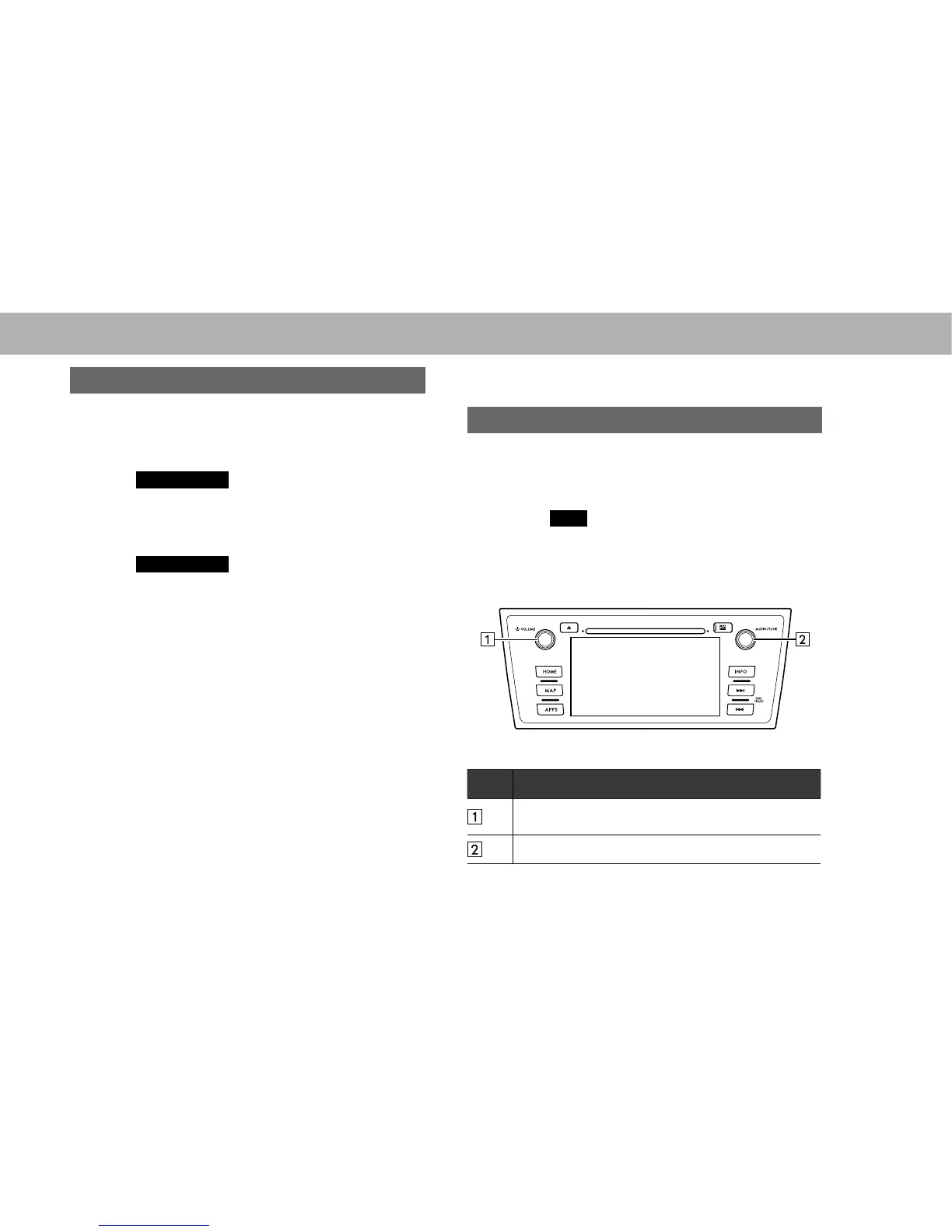
XControl panel
No. Function
Turn to adjust volume.
Press to turn the audio system on/off.
Press to select an audio mode.















 To Next Page