Bluetooth
®
SETTINGS
176
XFor OPP compatible Bluetooth phones
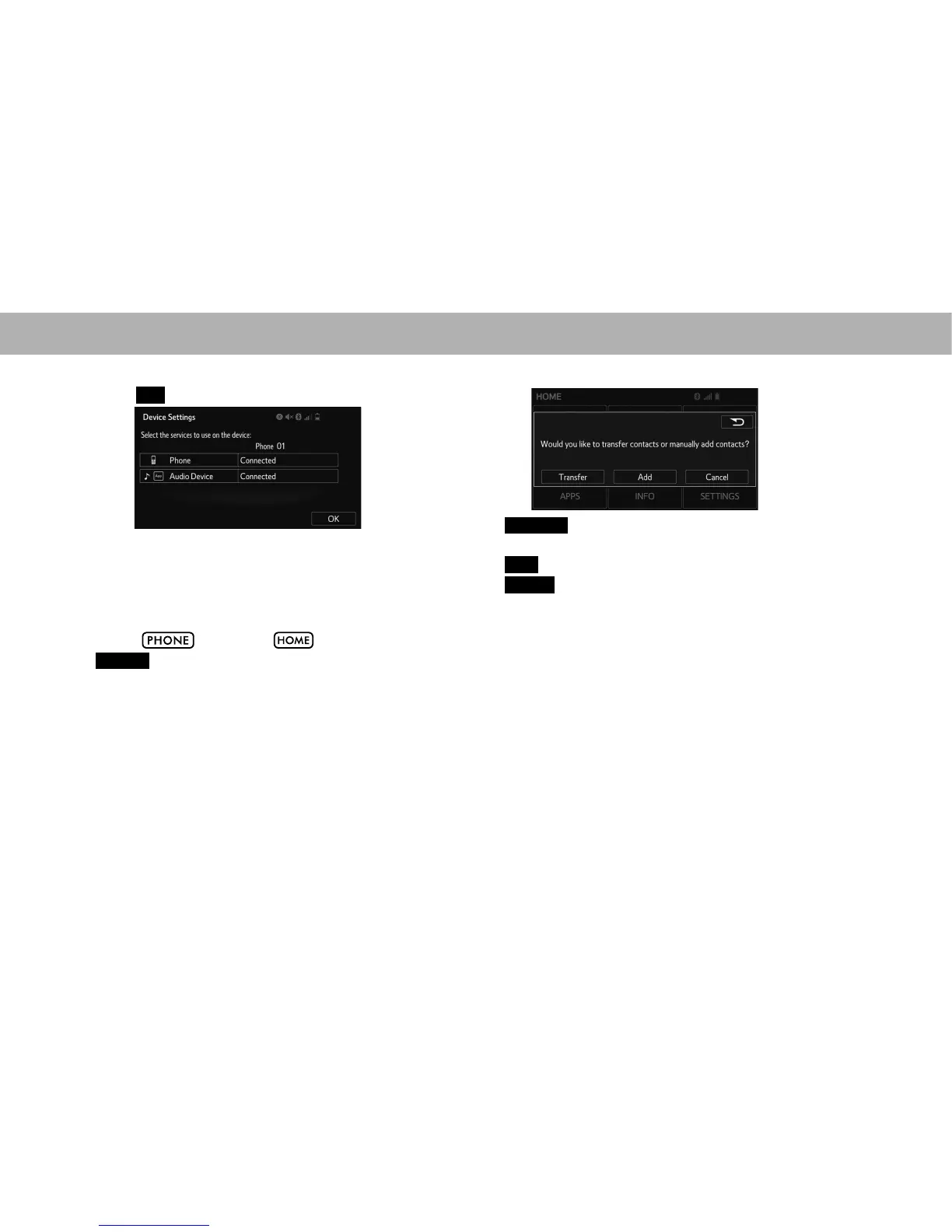
6. Select
OK
(OK).
NOTE
O The system waits for connection requests from the registered
device.
O If an error message is displayed, follow the guidance on the
screen and try again.
7. Select , or select and then select
PHONE
(PHONE) to display the telephone top screen.
8. Select the desired item.
Ɣ
Transfer
(Transfer): Select to transfer contacts from
the connected cellular phone.
Ɣ
Add
(Add): Select to add a new contact manually.
Ɣ
Cancel
(Cancel): Select to cancel transfer.















 To Next Page