PHONE OPERATION (HANDS-FREE SYSTEM FOR CELLULAR PHONES)
119
PHONE
4
XWith navigation function
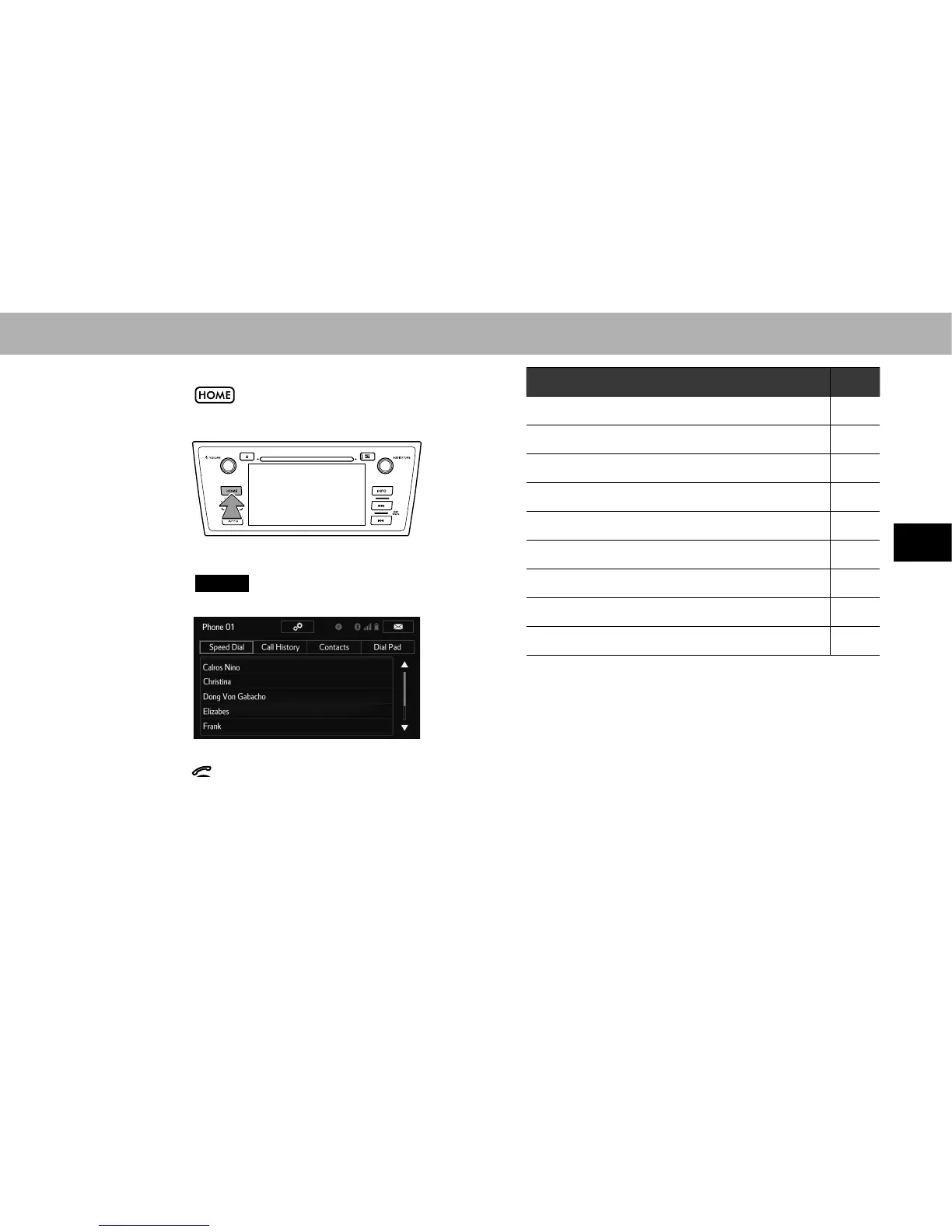
1. Select .
2. Select
PHONE
(PHONE).
3. Select the desired tab to call from.
Ɣ The phone top screen can be displayed by pressing
the switch on the steering wheel.
How to make a call list Page
By speed dial list 120
By call history 120
By contacts list 121
By dial pad*
1
122
By e-mail/SMS/MMS 131
By POI call*
2
201
By off hook switch 123
By voice recognition system 258
By split screen 123
*
1
: The operation cannot be performed while driving.
*
2
: With navigation function















 To Next Page