USEFUL INFORMATION
171
INFORMATION
6
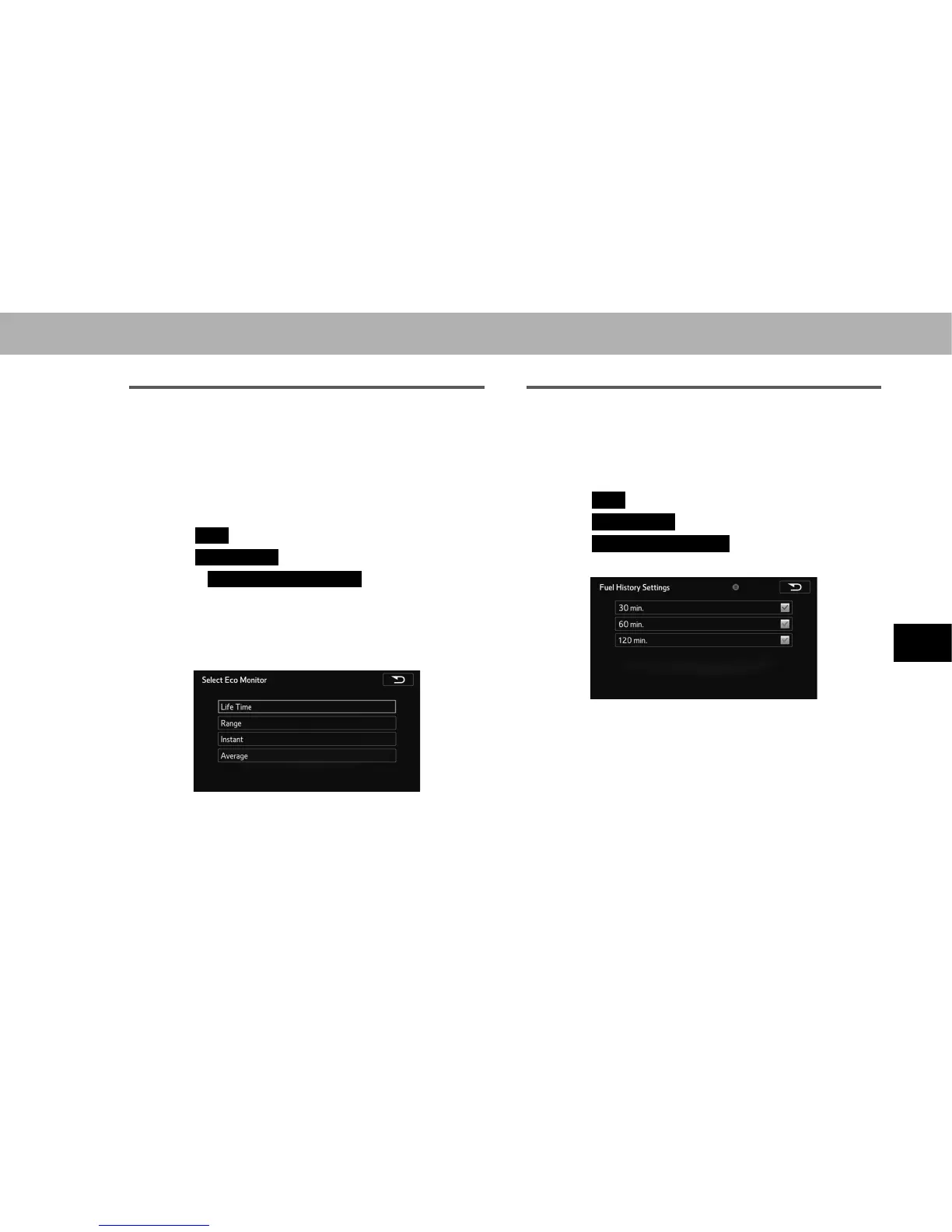
CUSTOMIZE ECO MONITOR
Three items can be selected and displayed from remaining
travel distance (range), instantaneous fuel consumption,
average interval fuel consumption, and lifetime fuel
consumption.
1. Display the “SETTINGS (SETTINGS)” screen.
ĺ3
2. Select
Info
(Info).
3. Select
Eco Monitor
(Eco Monitor).
4. Select
Customize Eco Monitor
(Customize Eco
Monitor).
5. Select the area to be displayed from the left, right, or
center display area.
6. Select the desired item.
Ɣ If an item displayed in another area is selected,
the display area changes. The same items are not
displayed simultaneously.
FUEL HISTORY SETTINGS
The scale of the time axis used to display Eco history can
be changed.
1. Display the “SETTINGS (SETTINGS)” screen.
ĺ3
2. Select
Info
(Info).
3. Select
Eco Monitor
(Eco Monitor).
4. Select
Fuel History Settings
(Fuel History Settings).
5. Select the desired item to be set.















 To Next Page