BASIC OPERATION
57
AUDIO
3
No. Function
Select to reset the adjusted sound quality.
Select to change to sound quality appropriate for the
music (POP, ROCK, JAZZ) type.
Select or to adjust lowpitched tones.
Select or to adjust midpitched tones.
Select or to adjust highpitched tones.
3. Select .
ADJUSTING THE SOUND QUALITY (type A model
only)
You can adjust the sound quality from the low band to the
high band.
Q ADJUSTING THE SOUND QUALITY
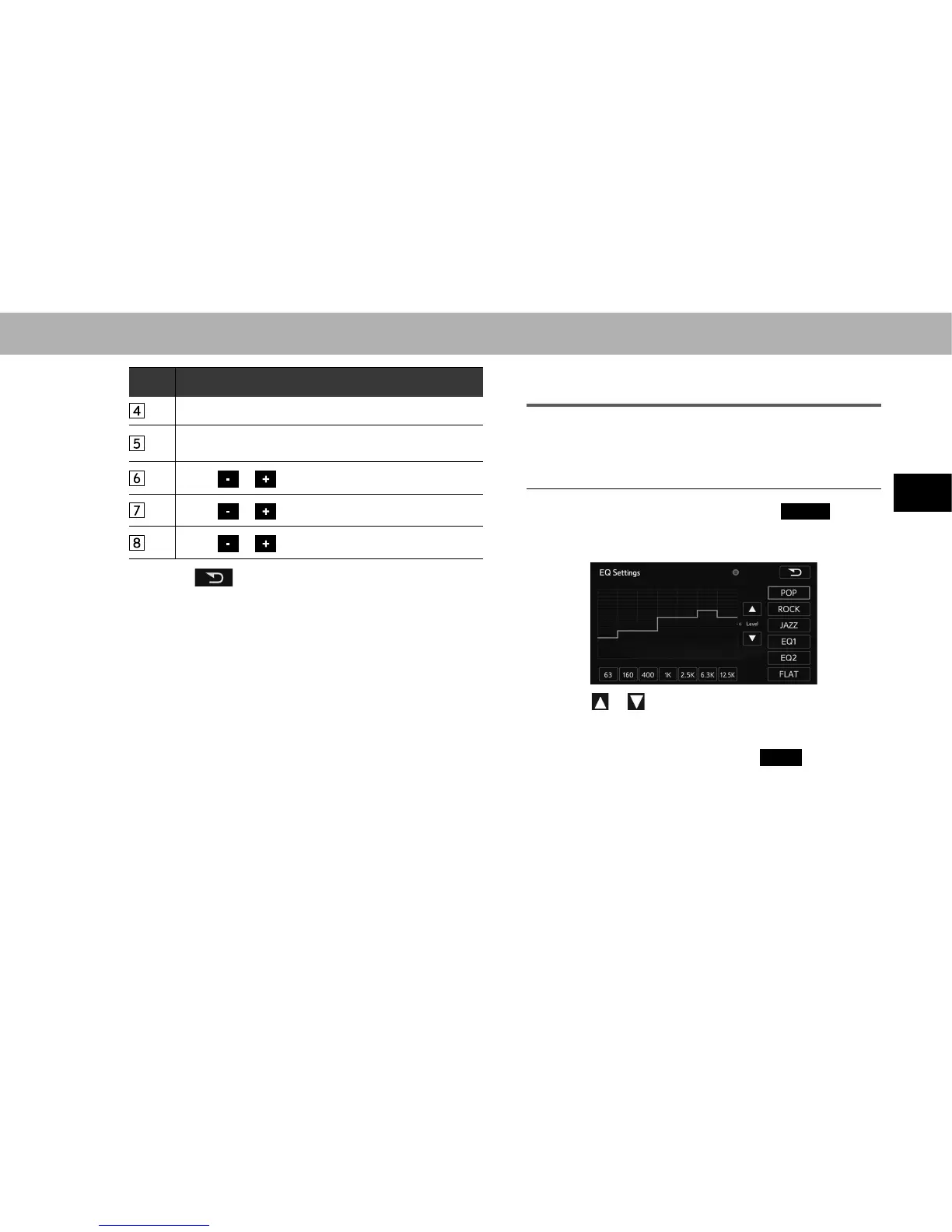
1. On the sound settings screen, select
Adjust
(Adjust)
in “EQ Settings (EQ Settings)”.
2. Select the sound band that you want to adjust.
3. Select or .
Ɣ You can also adjust to the desired level by touching
the screen.
Ɣ To reset the sound quality, select
FLAT
(FLAT).















 To Next Page