MEDIA OPERATION
85
AUDIO
3
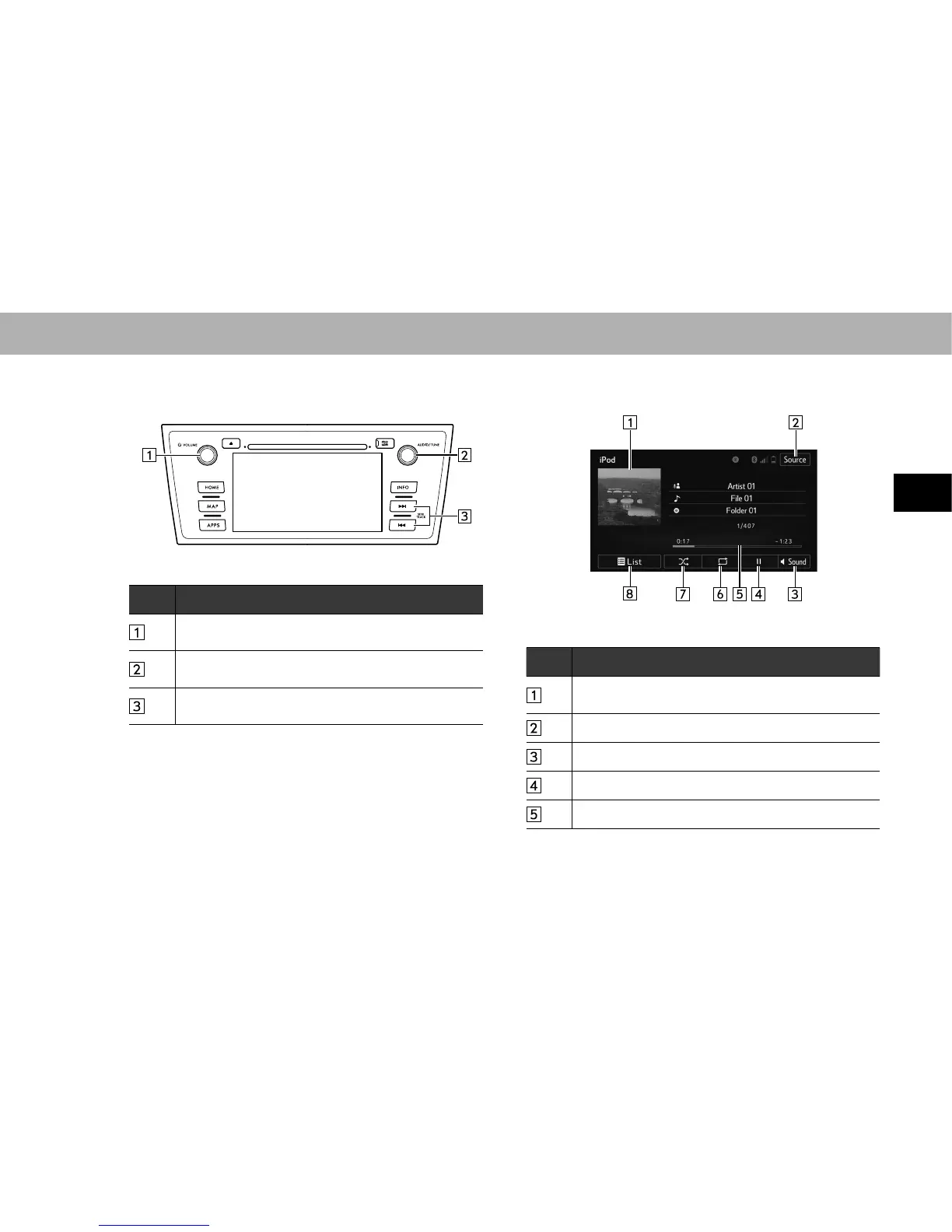
XControl panel
No. Function
Turn to adjust volume.
Press to turn the audio system on/off.
Turn to select a track.
Press to select an audio mode.
Select to select a track.
Select and hold to fast forward/rewind.
XControl screen
No. Function
Displays cover art.
Select to display a track list.
Select to display the audio source selection screen.
6HOHFWWRGLVSOD\WKHVRXQGVHWWLQJVFUHHQĺ3
Select to play/pause.
Shows progress.















 To Next Page