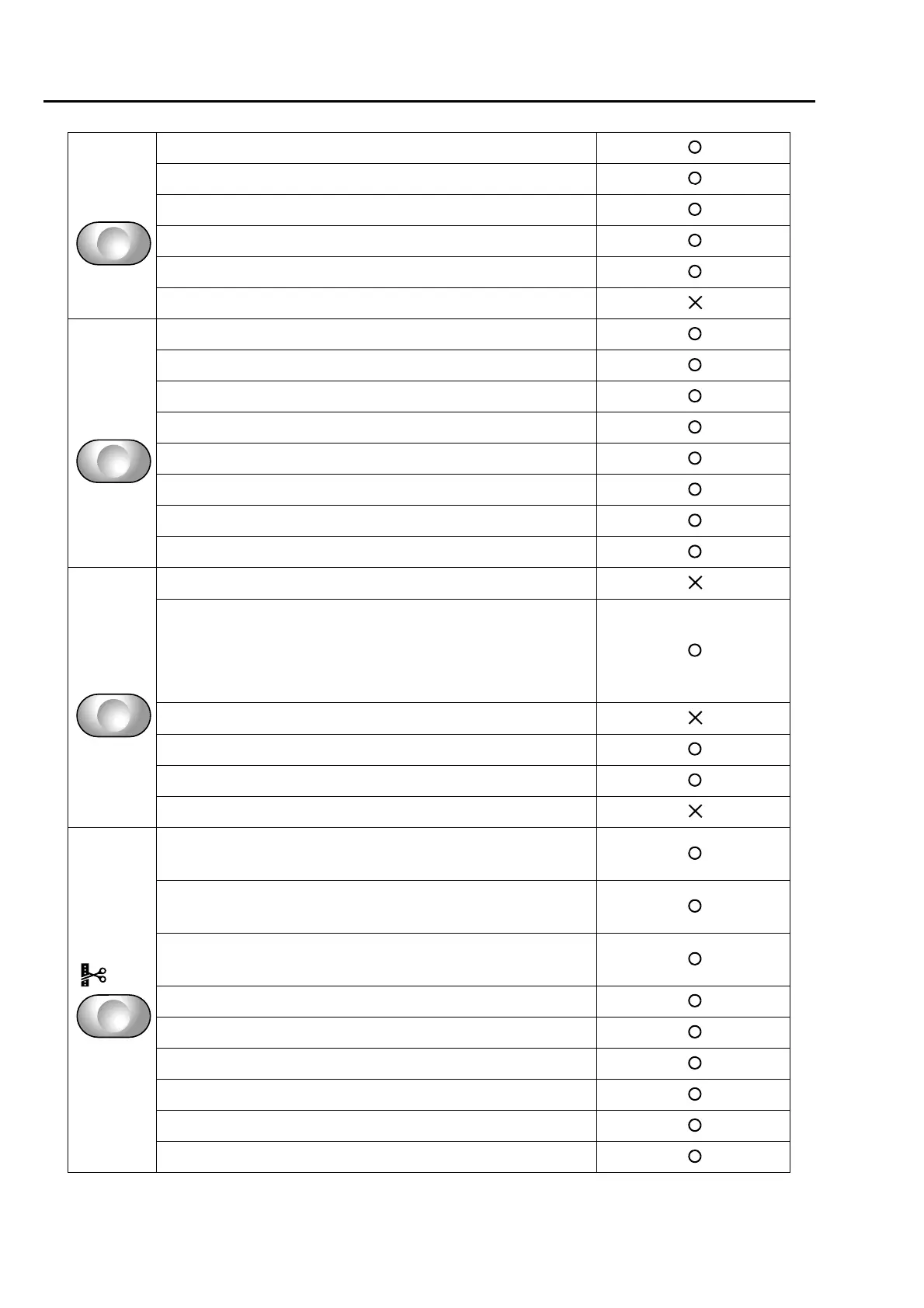
To search from the menu key
1 Jump Convert ................................................................. 85
2 Auto Jump .................................................................... 107
3 Satin Stitch ................................................................... 105
4 Backlash ....................................................................... 104
5 Jump Code Combination .............................................. 117
6 Software Frame Limit ..................................................... 93
1 Min. Revolution............................................................... 89
2 Revolution Limit .............................................................. 90
3 Main Shaft Inching........................................................ 117
4 Automatic Origin Return ............................................... 164
5 Frame Travel Speed..................................................... 119
6 Thread Detection ............................................................ 83
9 ATH ................................................................................ 80
10 Upper thread lock timing ............................................ 114
1 Boring ........................................................................... 197
2 Sequin .......................................................................... 200
(Sequin Device III)
2 Sequin .......................................................................... 204
(Sequin Device IV)
3 Cording......................................................................... 196
6 Lubrication.................................................................... 192
9 Bobbin Changer ........................................................... 198
10 Lochrose embroidery device ...................................... 194
1 Data Edit....................................................................... 122
(Modification)
1 Data Edit....................................................................... 126
(Insertion)
1 Data Edit....................................................................... 130
(Deletion)
2 Cleanup ........................................................................ 111
4 Move a design .............................................................. 173
5 Copy a design .............................................................. 174
6 Changing design name ................................................ 176
7 Changing folder name .................................................. 178
9 Data conversion for sequin output................................ 207



 To Next Page