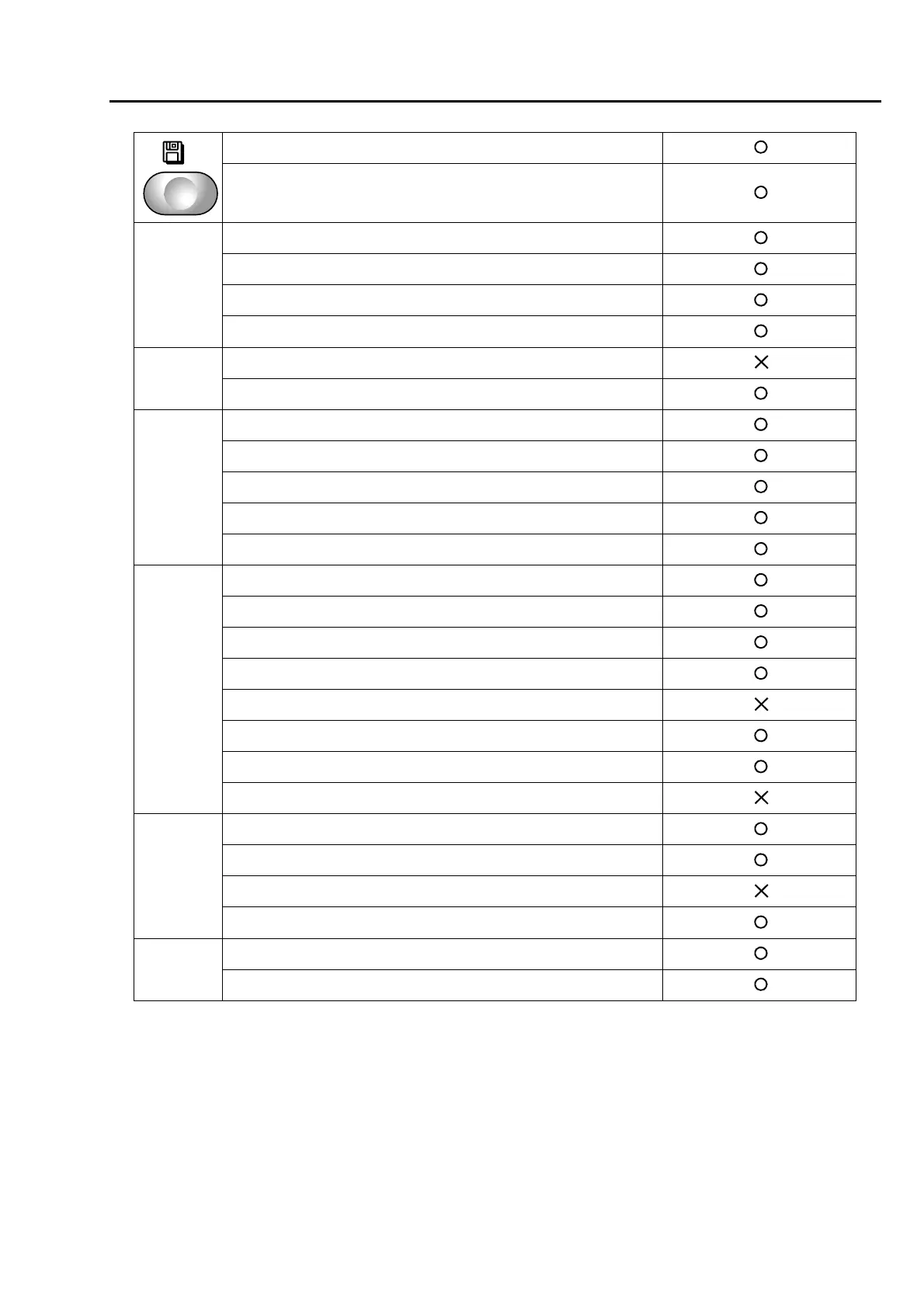
To search from the menu key
6 USB (Save) ...................................................................182
7 USB (Delete) .................................................................184
SET+A
1 Design sort (in memory)................................................180
4 Design sort (USB) .........................................................186
8 Input confirmation of condition file.................................143
9 Automatic data set after end of embroidery ..................120
SET+B
1 Design rotation by 180° on Cap Frame.........................155
10 Needle Bar Information ...............................................138
SET+F1
1 Password (Functional Limit)..........................................133
3 Setting in units of Needle bar ........................................108
6 Frame Limit Setting .........................................................96
7 Frame origin memory with the power-ON .....................161
8 Power Resume with the power-ON...............................162
SET+F2
1 Max. Revolution Limit......................................................91
2 Frame Start Timing .......................................................113
3 Frame Drive Adjustment ...............................................115
4 ATH Start Timing.............................................................88
5 Table Offset Position.....................................................170
6 Return the frame after manual frame travel ..................157
8 Power Resume..............................................................158
9 Frame Origin Memory ...................................................159
SET+F3
2 Weak Brake...................................................................141
3 Air Pressure Sensor ......................................................206
7 Sequin device................................................................190
10 Network .......................................................................193
SET+F4
8 Software Version...........................................................139
10 Language ....................................................................140



 To Next Page