To edit design
131
Chapter 5
1
2
3
4
5
6
7
8
9
10
11
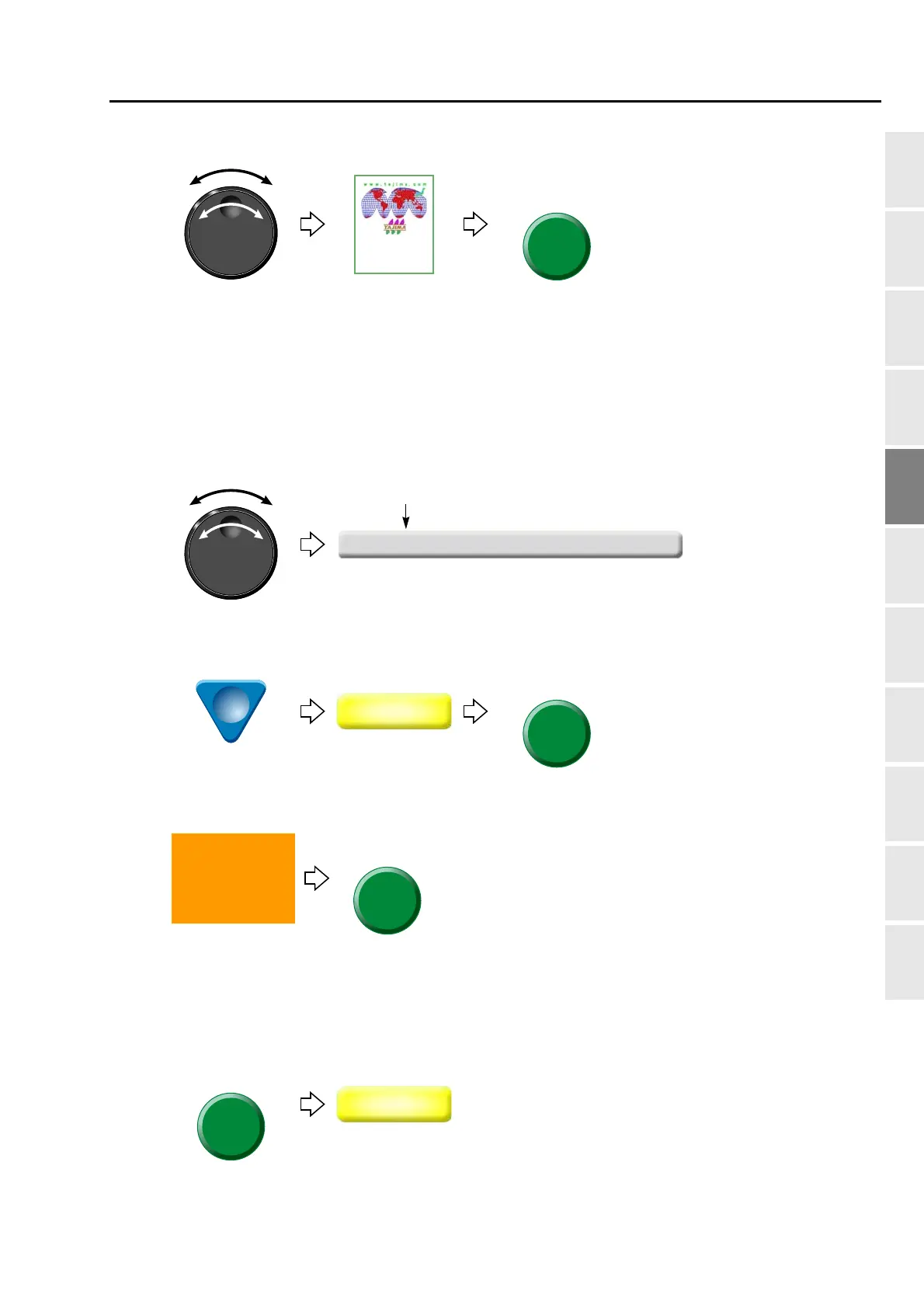
(2) To select a design
After that, select the stitch No. to delete. There are following two types of selecting patterns.
(a) To select stitch No. by using search function, refer to the detail page.(→p.131)
(b) To select the stitch No. by the jog dial/jog shuttle, follow the explanation below.
[To select stitch No. by using the jog dial/jog shuttle]
(3) To select stitch No. to delete
(4) To select "Delete"
(5) To decide deletion
[To select stitch No. by using search function]
(3) To make search function effective
20 -12 0 Stitch
20th stitch
6(7



 To Next Page