Decision of the design start position
60
Chapter 4
5-3-2. How to operate
There are following two methods.
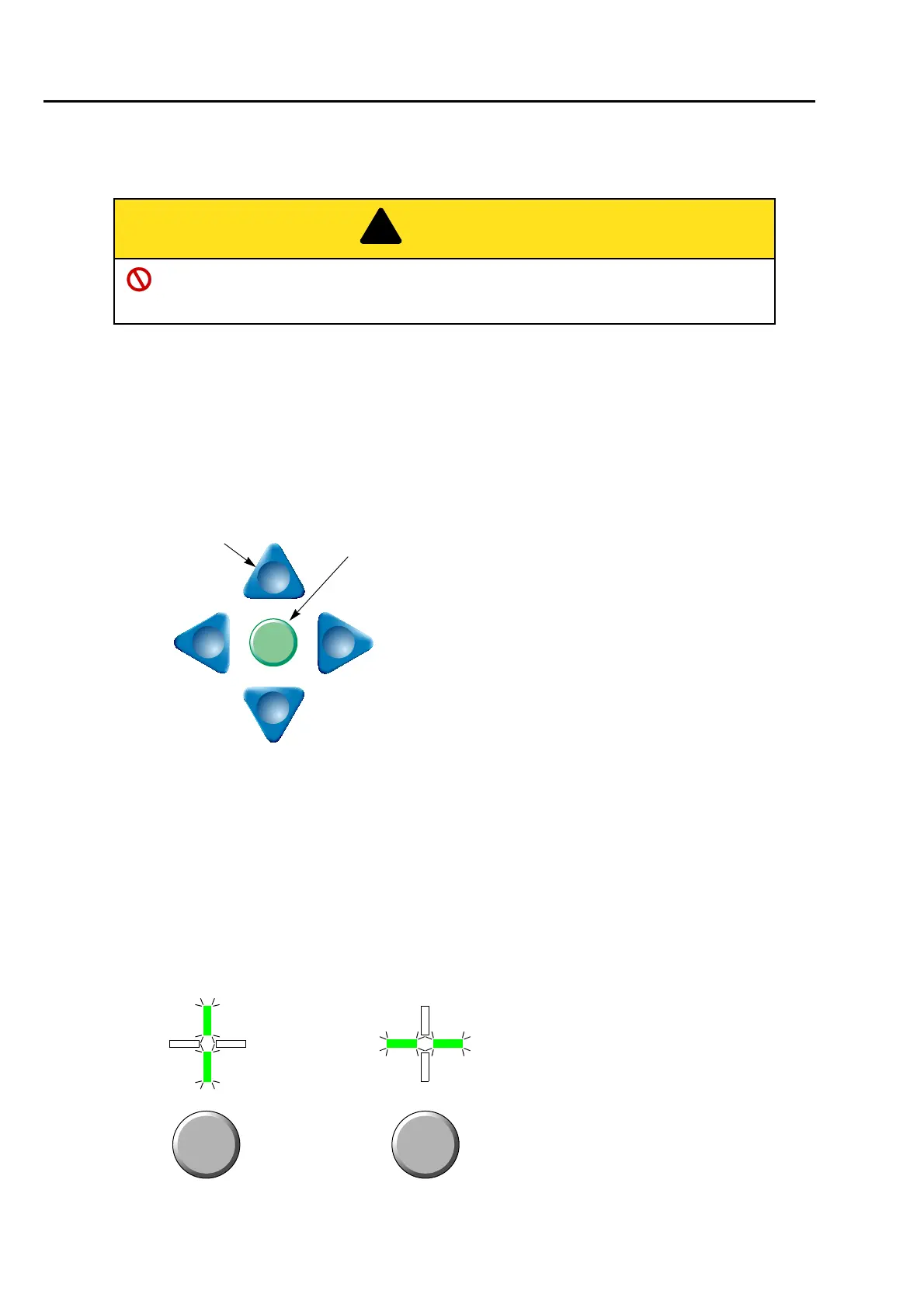
(1) To use Frame Travel key
(a) Switch to the main screen
Press E key plural times to switch to the main screen.
(b) To move frame to the design start position
Press any desired key. The frame will move.
(2) To use Jog dial/Jog shuttle
(a) Switch to the main screen
Press E key plural times to switch to the main screen.
(b) To decide Frame Travel direction
Press E key to decide the frame travel direction.
When performing this operation, do not put your hands etc. on the machine table. Moving
frame could injure you.
Speed switching key
Rear
Left
Front
Right
When you want to change the frame travel speed,
press the speed switching key. The key will be lit/unlit.
Lit: High speed
Unlit: Low speed
Frame Travel key



 To Next Page