RUN NOW Excite +: Technical Service guide - rev. 6.2
Pagina 9.28
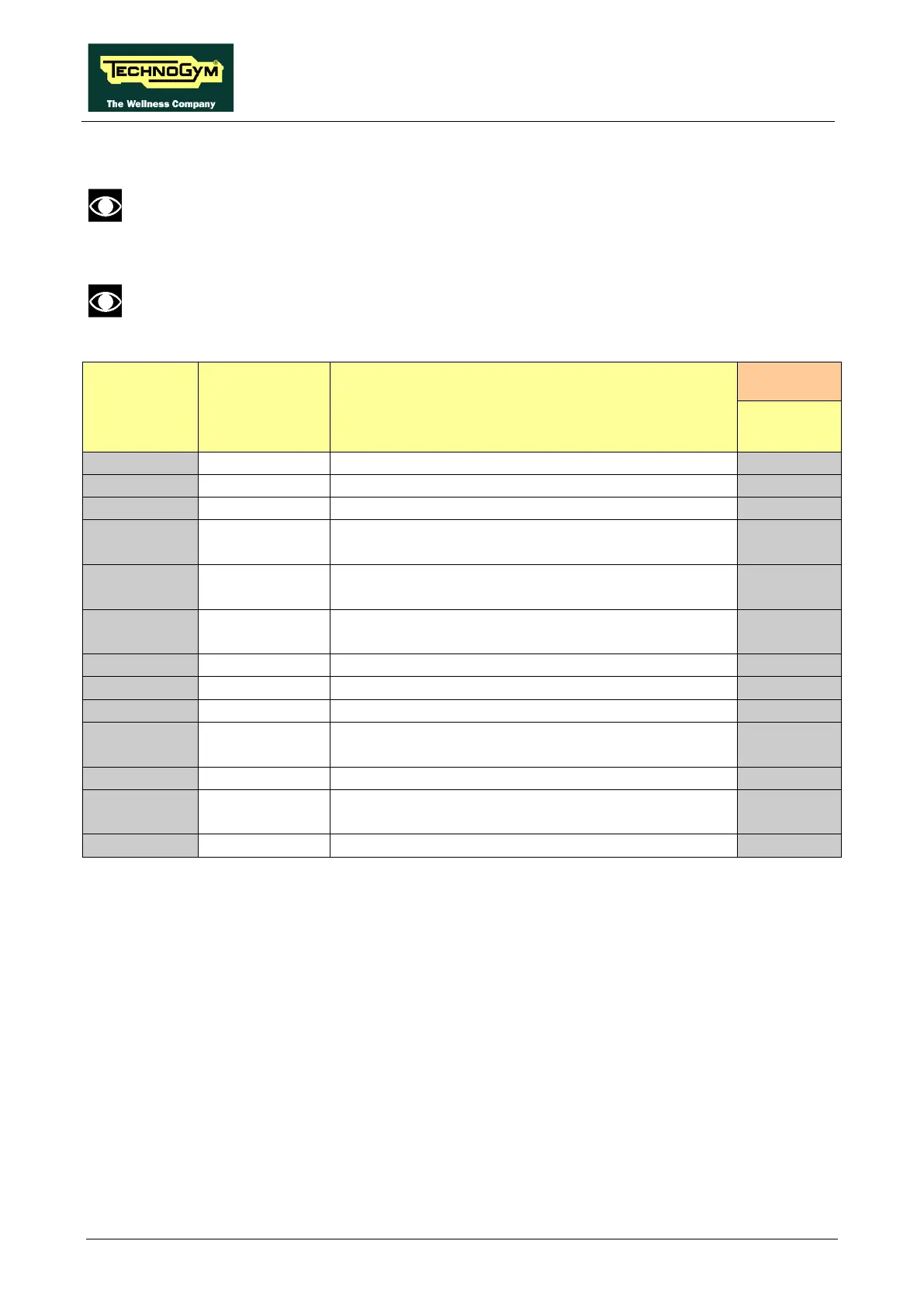
9.5.1.1. Table of configuration parameters (VISIO):
To correctly display the parameter values, you need to load them from the low kit, using
the “Read from low kit” function.
After any changes to the parameter values, you need to save them in the low kit using
the “Write to low kit” function.
Display
parameter
Unit of
measure
Description
VISIO
Default acceleration and deceleration
P04
PID proportional gain
7
P05
PID Integral gain
150
P06
S Ramp Type
0
Flag DC motor encoder signal alarm action
Watchdog serial communication
DC motor encoder error timeout 1 cnt = 100 msec
P10
on/off
Flag signal receiving Sw Emergency and not
receiving Emergency Hw
0
P12
roller diameter
200
Flag posting warning signal AC motor encoder
I.e.
P01 = kmh = 8 / 10 is the 0.8kmh of start, (as if the unit was hundreds of meters times).
P02 = 100 means the acceleration expressed in kmh/sec is 100 / 100 = 1 where the 100 is the
value of the numerator and the denominator is the default 100 of formula. (cents of kmh/sec)
P03moltiplication by two is to take steps to 0.5%, this basically 2 means 1%.
Numerical Constant: P04-P05-P06 is a pure number, multiplicative constant used by the
firmware.
P07, P10, P13 is a Boolean flag, yes or not.
P08 is expressed in tens of msec: if P08 = 100 will be a second.
P12 = 211 means that the transmission ratios is 2.11.









 To Next Page