RUN NOW Excite +: Technical Service guide - rev. 6.2
Pagina 9.29
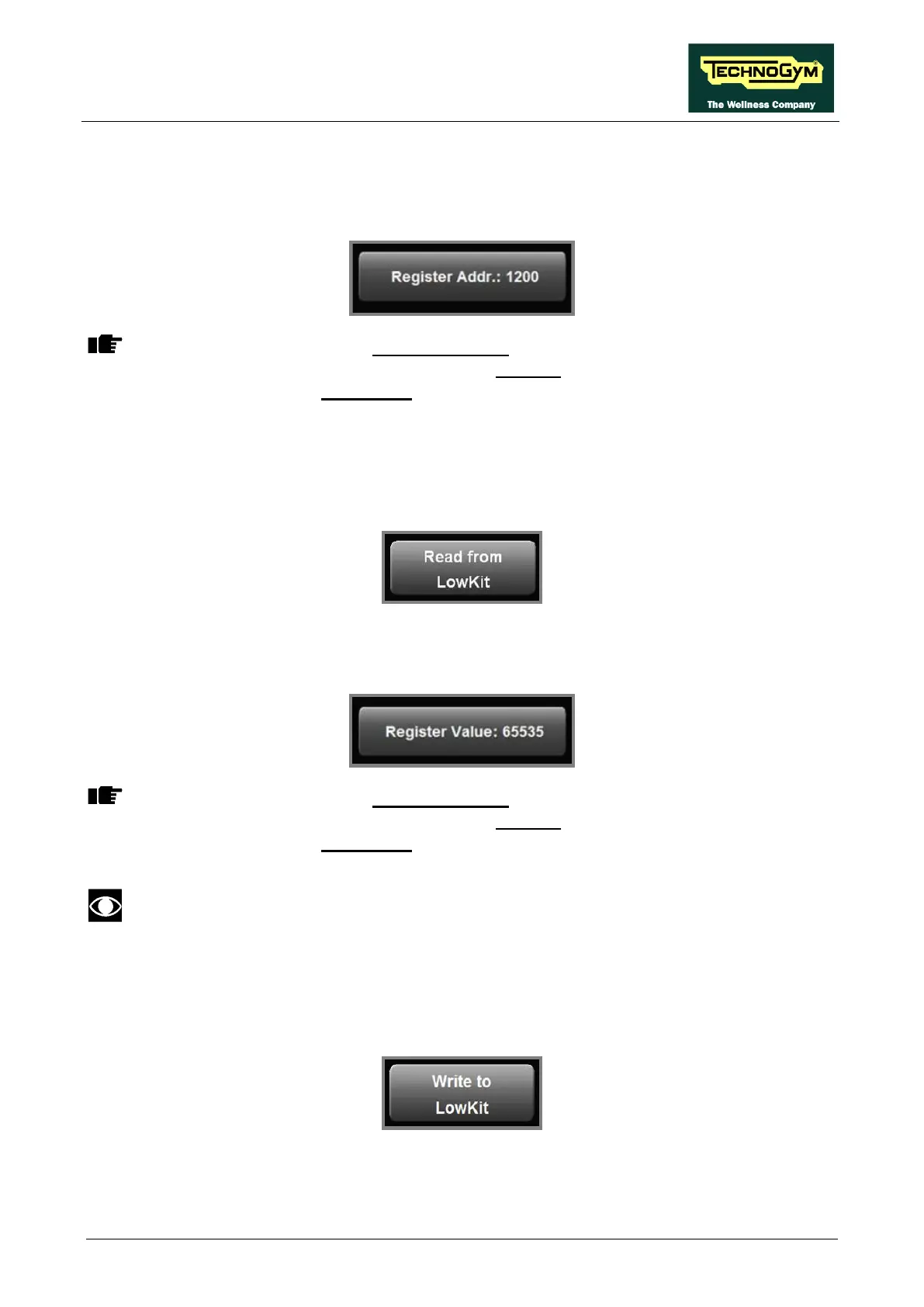
9.5.2. REGISTER ADDR.
This button allows selecting a specific parameter of the inverter, which then can be read using the
function described below: “Read from low kit”.
On the Display will appear a Numeric Keypad which allows entering and/or modifying
the numerical value of the parameter. Press CLEAR to delete the old value and insert
the new one, then press CONFIRM to save it.
9.5.2.1. Read from low kit
This button allows reading from Low Kit the value of the parameter set previously and displayed in
the display.
9.5.2.2. Register Value
This button allows modifying the value of the parameters. Press the button:
On the Display will appear a Numeric Keypad which allows entering and/or modifying
the numerical value of the parameter. Press CLEAR to delete the old value and insert
the new one, then press CONFIRM to save it.
After any changes to the parameter values, you need to save them in the low kit using
the “Write to low kit” function.
9.5.2.3. Write to low kit.
To write the values of the currently displayed parameters to the low kit, press the button:
Allows writing on the ALE inverter register, in case you have changed the data.









 To Next Page