Thermo Fisher Scientific Micro-Tech 9101/9201 Reference Manual, Rev J C-51
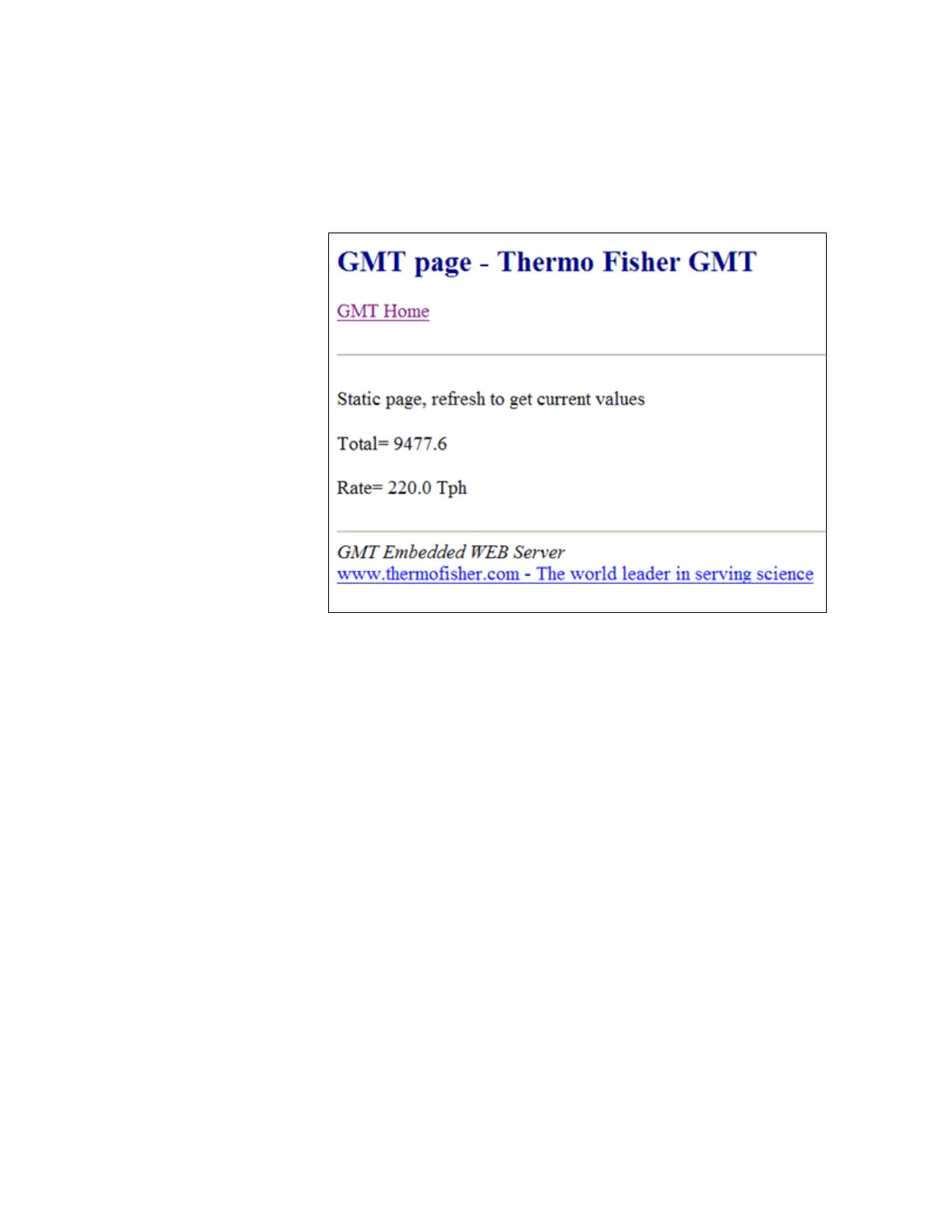
1. Press the “Test Page” link and the following window appears.
Figure C–2. Thermo Fisher Test Page Example
To enter the IP address in the Micro-Tech, do the following.
1. Press the Menu key until “Main Menu 4” appears in the display.
2. Press the Ether button.
3. Press the down-arrow button. The following default settings are
displayed.
IP address = 92.168.1.2
Mask address = 255.255.255.0
Gateway address = 192.168.1.1 (which is the usual address of the PLC
or PC requesting data.)



 To Next Page