Operation
Running the Micro-Tech
Thermo Fisher Scientific Micro-Tech 9101/9201 Reference Manual, Rev J 3-3
To run the Micro-Tech, do the following.
1. Make sure the Micro-Tech is powered up.
2. Make sure the Run screen (see below) is currently being displayed.
3. Start the conveyor running and begin loading it up.
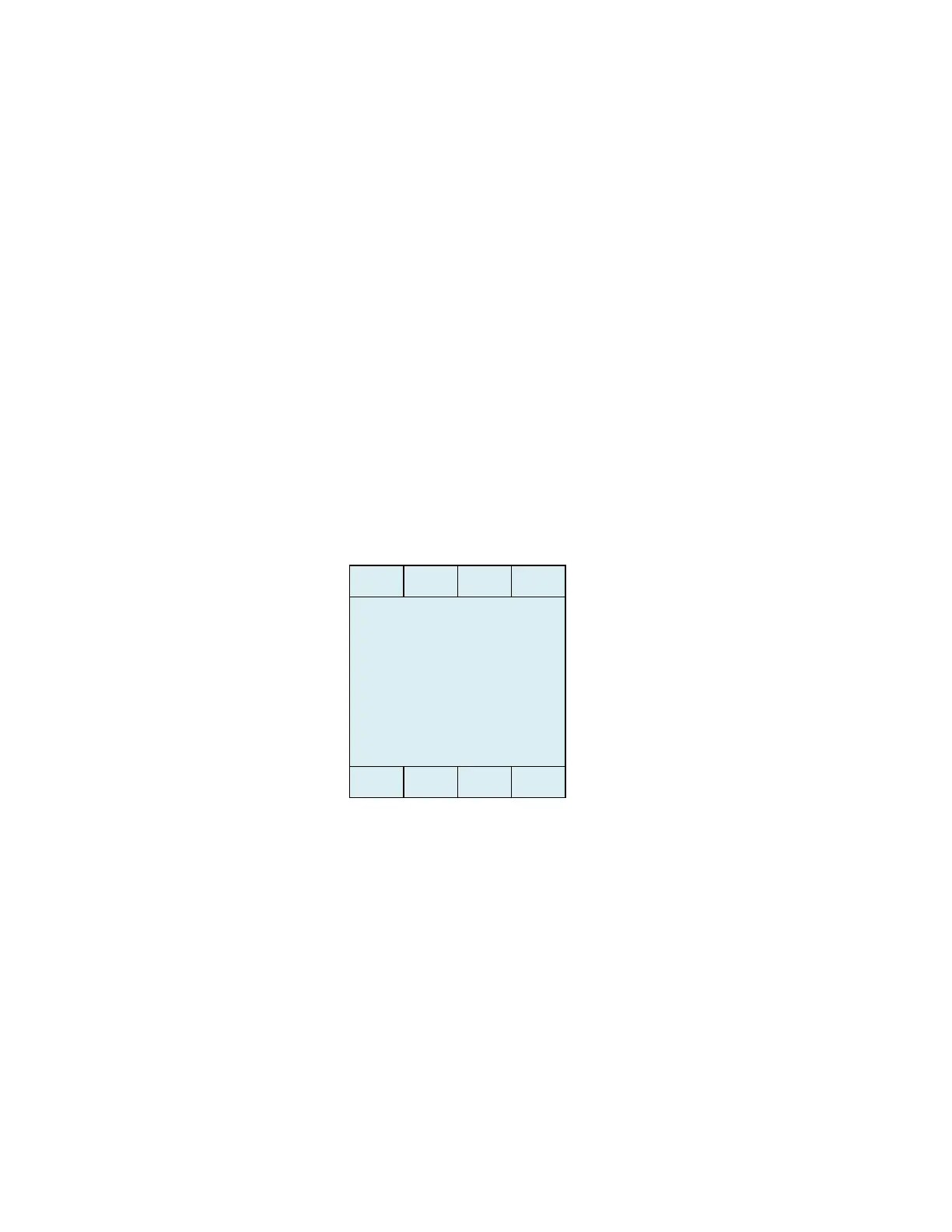
The screen below is known as the Run screen. it shows the total tons
(Tons) that have crossed the scale since the values were last reset, as
well as the tons per hour (Tph) of material that is currently running over
the scale.
Figure 3–2. Run Screen
0.0 Tons
0.0 Tph



 To Next Page