Initializing the Micro-Tech
Initializing the Software
2-16 Micro-Tech 9101/9201 Reference Manual, Rev J Thermo Fisher Scientific
5. Press the Enter button. Follow steps 3 and 4 above to enter the
correct month and year.
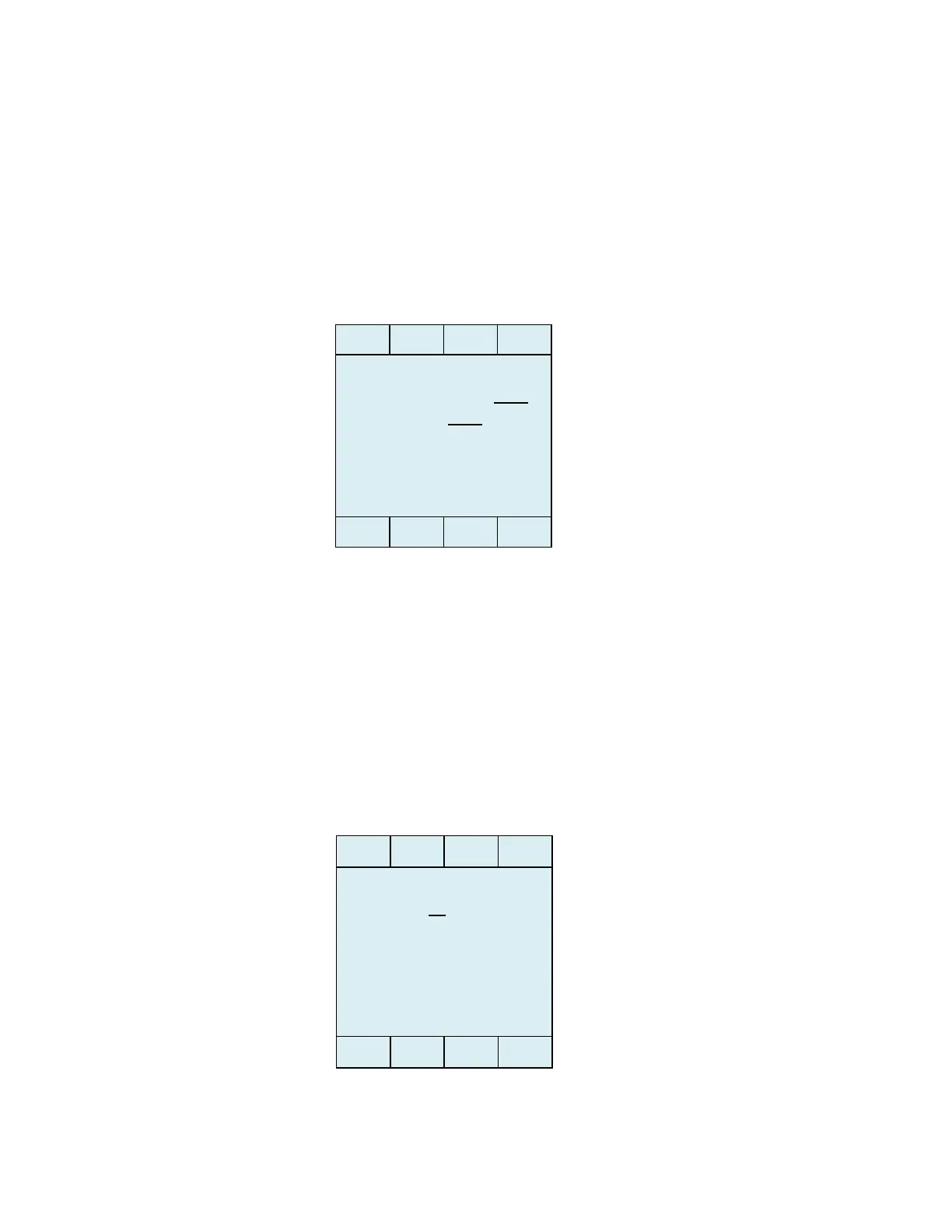
6. Press the Enter button. The display should now look something like
this. (You may have to repeatedly press the Edit and Enter buttons
on start up, scrolling through the fields again, to get to this screen.)
Either way, make sure this screen is displayed before proceeding.
7. You are now ready to enter the correct time, as described below.
In the following example we are going to set the time to 2:09 p.m. To set
the correct time, do the following.
1. Press the down-arrow button (see Figure 3–1). The display should
currently look like this.
- Date 05 – 21 – 2013
YEAR 2013
- Time 12:00 am



 To Next Page