Initializing the Micro-Tech
Initializing the Software
Thermo Fisher Scientific Micro-Tech 9101/9201 Reference Manual, Rev J 2-15
1. Make sure the conveyor is empty and running at maximum speed.
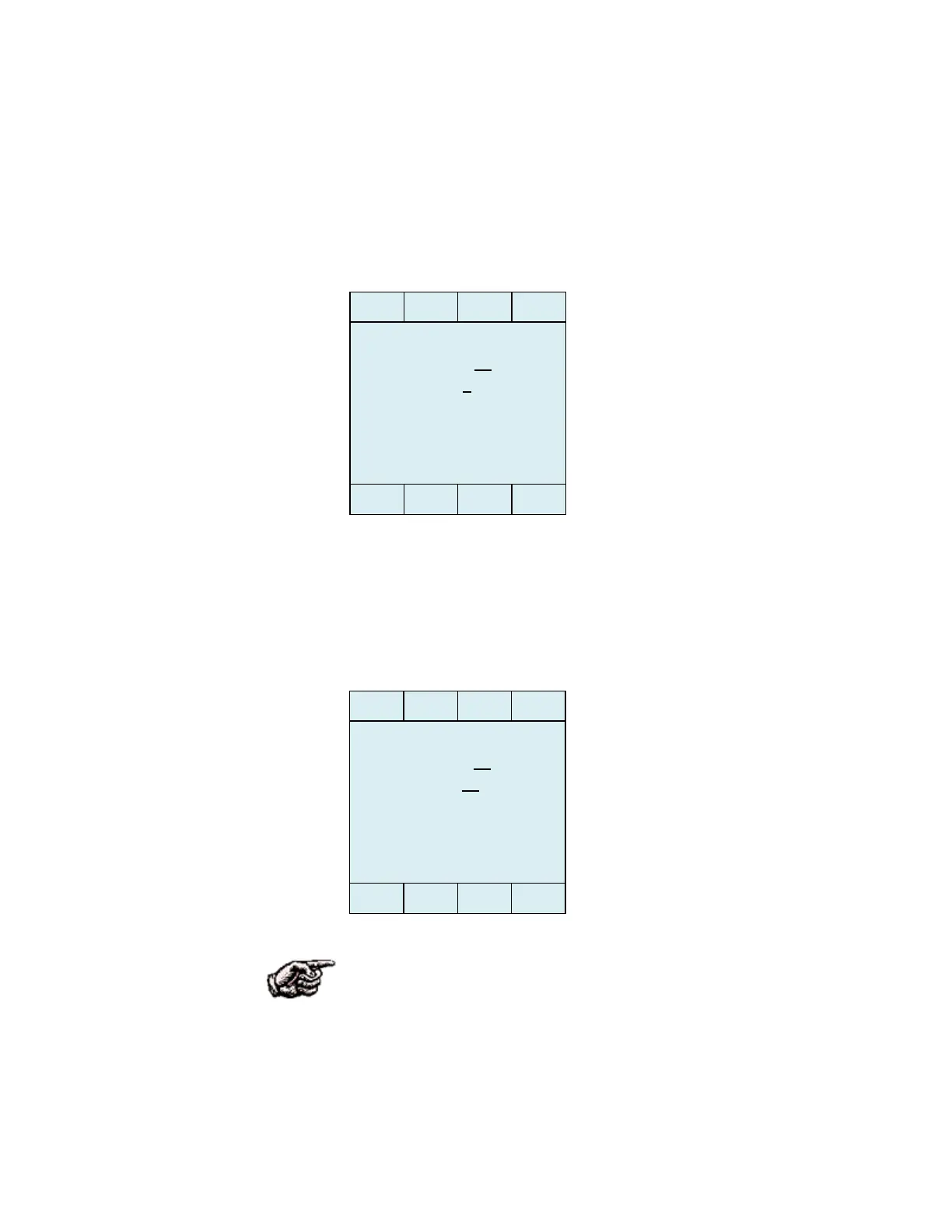
2. Press the Yes button and the date screen appears.
3. Press the Edit button. (The Micro-Tech clears the Day entry field
leaving just the underline.)
4. Use the keypad to enter the correct day. Remember to enter two
numbers for day. If you make a mistake, press the Clear button. (We
entered 21 for day, as shown below.)
NOTE. The Micro-Tech displays the date in the month-day-year
format, and requires two numbers in the month and day fields and four
numbers in the year field (MM-DD-YYYY). In addition, the Micro-
Tech will not display the correct date in the Date line until you have
completed the entire process. You can change the date and time formats
later, if you would like to use a different one.
- Date 01 – 01 – 2012
DAY 1
- Date 01 – 21 – 2012
DAY 21



 To Next Page