Initializing the Micro-Tech
Acquiring Basic System Data
2-10 Micro-Tech 9101/9201 Reference Manual, Rev J Thermo Fisher Scientific
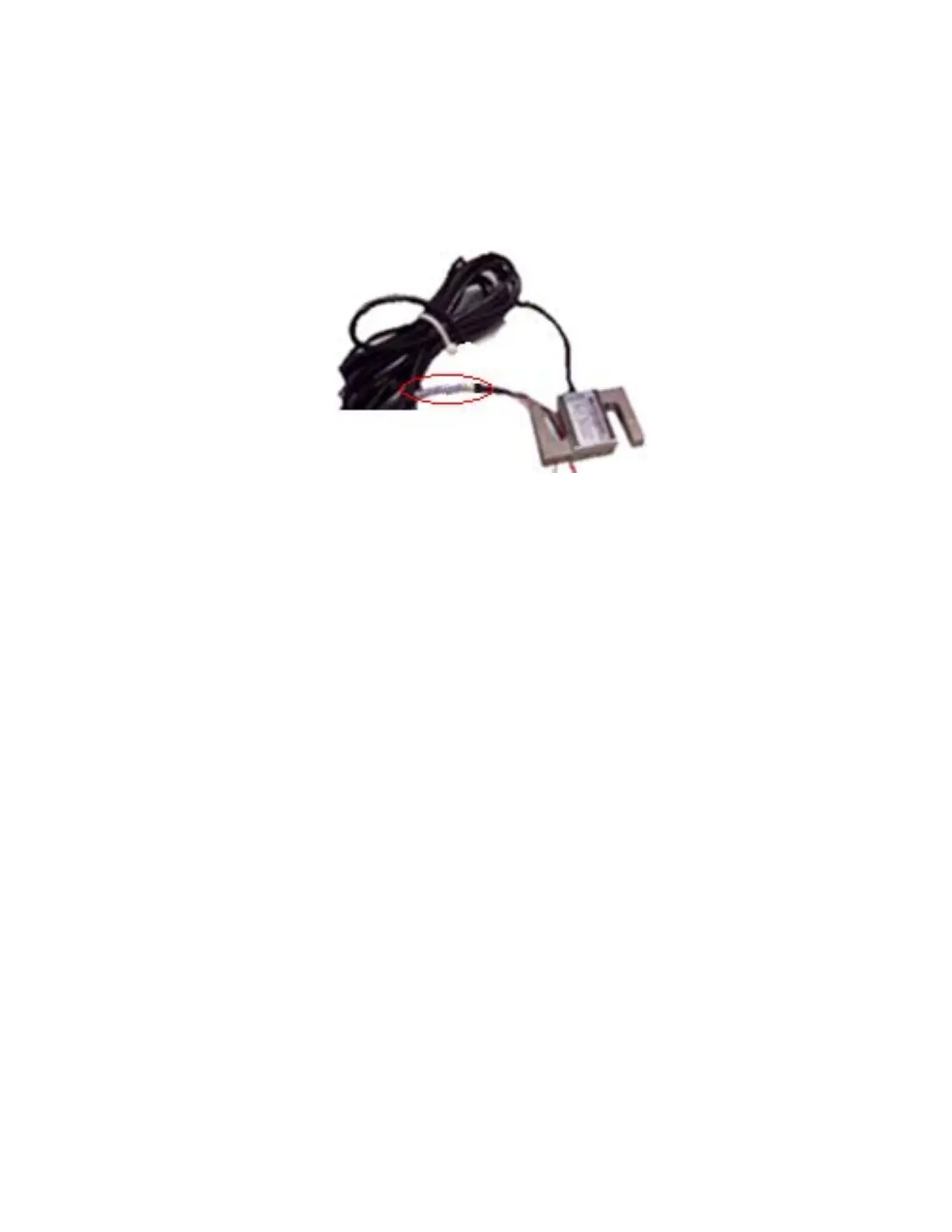
All Thermo Fisher load cells have the capacity, sensitivity, and
resistance marked (as shown below) on the end of the cable. In case the
label is not present please refer to the data sheet supplied with the load
cell. Enter the capacity, sensitivity, and resistance in Table 2–1 or
Table 2–2.
Figure 2–10. Location of Load-Cell Data
The Speed Input parameter tells the Micro-Tech whether your conveyor
system is equipped with one (or, in some special instances, two*)
optional speed sensors. An optional speed sensor feeds very precise
conveyor speed readings to the Micro-Tech. If you did not order an
optional speed sensor, enter “simulated” in Table 2–1 or Table 2–2.
* Two speed inputs, typically, are used in systems equipped with two
scales.
In summary, your choices for speed input are as follows.
Single—Your conveyor is equipped with one speed sensor.
Two—You have two scales, each equipped with a speed sensor.
Simulated—There is no speed sensor attached to your conveyor.
Note, however, that a conveyor-run digital input is required for the
simulated option to work.
Load Cell Capacity,
Sensitivity, and
Resistance



 To Next Page