Initializing the Micro-Tech
Initializing the Software
Thermo Fisher Scientific Micro-Tech 9101/9201 Reference Manual, Rev J 2-31
1. The Micro-Tech displays an appropriate scale division depending on
the value you entered in the “Maximum Scale Capacity” menu.
Possible scale divisions are 50, 20, 10, 5, 2, 1, 0.5, 0.2, 0.1, 0.05,
0.02, and 0.01.
2. To choose the appropriate scale division, press the Choice button
until the division you want is displayed, then press the Enter button.
3. Press the down-arrow key to bring up the belt-scale-code screen.
This menu requires you enter the belt-scale code for the particular scale
you are using in your facility. The current weigh-bridge configurations
offered by Thermo Fisher Scientific as well as the necessary belt-scale
codes, are listed in Table A–1 in Appendix A. In addition, your specific
weigh-bridge configuration should be listed on the “Scale Data Sheet”
and the “Door Label” that accompanied your Micro-Tech.
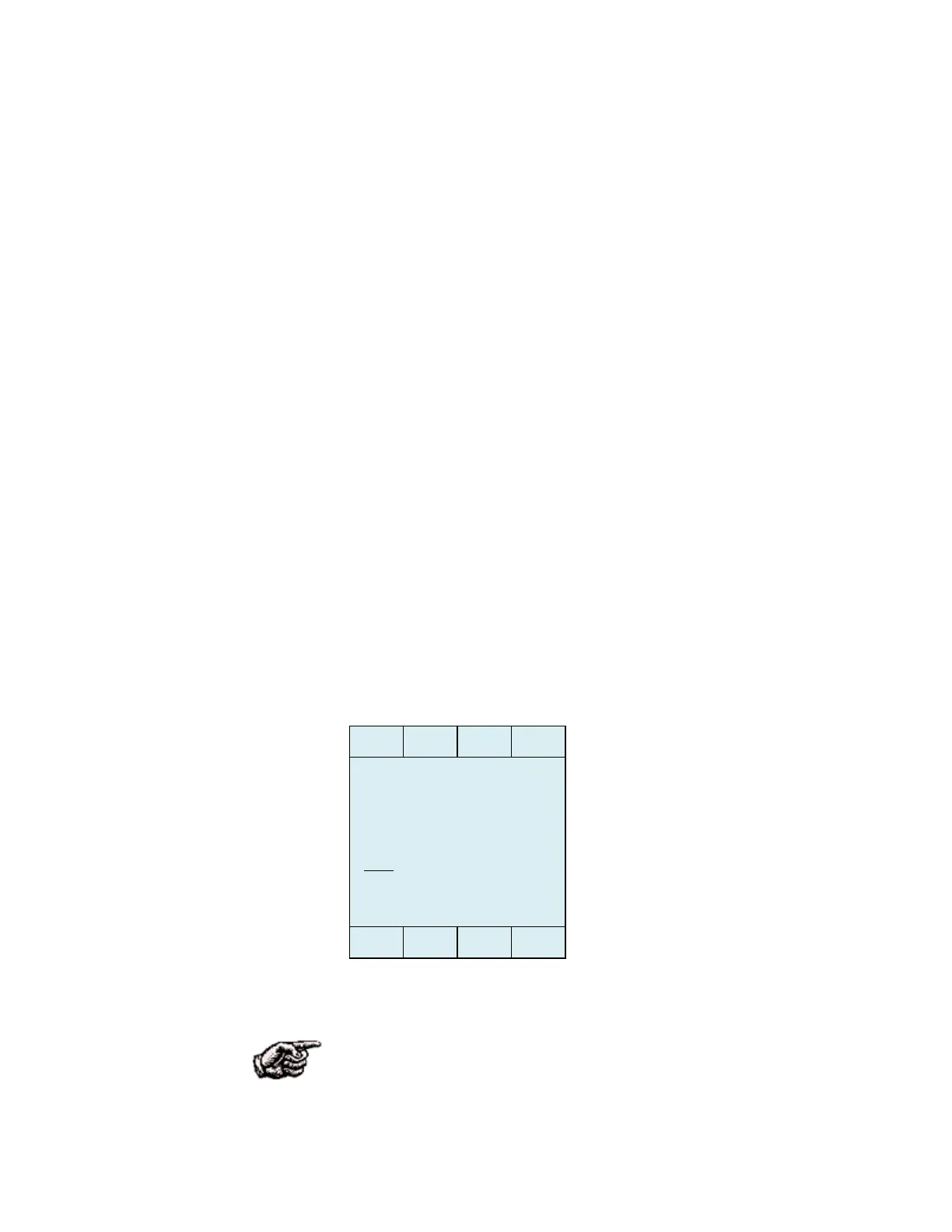
The Micro-Tech display should look like this.
Figure 2–11. Belt-Scale-Code Entry Screen
NOTE. You absolutely must enter the correct belt-scale code in this
menu for the Micro-Tech to work properly with your particular
weighing system. This is the most critical step in the entire set-up
process!
Entering the Belt-
Scale Code
Belt scale code #
1



 To Next Page