Trango Systems, Inc. GigaPlus User Manual Rev 3.1 109
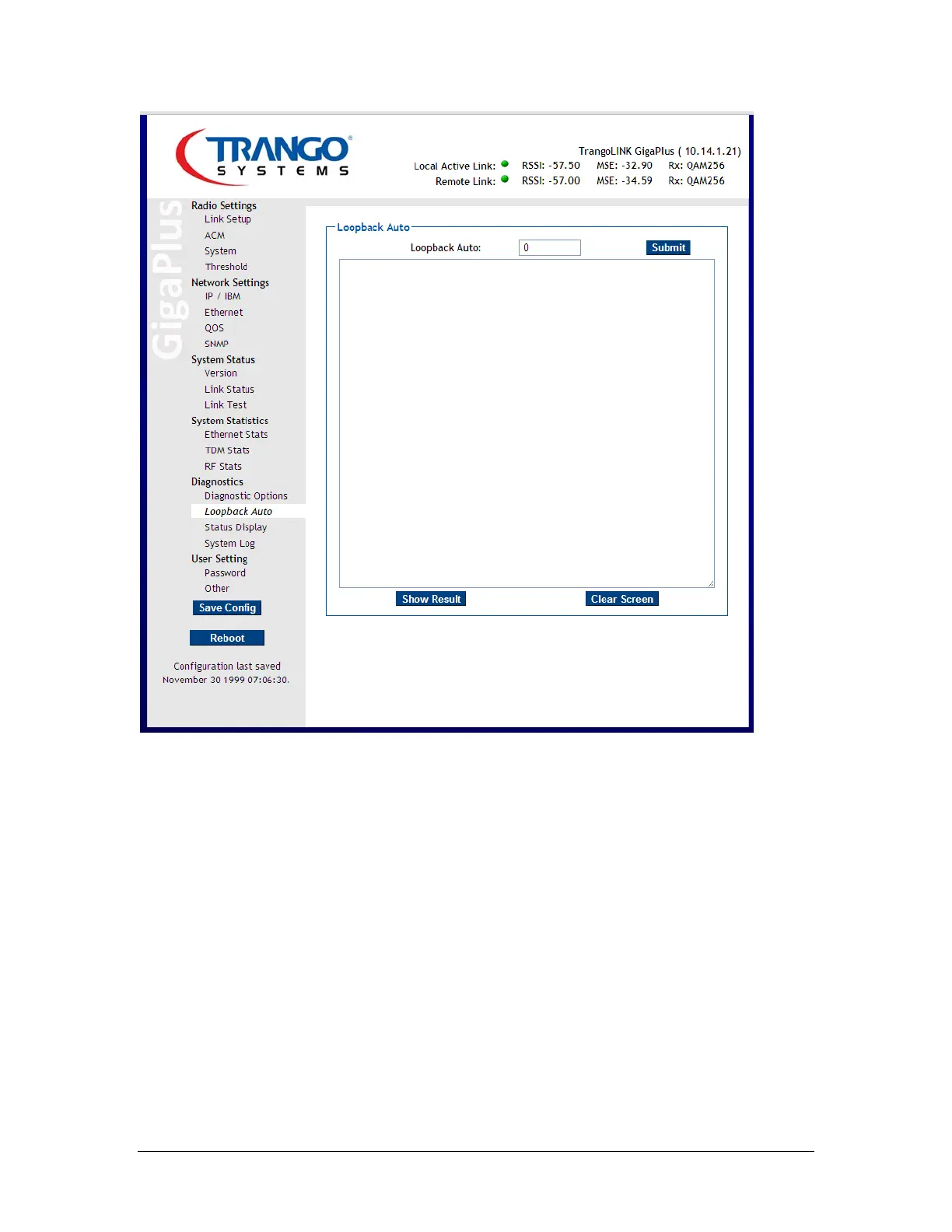
Figure 51 Loopback Auto Page
Status Display shows several useful items to help diagnose link problems:
- Config View – Displays the current configuration settings stored in memory
- Status Compare - Upon initial establishment of the link, the Status Save button in
the System section should be depressed, saving the current link status into
memory. At any time in the future, the Status Compare drop down menu can be
selected and executed to see a direct comparison between the current link
status and the originally saved status.
- Siglevel – This command will display details about the actual TX and RX signal
levels, signal quality, and ODU communication stats.



 To Next Page