ALWAYS CONSULT THE UPGRADE INSTRUCTIONS THAT ARE INCLUDED WITH A NEW FIRMWARE
RELEASE AS CERTAIN FILES MAY NOT BE REQUIRED FOR AN UPGRADE.
1) Place the firmware files in an easily accessible directory path on your computer.
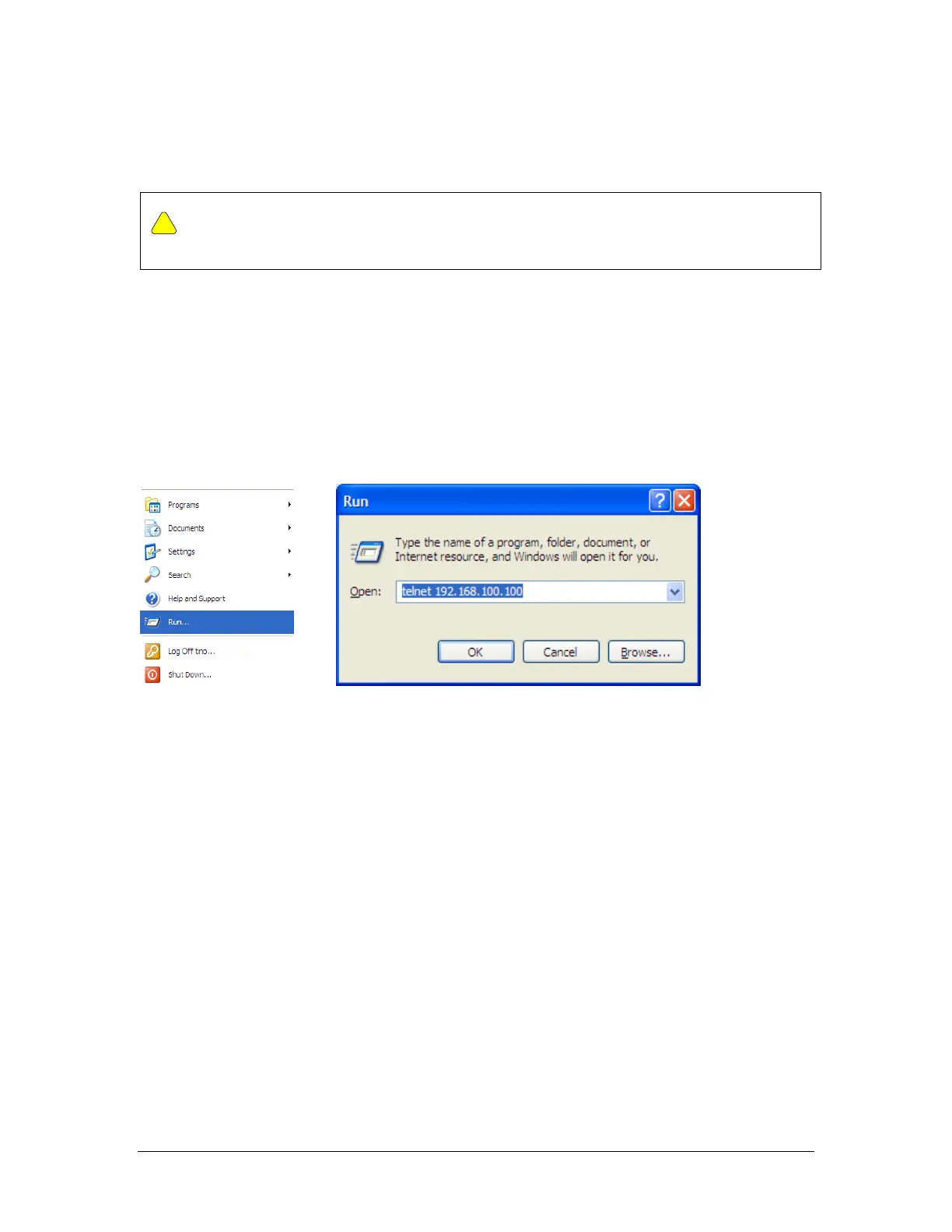
2) Telnet into the radio by Clicking on Start menu then RUN. The figures use the
default IP address; you must use the correct IP address for the TrangoLINK
GigaPlus.
Figure 15 Windows Start & Telnet
3) At the login enter your username and password. The username is “admin “and
default password is “trango”
4) Enter config node by typing “config” and entering you write access password.
The default config node password is “trango”
5) Enable the tftp daemon using the tftpd command as shown below.
Login as: admin
Password:
Trango System: TrangoLink GigaPLUS Command Line Interface v1.3
(CLI-view)# config
Password:



 To Next Page