EasyManua.ls Logo

Trango Systems TrangoLINK GigaPlus - Graphical User Interface (Web Browser)

Trango Systems TrangoLINK GigaPlus
255 pages
Print Icon
To Next Page IconTo Next Page
To Previous Page IconTo Previous Page
Loading...
Trango Systems, Inc. GigaPlus User Manual Rev 3.1 51
Access mode
Username
Password
CLI View Mode
admin
trango
CLI Config Mode
N/A
trango
CLI Debug Mode
N/A
N/A
Web View Mode
admin
trango
Web Config Mode
config
trango
SNMP Read Community
N/A
public
SNMP Write Community
N/A
private
SNMP Trap
N/A
trapstr
Table 11 Default Login Passwords
Graphical User Interface (Web Browser)
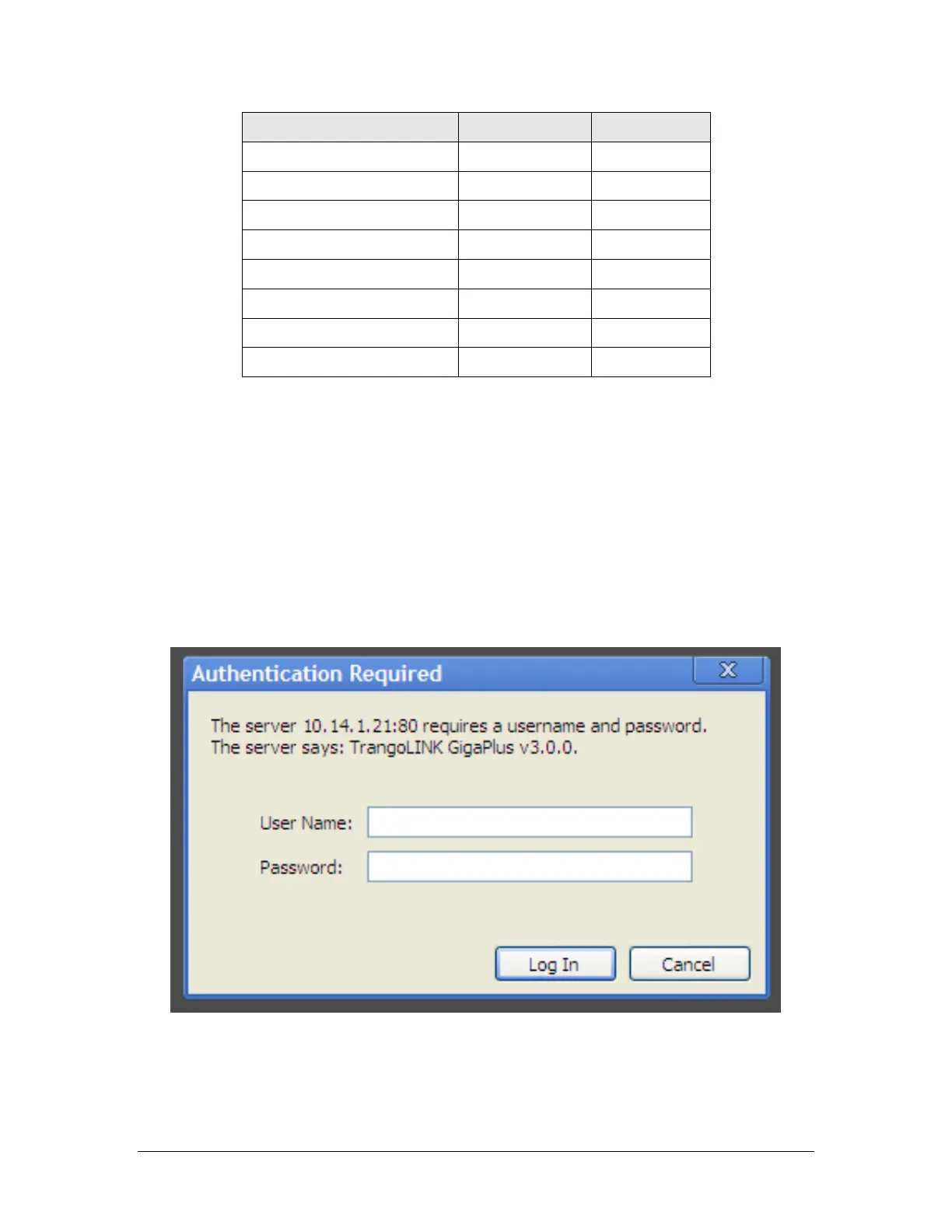
To access the browser interface simply open your Web browser and enter the IP address
of the radio. A login window will pop up, requiring a user name and password (Figure
10). Enter the default or modified user name and password then press OK. Either HTTP
or HTTPS may be used.
Figure 12 Web Browser Login
The first page to display will be the System Info Page as shown in the Image below:


Table of Contents