Trango Systems, Inc. GigaPlus User Manual Rev 3.1 52
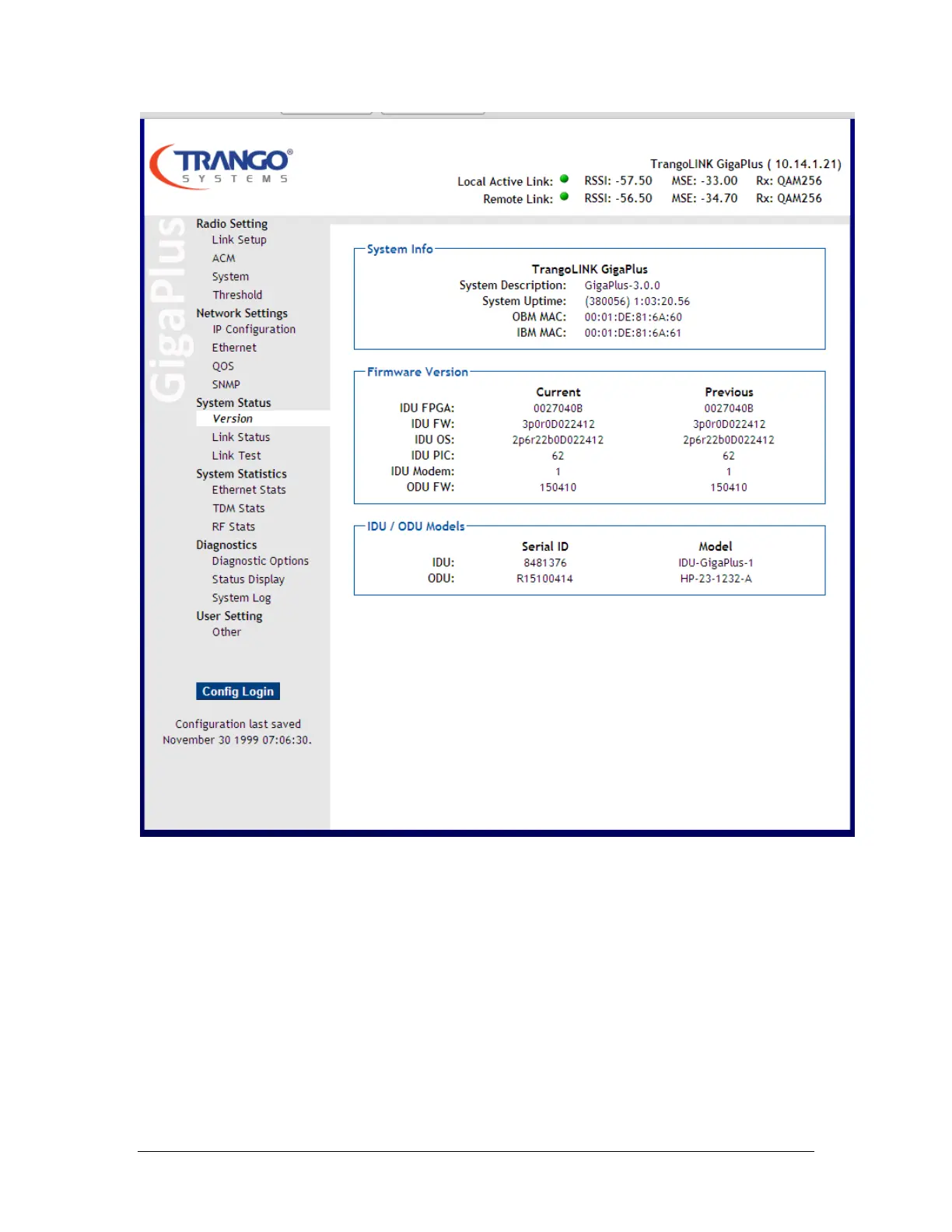
Figure 13 System Status Version Page
The main format of the GigaPlus Web Interface is shown in Figure 11 above. The layout
is designed to allow the operator to view the current link status on all pages. The left
side of the display shows various pages organized by function. Each page can be opened
and explored by simply clicking on the italicized page name :
Navigation Bar: The navigation bar the left shaded area containing the functional
categories. The navigation bar contains the following categories:
Radio Setting: The essential Radio Link setup parameters, TX/RX frequency,
transmitter power, ATPC, speed and modulation, as well as the capacity license
are found here. Settings for 1+1 failover are found here as well.



 To Next Page