Trango Systems, Inc. GigaPlus User Manual Rev 3.1 83
Web Based Configuration
Web Based 1+0 Setup
The Web interface is the most commonly used way to setup a link. A step by step guide
is shown below. To access the Browser interface from the Out-of Band management
port, simply connect to the unit using Ethernet cabling, open a web browser and enter
the IP address of the radio into the address line. The default IP address is
192.168.100.100
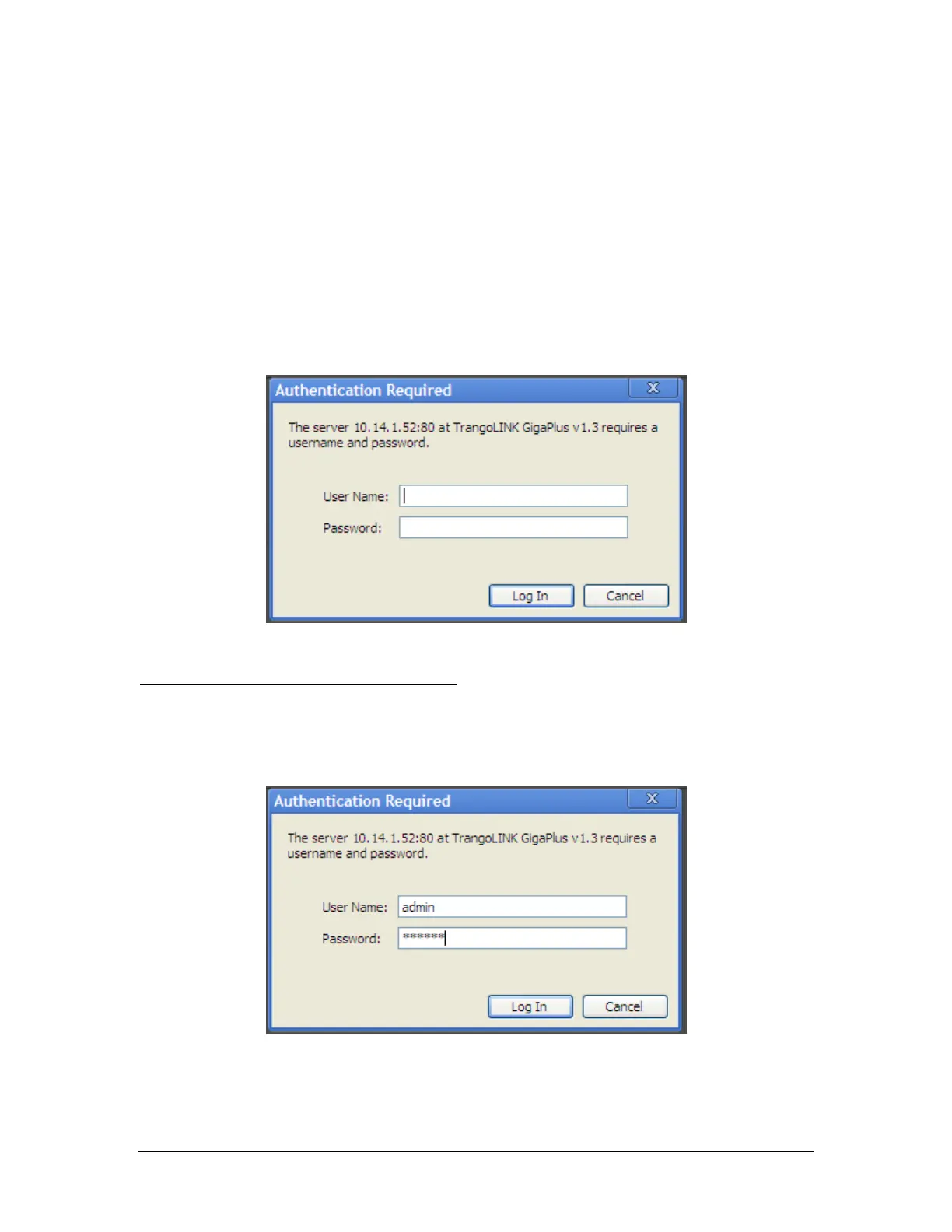
Figure 31 Web Interface Login
Step 1: Enter the username and password
A login window will pop up, requiring the user to enter username and password (See
Figure 33). Enter the default user name and password (user: admin, password: trango)
and click OK.
Figure 32 Web Login with Password



 To Next Page