Trango Systems, Inc. GigaPlus User Manual Rev 3.1 87
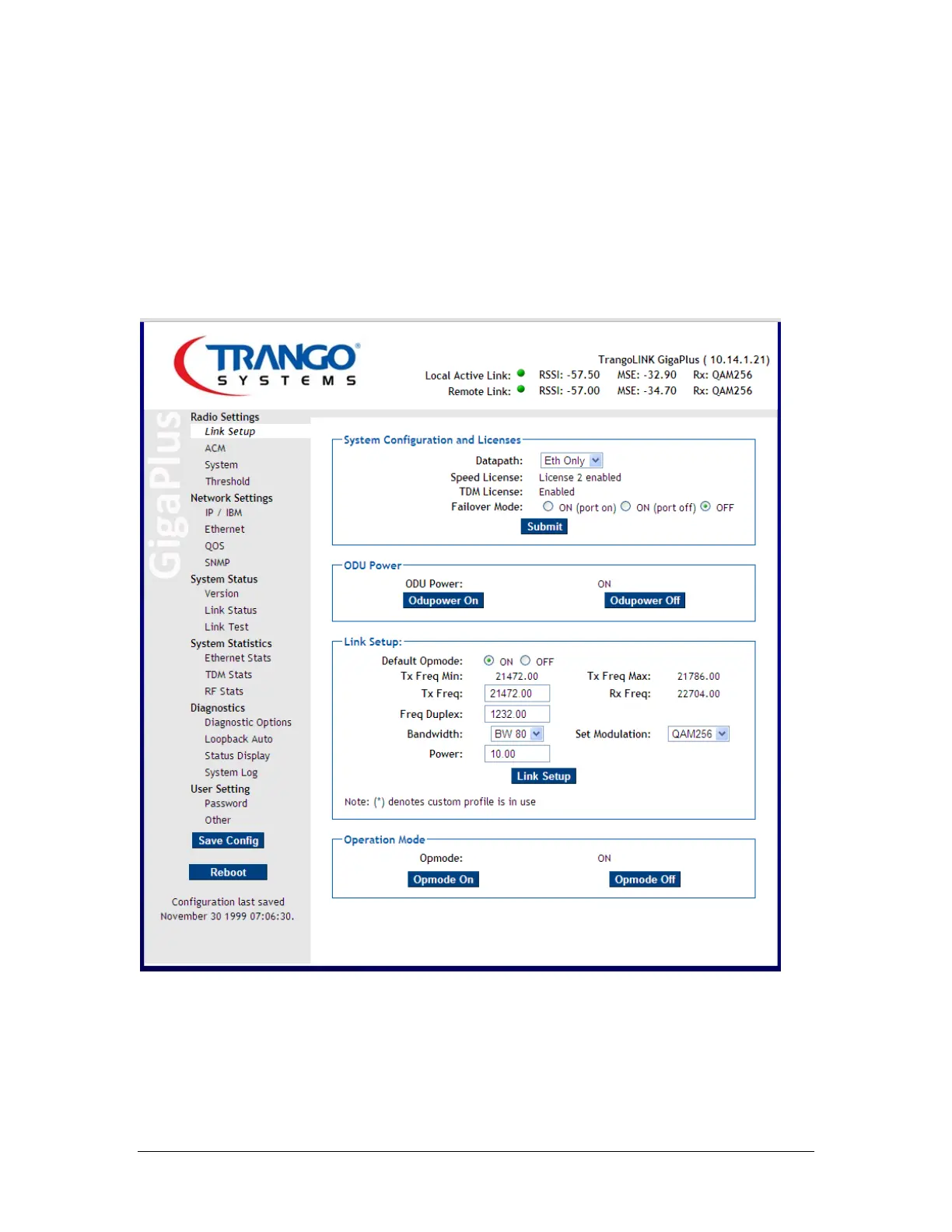
e. Set the TX frequency, bandwidth, modulation and transmitter power,
then click Link Setup. In general, the Freq Duplex does not need to be
changed unless a non-standard spacing is being used.
f. After both ends of the link are setup, turn the opmode button “on” to
establish the link.
Do not adjust the Failover settings unless 1+1 is desired – See the Section on setting up
1+1 for detail on this.
Figure 36 Link Setup Page
The link should now be established between the two sides. The Active Link indicators
will turn green and the RSSI and MSE levels will change according to the link distance or
attenuation used (bench)



 To Next Page