Trango Systems, Inc. GigaPlus User Manual Rev 3.1 85
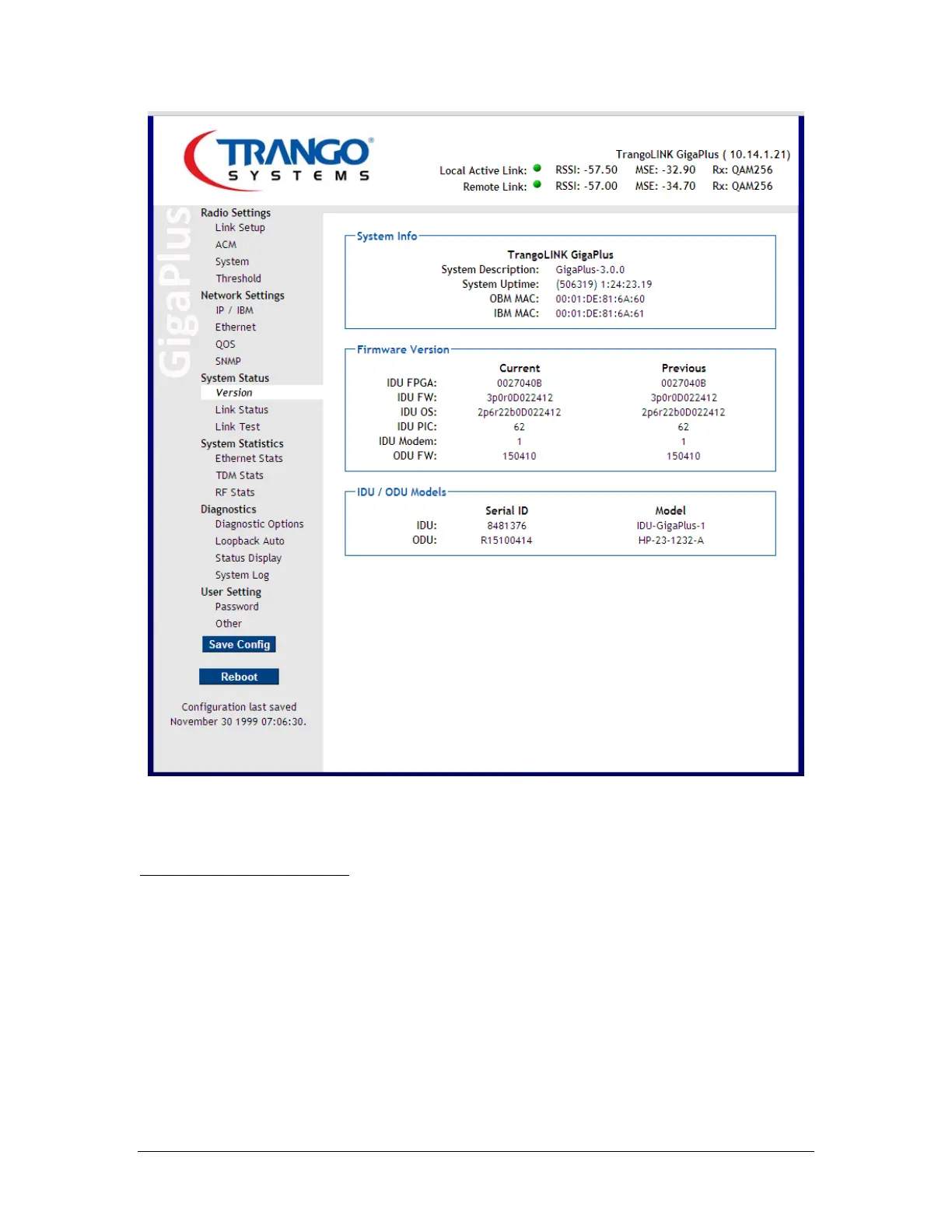
Figure 34 System Information Page (Config Mode)
Step 2: Set the IP addresses
a. Click on the Network Settings: IP/IBM configuration page. Set the IP
address, Subnet, and Gateway to the address that is desired for the Out-
of-band Management Port. Click Submit. At this point the Web session
will terminate and the operator must login again using the new IP
address.



 To Next Page