Configure Protected Ports
Security > Protected Ports
This page allows users to configure protected ports. Protected ports will not be allowed
to communicate to another protected port, only communication between protected
and unprotected ports will be allowed.
1. Log into your switch management page (see “Access your switch management page”
on page 11).
2. Click on Security and click on Protected Ports.
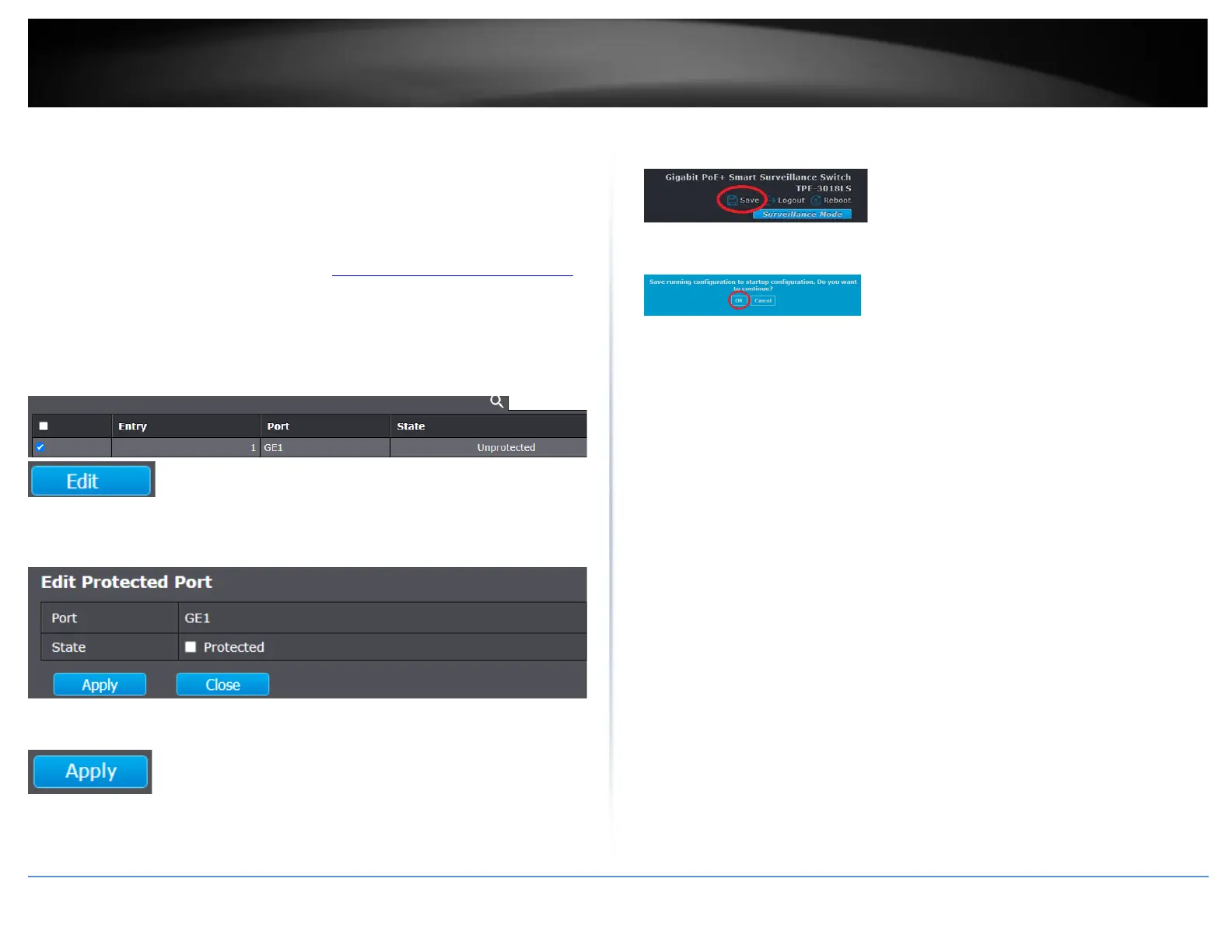
3. In the table, select the ports to set as protected ports and click Edit.
4. For the State, check the Protected setting to set the selected port or ports as
Protected.
5. Click Apply.
6. In the top right, click Save to save the configuration settings to NV-RAM/startup
configuration.
7. Click OK.













 To Next Page