© Copyright 2020 TRENDnet. All Rights Reserved.
DHCP Snooping
Security > DHCP Snooping > Property
Here is a summary of the rules to observe when you configure DHCP Snooping:
• A trusted port is connected to one of the following:
o Directly to the legitimate trusted DHCP Server.
o A network device relaying DHCP messages to and from a trusted
server.
o Another trusted source such as a switch with DHCP Snooping enabled.
o Untrusted ports are connected to DHCP clients and to traffic that
originates outside of the local area network.
• The VLANs to which the DHCP Snooping feature applies must be specified in
the DHCP Snooping VLAN Setting configuration.
• Any static IP addresses on the network must be manually added to the Binding
Database.
1. Log into your switch management page (see “Access your switch management page”
on page 11).
2. Click on Security, click on DHCP Snooping, and click on Property.
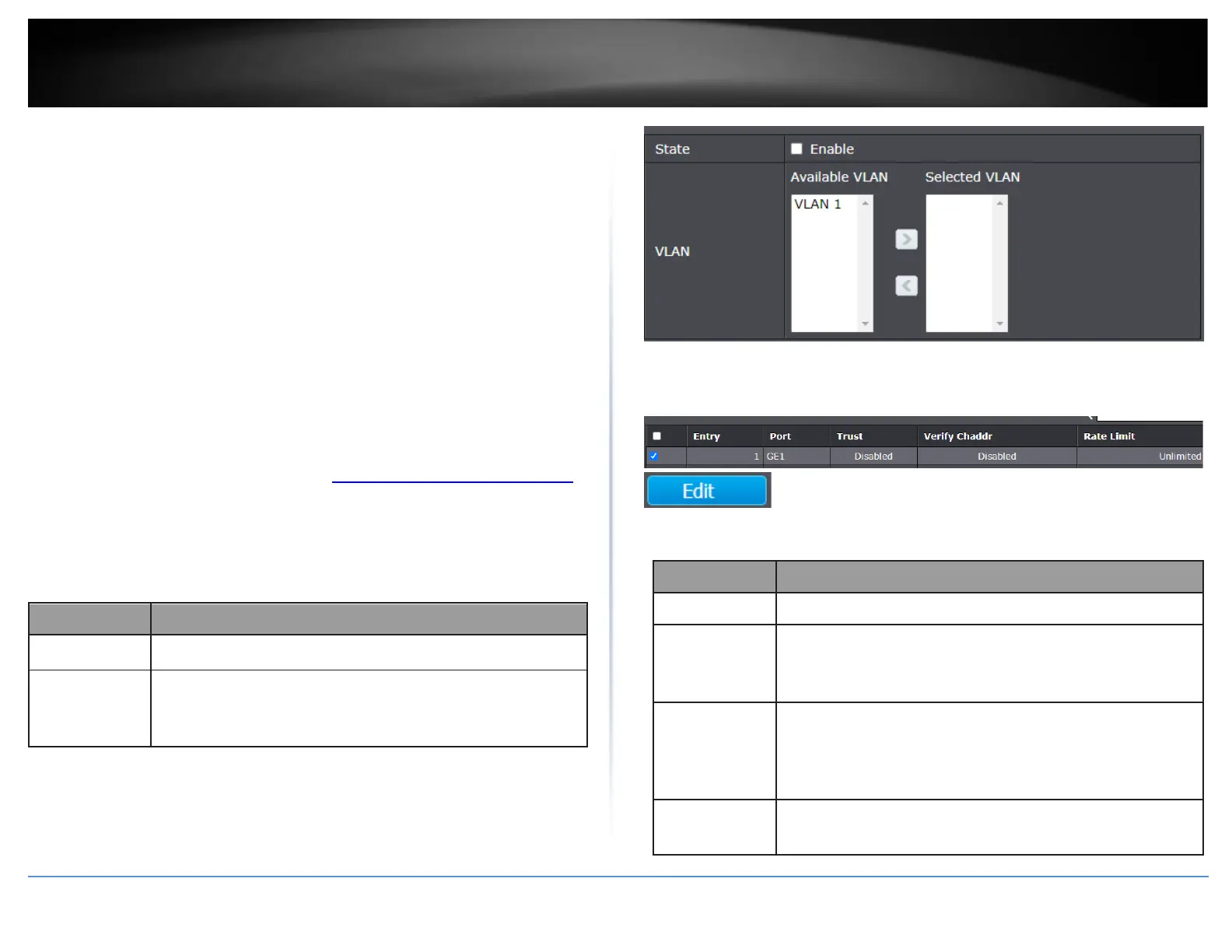
3. Configure the DHCP global settings..
Set checkbox to enable/disable DHCP Snooping function.
Select VLANs in left box then move to right to enable DHCP
Snooping. Or select VLANs in right box then move to left to
disable DHCP Snooping.
4. In the table, select the ports to configure for DHCP snooping and click Edit.
5. Review the settings below.
Display selected port to be edited
Set checkbox to enable/disabled trust of interface. All DHCP
packet will be forward directly if enable trust. Default is
disabled.
Set checkbox to enable or disable chaddr validation of
interface. All DHCP packets will be checked whether client
hardware mac address is same as source mac in Ethernet
header if enable chaddr validation. Default is disabled.
Input rate limitation of DHCP packets. The unit is pps. 0
means unlimited. Default is unlimited.





 To Next Page