© Copyright 2020 TRENDnet. All Rights Reserved.
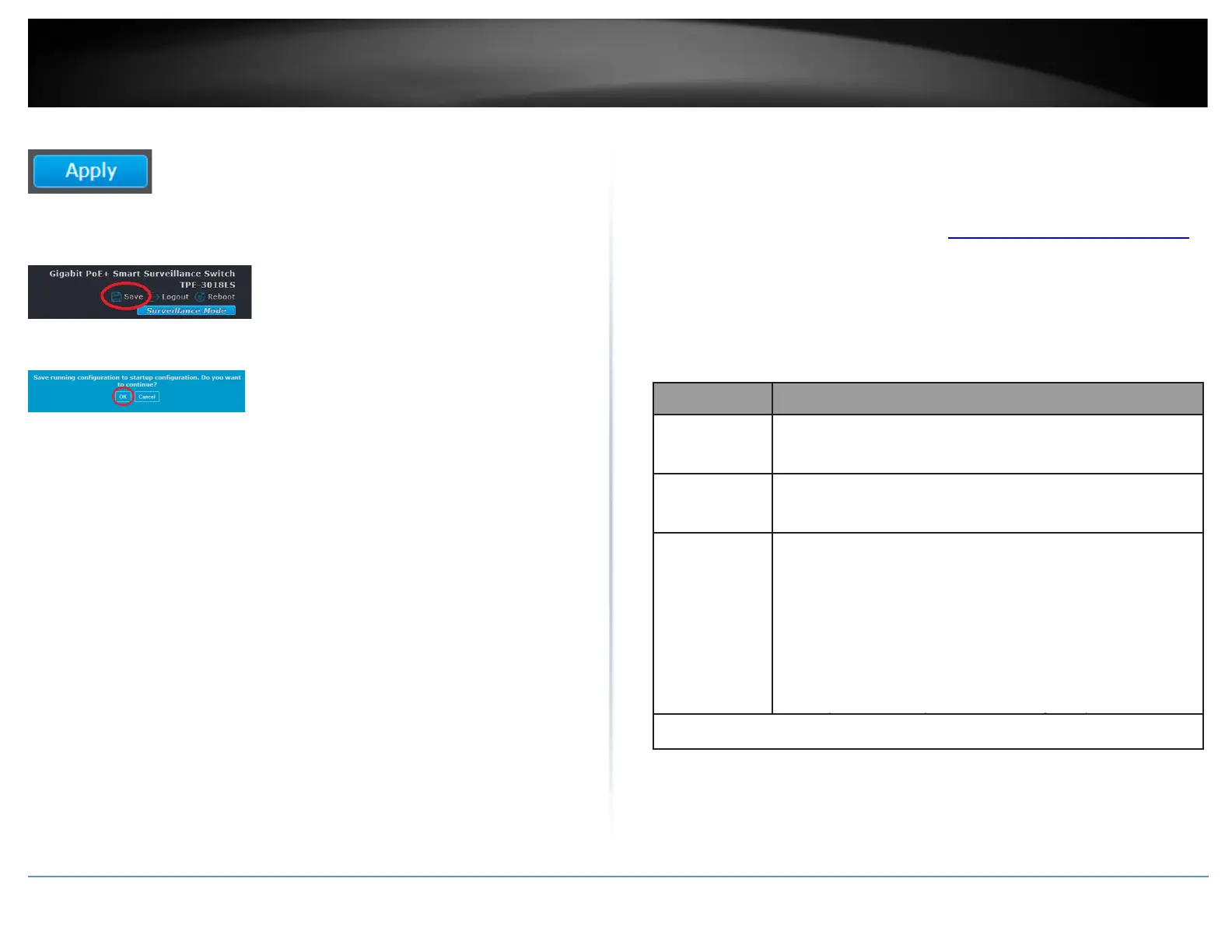
4. Click Apply.
5. In the top right, click Save to save the configuration settings to NV-RAM/startup
configuration.
6. Click OK.
Configure the SNMP Users
Management > SNMP > User
An SNMP group must be created first in order to assign SNMP users.
1. Log into your switch management page (see “Access your switch management page”
on page 11).
2. Click on Management, click on SNMP, and click on User.
3. Click Add to a new SNMP user. Review the settings.
Specify the SNMP user name on the host that connects to the
SNMP agent. The max character is 30 characters.
Specify the SNMP group to which the SNMP user belongs.
SNMP privilege mode
•
No Security : Specify that no packet authentication is
performed.
•
Authentication: Specify that no packet authentication without
encryption is performed.
•
Authentication and Privacy: Specify that no packet
authentication with encryption is performed.













 To Next Page