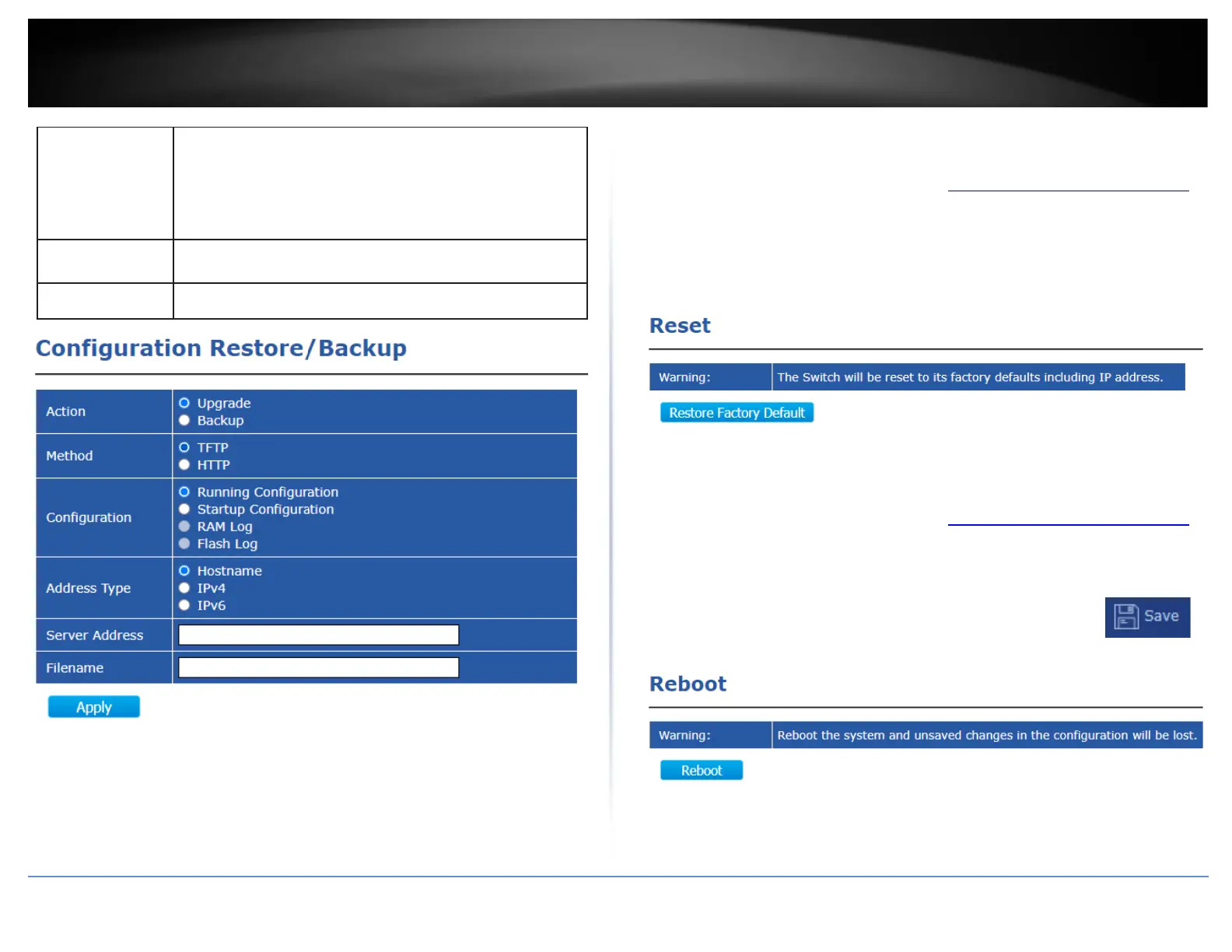
Specify TFTP server address type
•
Hostname: Use domain name as server address
•
IPv4: Use IPv4 as server address
•
IPv6: Use IPv6 as server address
Reset switch to factory default
Tools > Reset
1. Log into your switch management page (see “Access your switch management page”
on page 11).
2. In the top left menu, click on Tools and click on Reset.
Note: Clicking Restore Factory Default will reset all switch configuration settings to
factory defaults.
Reboot switch
Tools > Reboot
1. Log into your switch management page (see “Access your switch management page”
on page 11).
2. In the top left menu, click on Tools and click on Reboot.
Note: Any configuration change that not been save to NV-RAM using the
button will be lost after a switch reboot.













 To Next Page