EasyManua.ls Logo

TRENDnet TPE-3012LS - Acl; Configure MAC ACL

TRENDnet TPE-3012LS
187 pages
Print Icon
To Next Page IconTo Next Page
To Previous Page IconTo Previous Page
Loading...
© Copyright 2020 TRENDnet. All Rights Reserved.
TRENDnet User’s Guide
TPE-3012LS / TPE-3018LS
127
ACL
This section allows users to configure traffic access control lists and access control
policies/entries.
Configure MAC ACL
ACL > MAC ACL
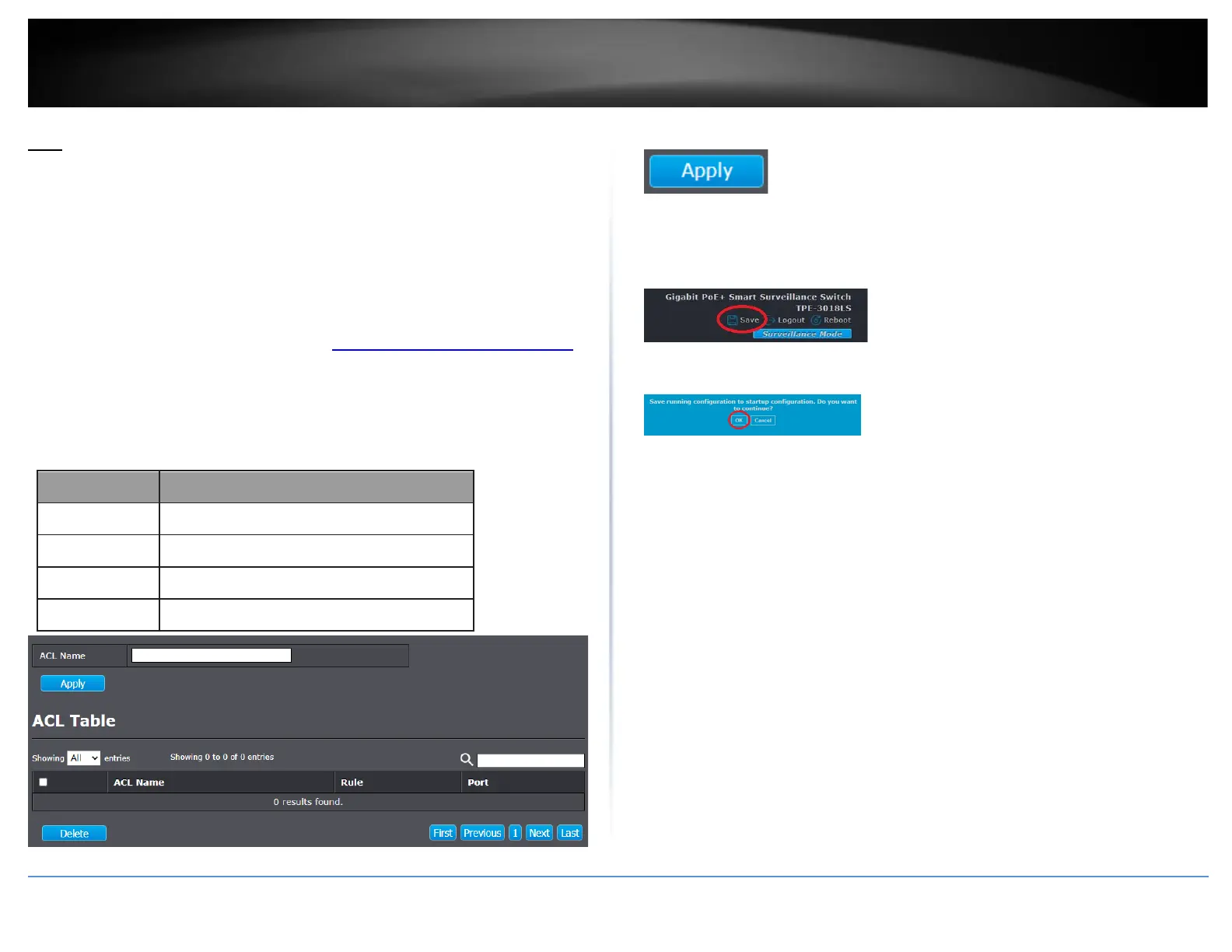
This section allows users to configure access control lists filtered based on MAC address.
1. Log into your switch management page (see Access your switch management page
on page 11).
2. Click on ACL and click on MAC ACL.
3. Review the settings below.
Item
Description
ACL Name
Input MAC ACL name.
ACL Name
Display MAC ACL name.
Rule
Display the number ACE rule of ACL.
Port
Display the port list that bind this ACL.
4. Click Apply.
5. In the top right, click Save to save the configuration settings to NV-RAM/startup
configuration.
6. Click OK.

Table of Contents

Related product manuals