7. Click OK.
Add MAC Addresses used in filtering
MAC Address Table > Filtering Address
1. Log into your switch management page (see “Access your switch management page”
on page 11).
2. Click on MAC Address Table and click on Filtering Address.
3. To add a static MAC address to the list, click Add.
4. Review the settings below.
• MAC Address – Enter the MAC address. (ex: aa:bb:cc:dd:ee:ff)
• VLAN – Enter the VLAN ID that the static MAC address entry should be
assigned.
5. Click Apply.
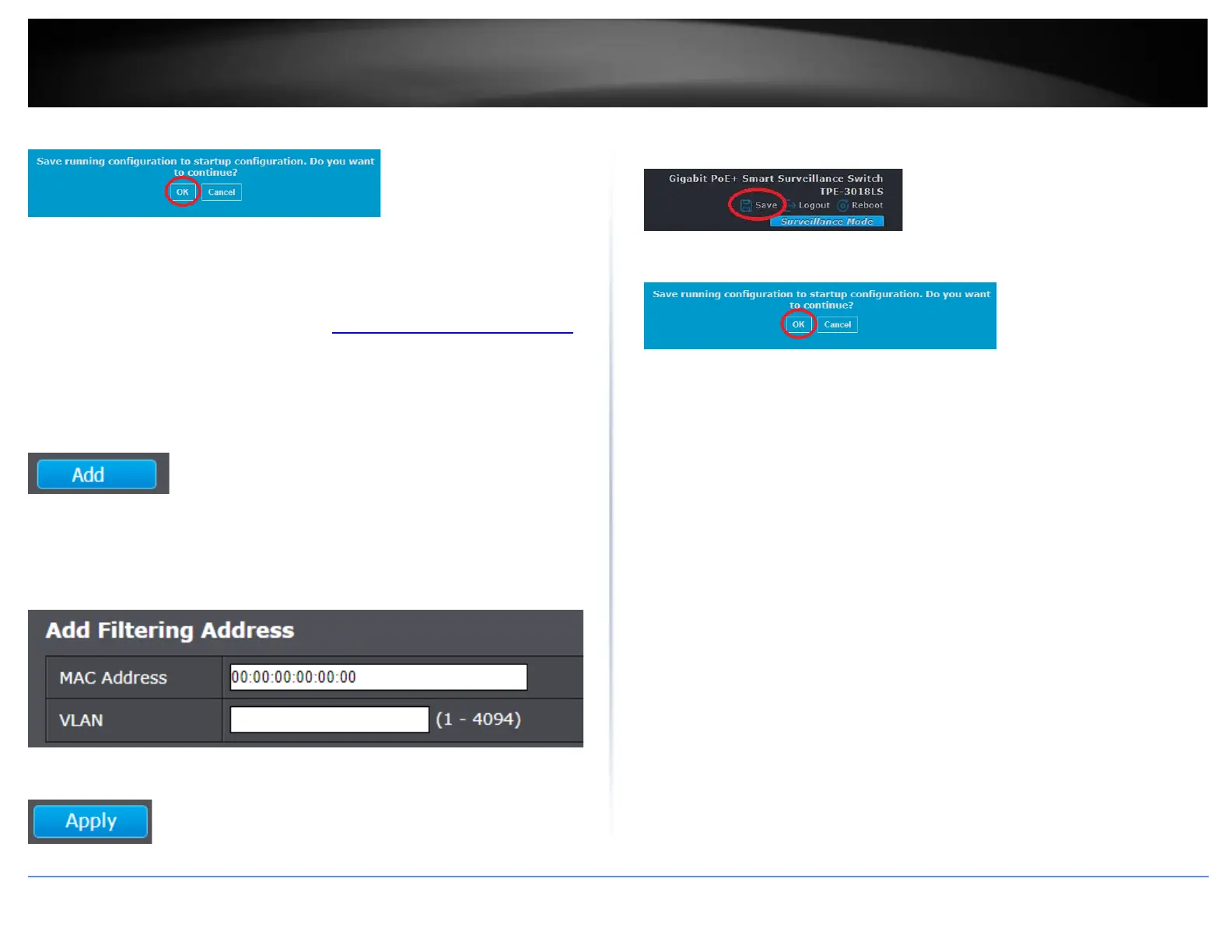
6. In the top right, click Save to save the configuration settings to NV-RAM/startup
configuration.
7. Click OK.













 To Next Page