© Copyright 2020 TRENDnet. All Rights Reserved.
UDLD
Diagnostics > UDLD > Property
1. Log into your switch management page (see “Access your switch management page”
on page 11).
2. Click on Diagnostics, click on UDLD, and click on Property.
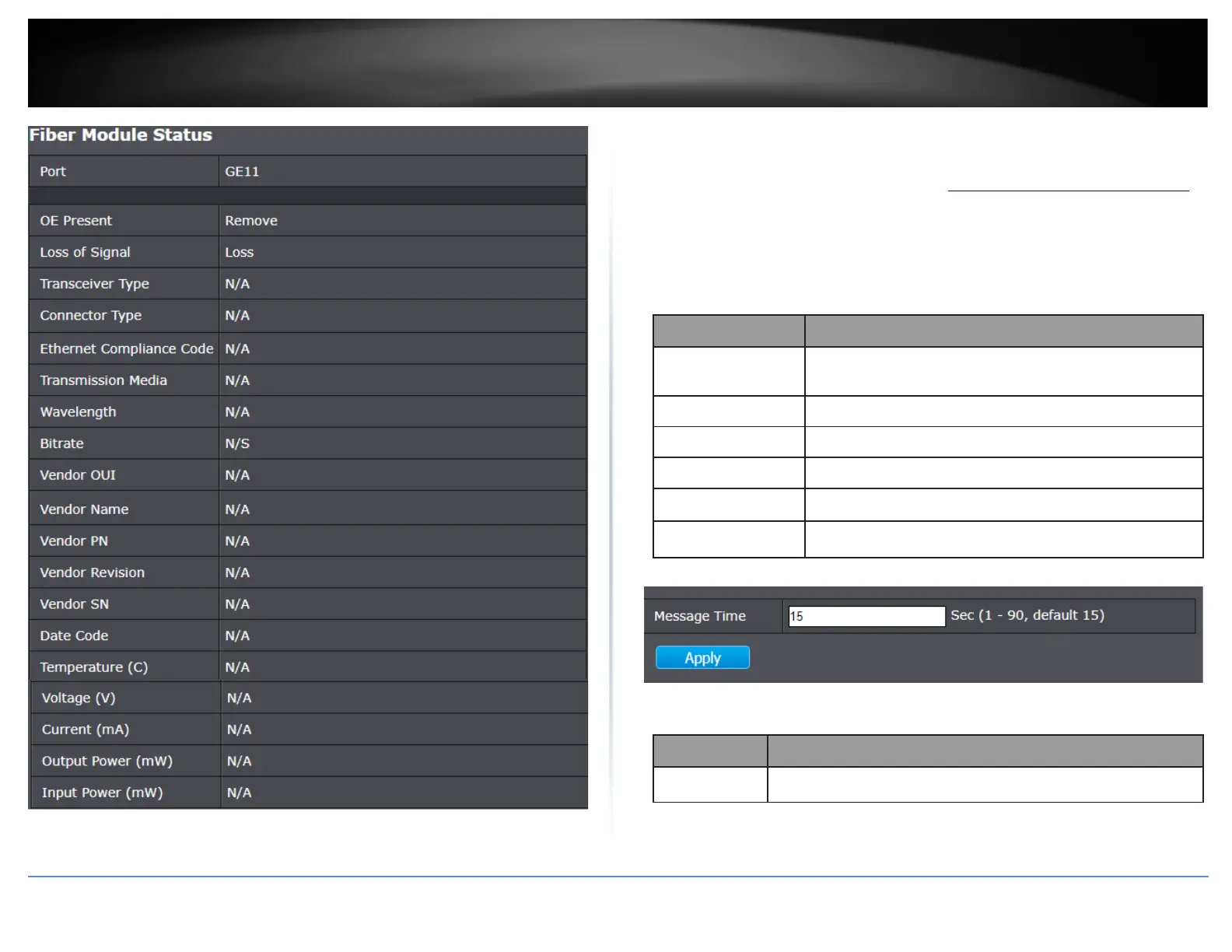
3. Review the settings below.
Input the interval for sending message. Range is 1 -90
seconds.
Display port ID of entry.
Display UDLD running mode of interface.
Display bidirectional state of interface.
Display operational status of interface.
Display the number of neighbor of interface.
4. In the table, select the port to configure for UDLD and click click Edit.
Display selected port to be edited.













 To Next Page