PoE Scheduling
PoE Scheduling
This page will allow you to configure schedules when PoE should be enabled or disabled
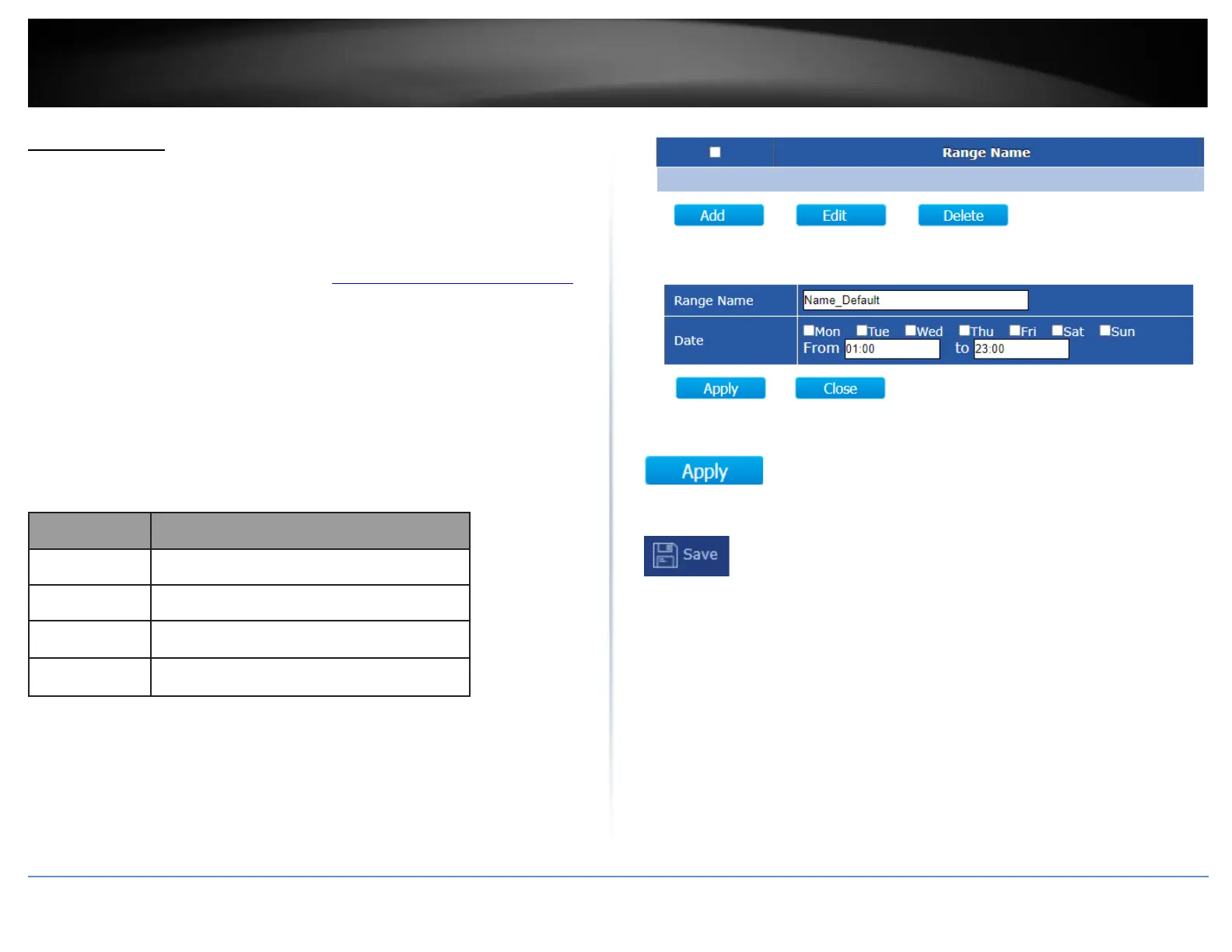
for each port. Please make sure to configure the time and date settings under Time
before configuring PoE scheduling.
1. Log into your switch management page (see “Access your switch management page”
on page 11).
2. Click on PoE Scheduling.
3. Create schedules under the Time Range tab and apply the PoE scheduling
configuration under the Scheduling tab. Review the settings below.
Time Range
Click Add to create a new schedule.
4. After completing your configuration changes, click Apply.
5. Click Save in the top left menu to save configuration to NV-RAM.













 To Next Page