© Copyright 2020 TRENDnet. All Rights Reserved.
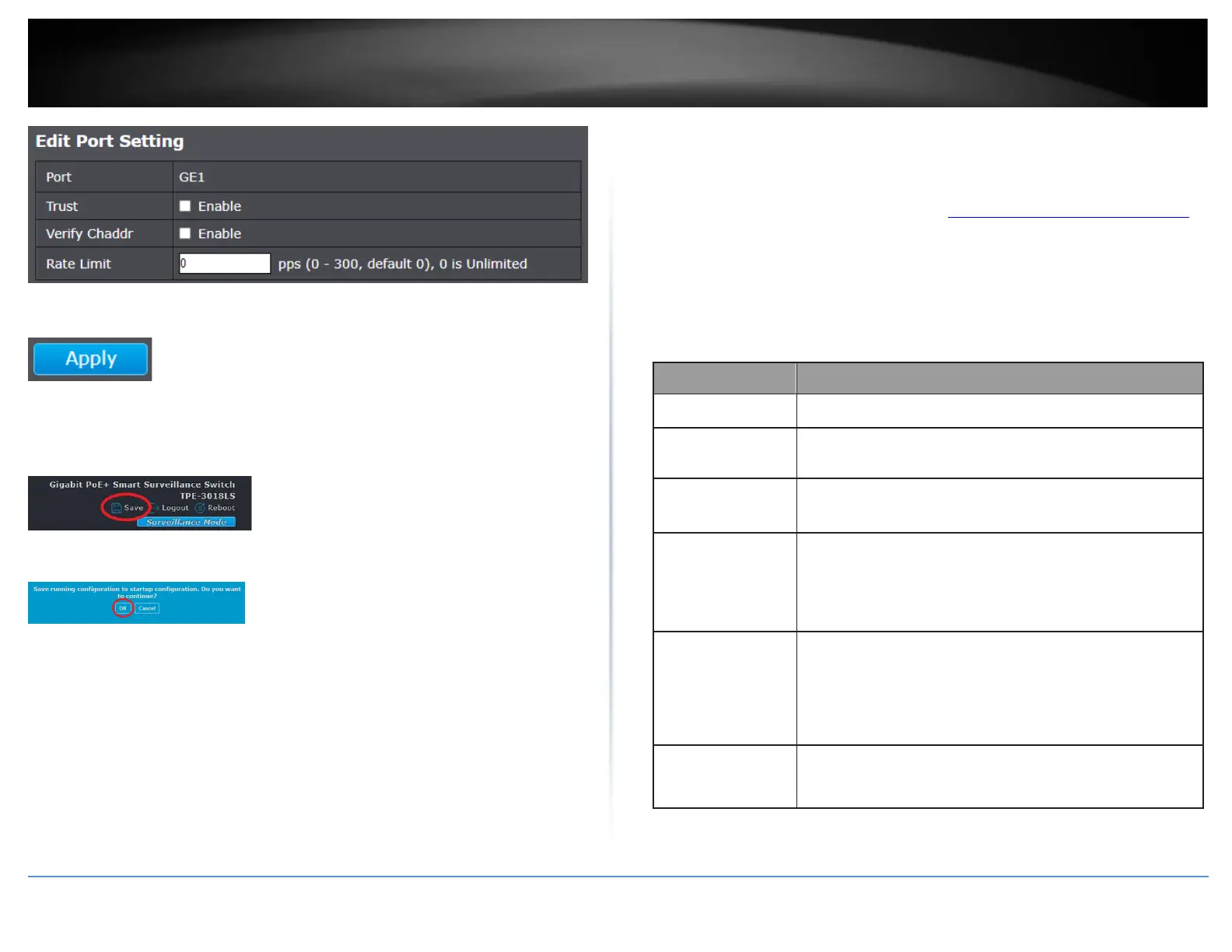
6. Click Apply.
7. In the top right, click Save to save the configuration settings to NV-RAM/startup
configuration.
8. Click OK.
View DHCP Snooping Statistics
Security > DHCP Snooping > Statistics
1. Log into your switch management page (see “Access your switch management page”
on page 11).
2. Click on Security, click on DHCP Snooping, and click on Statistics.
3. Review the statistics settings below.
Display how many packets forwarded
normally.
Display how many packets dropped by chaddr
validation.
Display how many DHCP server packets that
are received by untrusted port dropped.
Untrusted
Port
with
Option82
Drop
Display how many packets dropped by
untrusted port with option82 checking.
Display how many packets dropped by invalid
checking.













 To Next Page