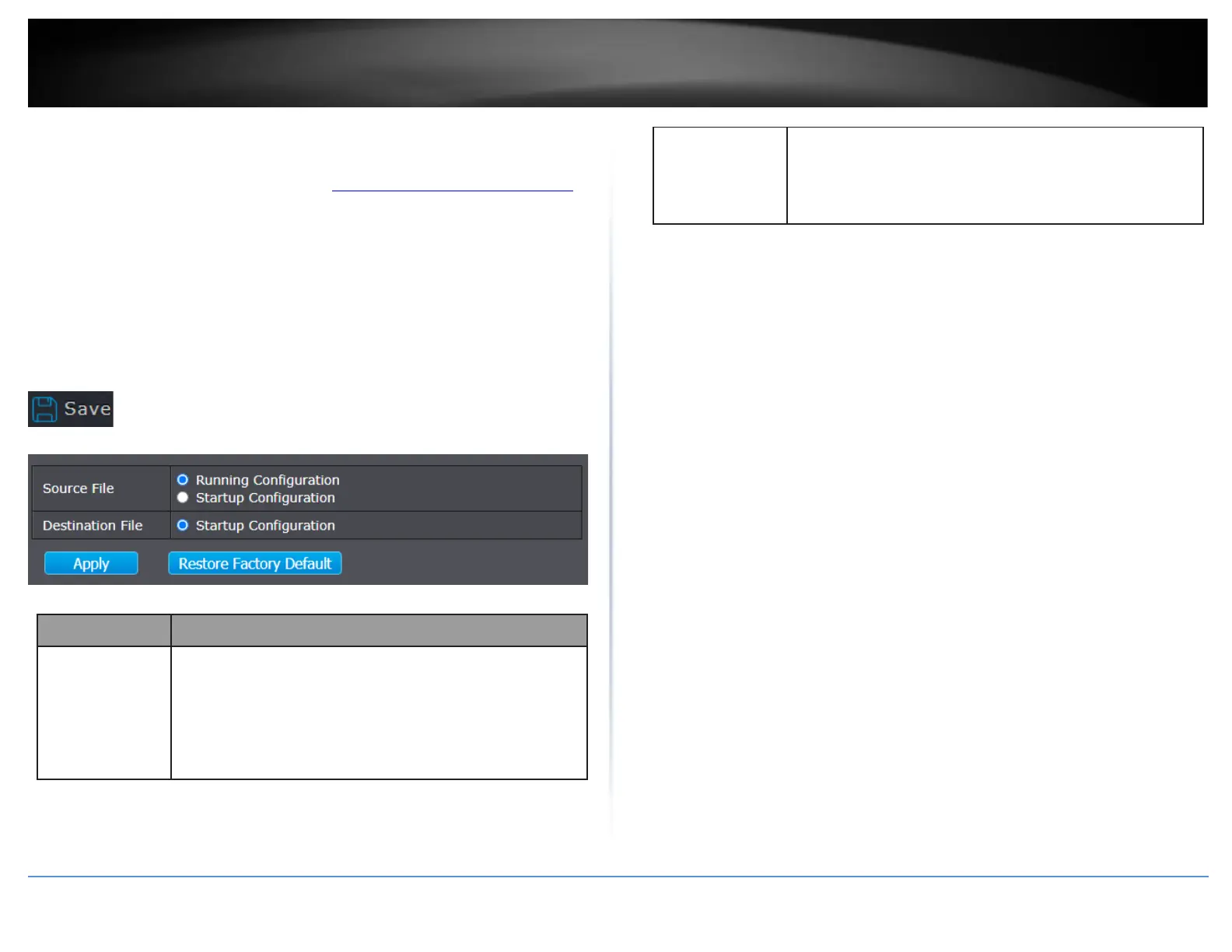
Save switch configuration to NV-RAM / Restore to default
Management > Configuration > Save Configuration
1. Log into your switch management page (see “Access your switch management page”
on page 11).
2. Click on Management, click on Firmware, and click on Save Configuration.
3. Review the settings below.
Note: After applying configuration changes you must also save configuration the
Running Configuration to NV-RAM/Startup Configuration to ensure the configuration
settings are saved after a switch reboot. Clicking the Save icon in the top right-hand
side of the page will configuration settings to NV-RAM/Startup Configuration.
Source file types
•
Running Configuration: Copy running configuration file to
destination.
•
Startup Configuration: Copy startup configuration file to
destination.
•
Backup Configuration: Copy backup configuration file to
destination
Destination file
•
Startup Configuration: Save file as startup configuration.
•
Backup Configuration: Save file as backup configuration.













 To Next Page