Access your switch management page
Note: Your switch default management IP address http://192.168.10.200 is accessed
through the use of your Internet web browser (e.g. Internet Explorer®, Firefox®,
Chrome™, Safari®, Opera™) and will be referenced frequently in this User’s Guide.
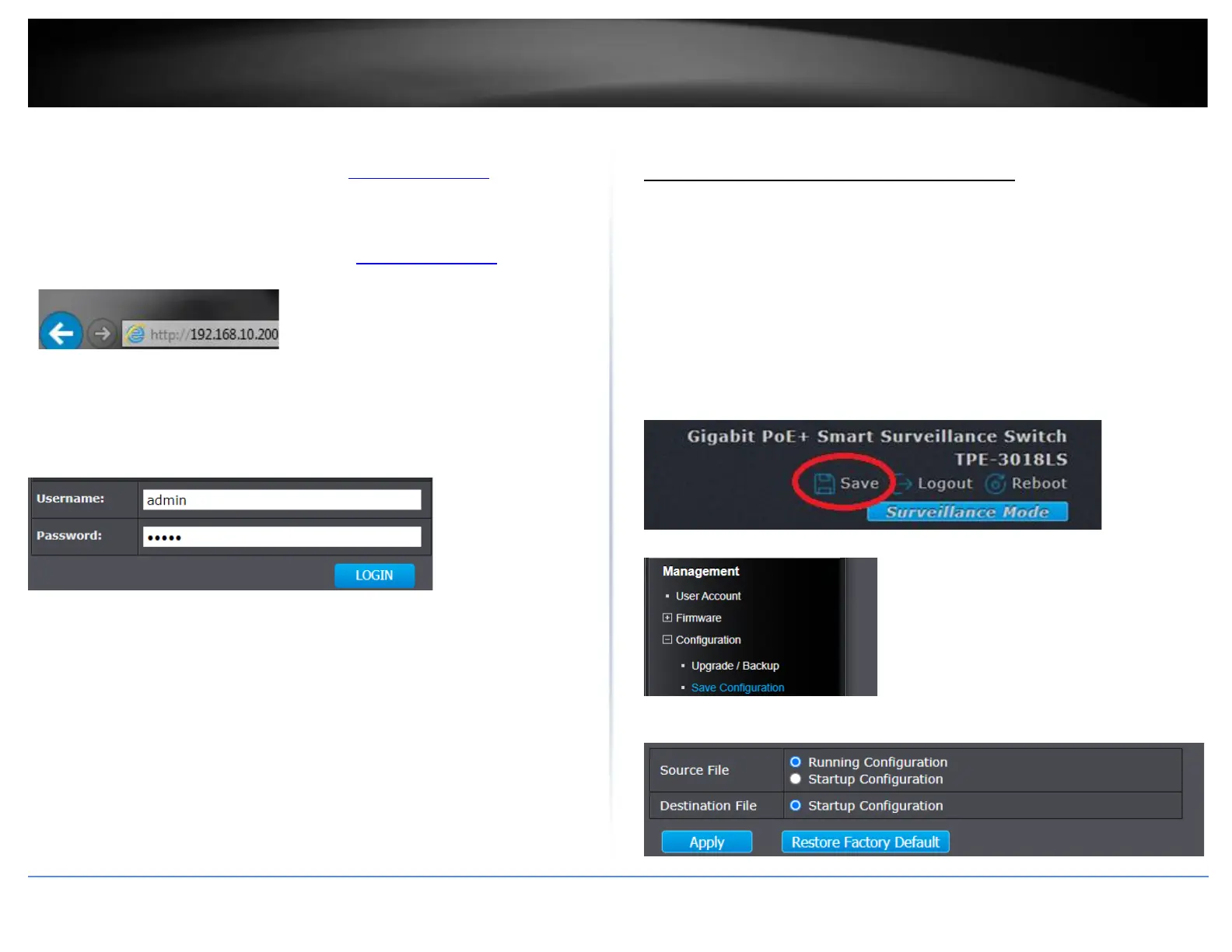
1. Open your web browser and go to the IP address http://192.168.10.200. Your switch
will prompt you for a user name and password.
2. Enter the user name and password. By default:
User Name: admin
Password: admin
Note: User Name and Password are case sensitive.
Saving configuration and switch between web modes
Saving configuration changes to NV-RAM
After applying configuration changes in the switch management, the configuration
changes must be saved to startup configuration or NV-RAM (non-volatile random access
memory) to keep configuration changes after the device reboots. If changes are not
saved to NV-RAM, they will be lost after device reboots. After applying configuration
changes, please make sure to commit changes to NV-RAM one of the sections below.
Standard Mode GUI
Click Save at the top right to commit changes to NV-RAM.
Note: You can also click Logout to log out of the switch management page, Reboot to
initiate a switch reboot, Surveillance Mode to switch to the Surveillance Mode GUI
switch management.
You can also click Management, click on Configuration, and click on Save Configuration.
In the main window, click Apply with the Running config as the source and Startup
config as the destination to save changes to NV-RAM.













 To Next Page