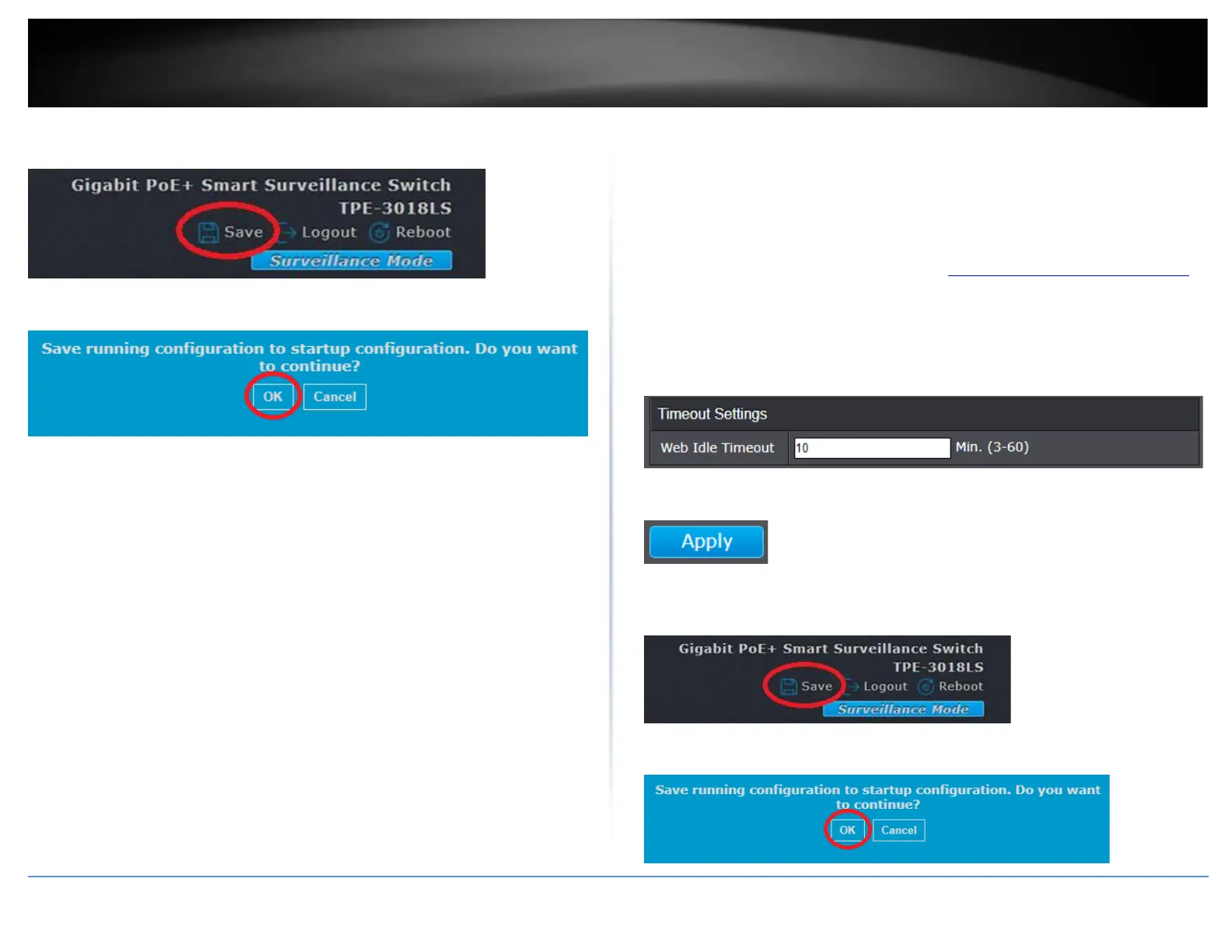
5. In the top right, click Save to save the configuration settings to NV-RAM/startup
configuration.
6. Click OK.
Set the web management idle timeout
Network > Timeout Settings
The web management idle timeout settings is amount allowed idle when logged into the
web management interface. When the idle timer is reached, you will automatically be
logged out of the web management interface.
1. Log into your switch management page (see “Access your switch management page”
on page 11).
2. Click on Network and click on Timeout Settings.
3. Enter the idle time interval in the Web Idle Timeout field in minutes, then click Apply.
4. Click Apply.
5. In the top right, click Save to save the configuration settings to NV-RAM/startup
configuration.
6. Click OK.













 To Next Page